
Import Markdown, Sort Project, Add Notes, and More!
Hi Taskaders 🎉 We've worked hard to make Taskade work better for you! Here's what's new: ## ****************⚡️ ******Import Markdown********************** ...
Hi Taskaders 🎉
We've worked hard to make Taskade work better for you! Here's what's new:
⚡️ Import Markdown
You can now import markdown into Taskade. Click on Import in the new project drop-down menu and choose Markdown.

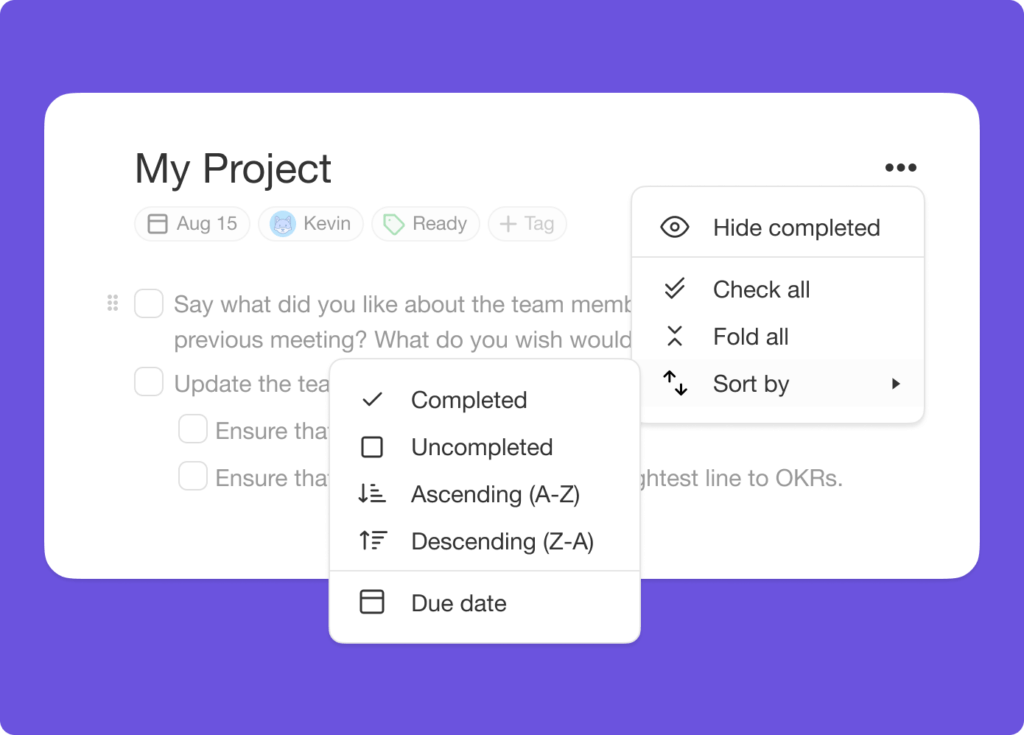
⚡️ Sort Project
Sort an entire project by the completion status, alphabetical order, or due date. Simply click on the more menu next to the project title.
⚡️ Add Notes
Add notes below your tasks to include more information. Use the Shift + Enter shortcut to add a note and Press Enter Twice to resume adding tasks.

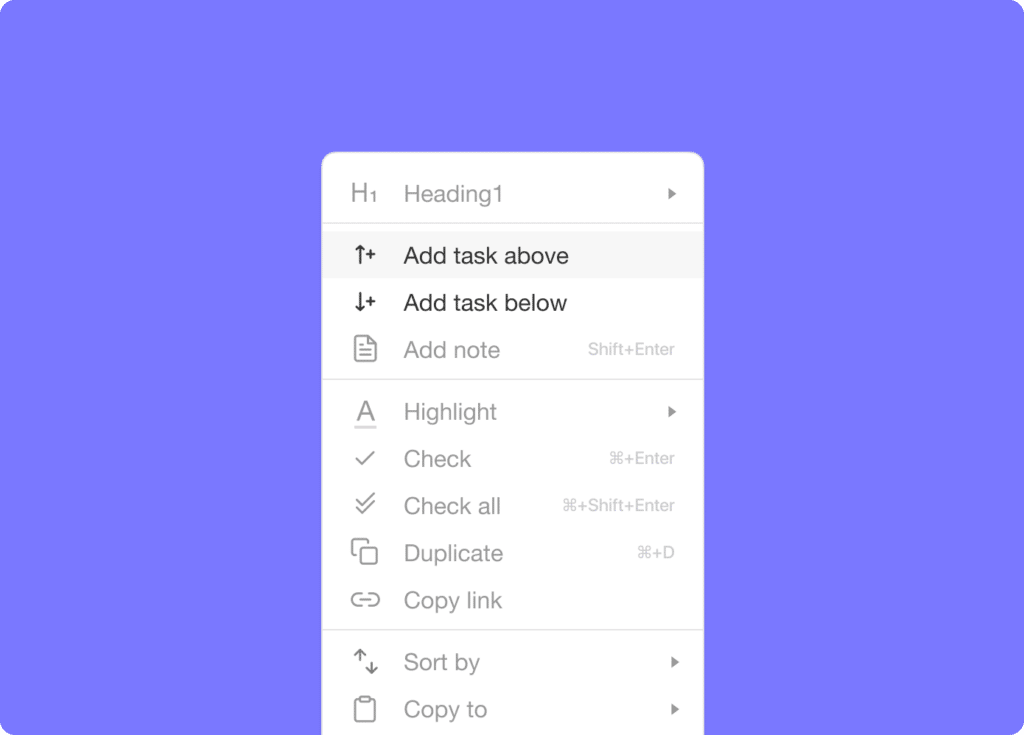
⚡️ Add Task Above or Below
We made it easier to click and add tasks above or below any existing tasks.
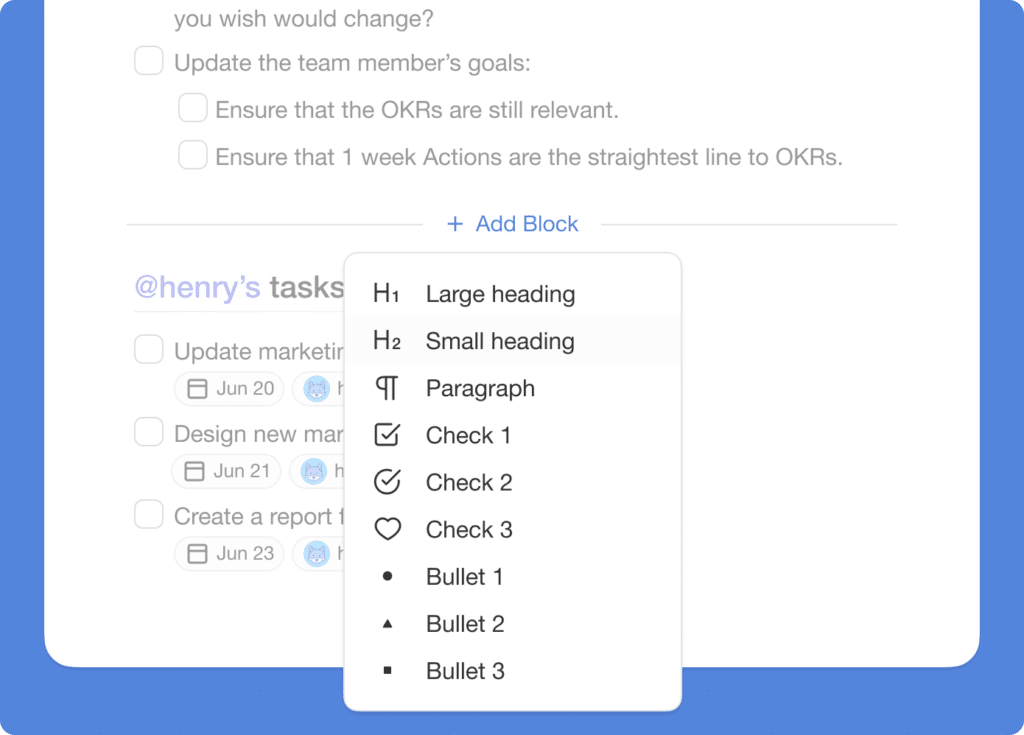
⚡️ Add Blocks Anywhere
Mouse over to add new blocks between any existing blocks.
🎉 Other Improvements
- Taskade for Mobile Updates:
- New: Copy & Move tasks between projects.
- New: Additional languages and translations support.
- New: Added hardware keyboard support for TAB to indent.
- New: Search projects by assignee via CMD/CTRL + F.
- New: Open in Desktop app option in the project more menu.
- Improved performance and bug fixes.
| Thanks again for supporting Taskade, and as always, don’t hesitate to reach out or visit our help center if you need help. We’re here for you! 😊 — Team Taskade 🐑 |
|---|