
What if you could describe a website and have it built in minutes?
That's not a hypothetical anymore. AI website generators have evolved from creating basic templates to producing fully functional sites complete with forms, databases, animations, and business logic—all from a simple description.
TL;DR: The best AI website generators in 2026 build full sites, forms, databases, and business logic from a description. Top picks: Taskade Genesis (prompt-to-live-app with agents and automations), Framer (design-first sites), Wix ADI, and Durable (60-second sites). Free has 3 apps. Pro is $10 a month billed yearly. See plans and prices. Describe your site and build it in Taskade Genesis.
Whether you need a SaaS landing page, a client portal, or a complete business website, today's AI tools can get you there faster than ever. But with so many options claiming to be "AI-powered," which ones actually deliver?
We've tested and compared the best AI website generators available in 2026. Here's everything you need to make the right choice.
Compare with: for a feature-by-feature comparison across the wider category, see how AI website builders compare feature by feature. Leaving WordPress specifically? See WordPress alternatives for AI-driven site management.
Let's dive in. 🚀
⚡ Why AI Website Generators Matter in 2026
The website building landscape has fundamentally changed:
Traditional Web Development:
- Hire a designer + developer ($5,000-$50,000+)
- Wait 4-12 weeks for a basic site
- Pay for every change or update
- Technical maintenance overhead
AI Website Generators:
- Describe what you need in plain English
- Get a working site in minutes
- Iterate through conversation
- Built-in hosting and maintenance
Here's what makes today's AI website generators different from yesterday's drag-and-drop builders:
- 🧠 Natural language input: Describe your site, don't configure it
- ⚡ Instant generation: Working pages in seconds, not hours
- 🔄 Conversational iteration: "Make the hero section bigger" works
- 💾 Real functionality: Forms that submit, data that saves, logic that works
- 🎨 Professional design: Modern layouts, not cookie-cutter templates
The best AI website generators don't just create pretty pages—they build functional web applications.
🏆 The 10 Best AI Website Generators in 2026
#1 Taskade Genesis ⭐
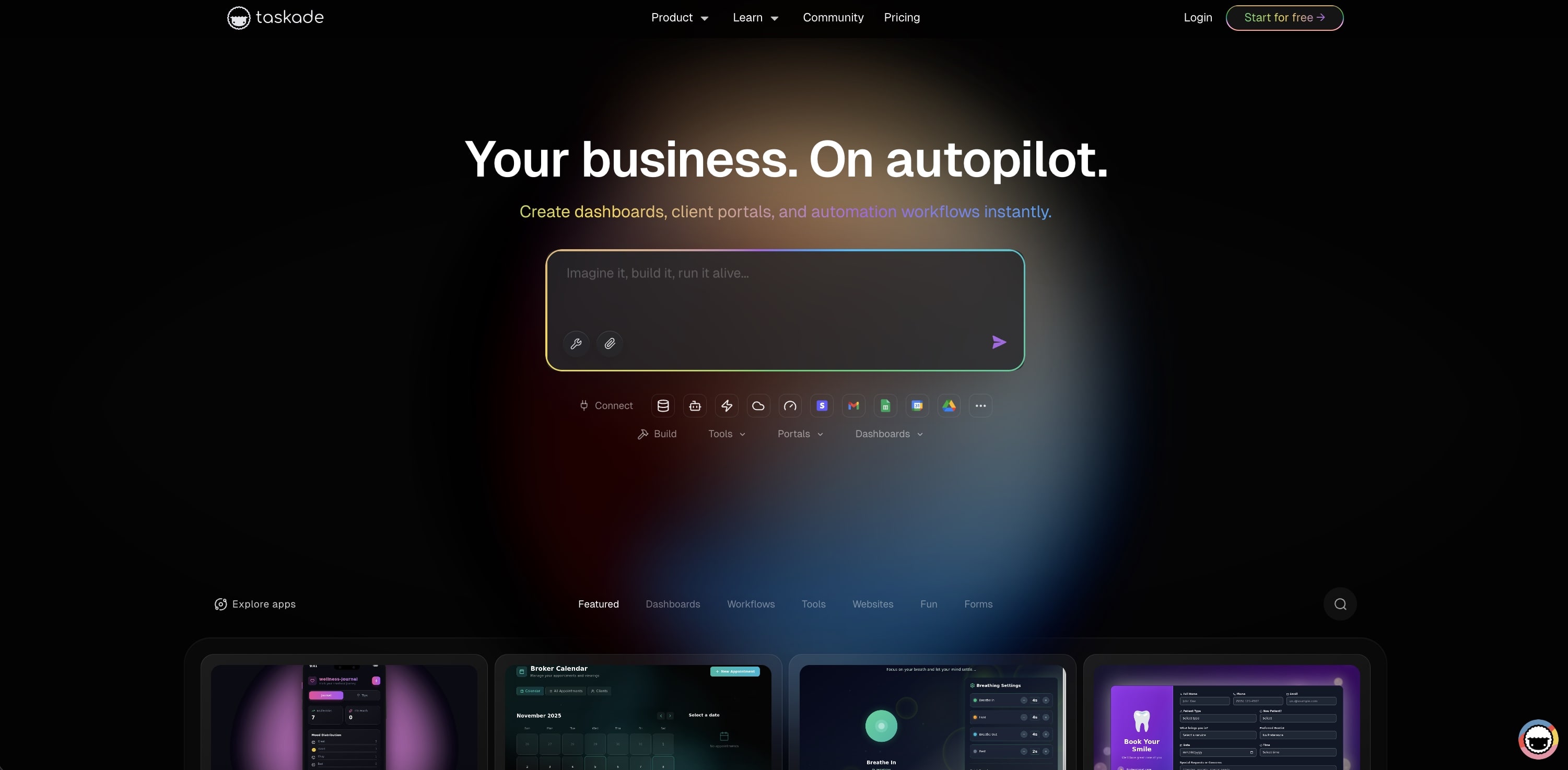
Taskade Genesis goes beyond traditional website generation. Using vibe coding, you describe what you want to build and Genesis creates complete, functional websites with real backends—forms that process data, pages that connect to databases, and automations that respond to user actions.
What sets Genesis apart? Most AI website generators create static pages or simple templates. Genesis creates living websites—sites that are actually functional web applications powered by your Taskade workspace. When someone fills out your contact form, the data flows into your CRM. When a client books an appointment, automations kick in.
The Workspace DNA architecture means your website inherits all the intelligence of your workspace: AI agents can chat with visitors, project databases store submissions, and automations handle follow-ups.
What you can build:
- SaaS landing pages with lead capture
- Business websites with booking systems
- Client portals with file sharing
- Event pages with registration
- Portfolio sites with contact forms
- E-commerce landing pages
Already have content in documents, PDFs, or spreadsheets? Use Taskade's document conversion tools to transform existing files into web-ready formats before building your site.
Taskade Genesis Select Features 🌟
| Feature | Description |
|---|---|
| 🧬 Vibe Coding | Describe your website in natural language |
| 🤖 Embedded AI Chatbots | Add intelligent chat to any page |
| 💾 Real Form Processing | Submissions go to your workspace database |
| ⚡ 100+ Integrations | Connect to email, Slack, CRM, payments |
| 📱 Mobile Responsive | All sites work on every device |
| 🌐 Instant Publishing | One-click deploy with shareable URLs |
| 🎨 Full Customization | Adjust design through conversation |
| 🔄 Living Updates | Sites evolve with your workspace data |
Example prompt:
"Create a SaaS landing page for my AI writing tool with
hero section, features grid, pricing table, testimonials,
and a lead capture form that notifies me on Slack."
Genesis will create a complete landing page with working form submission and Slack integration.
Clone these Genesis websites:
| Type | Live Example |
|---|---|
| 🚀 SaaS Landing | SaaS Landing Page |
| 🏠 Real Estate | Real Estate Landing Page |
| 💼 Business Site | BusinessPro Website |
| 🤝 Nonprofit | Nonprofit Org Website |
| 💰 Crypto/Finance | Crypto Trading Landing |
| 🍽️ Restaurant | CrabStyx Restaurant Site |
Taskade Genesis Pricing 💸
- 🟢 Free: 3 apps, 1 agent, earn or buy AI credits
- 🟣 Pro ($10/month annual, 10 users): Unlimited agents and automations, live web hosting, up to 10 custom domains, background agents, 50K credits/mo
- 🟠 Business ($25/month annual): Unlimited users, white-label, hourly knowledge sync, 150K credits/mo
Why Taskade Genesis wins:
- Only platform creating "living websites" with real functionality
- AI chatbots can be embedded on any page
- Forms connect directly to workspace databases
- 100+ integrations work automatically
👉 Create your first website with Genesis
👉 Browse community websites and templates
#2 Framer
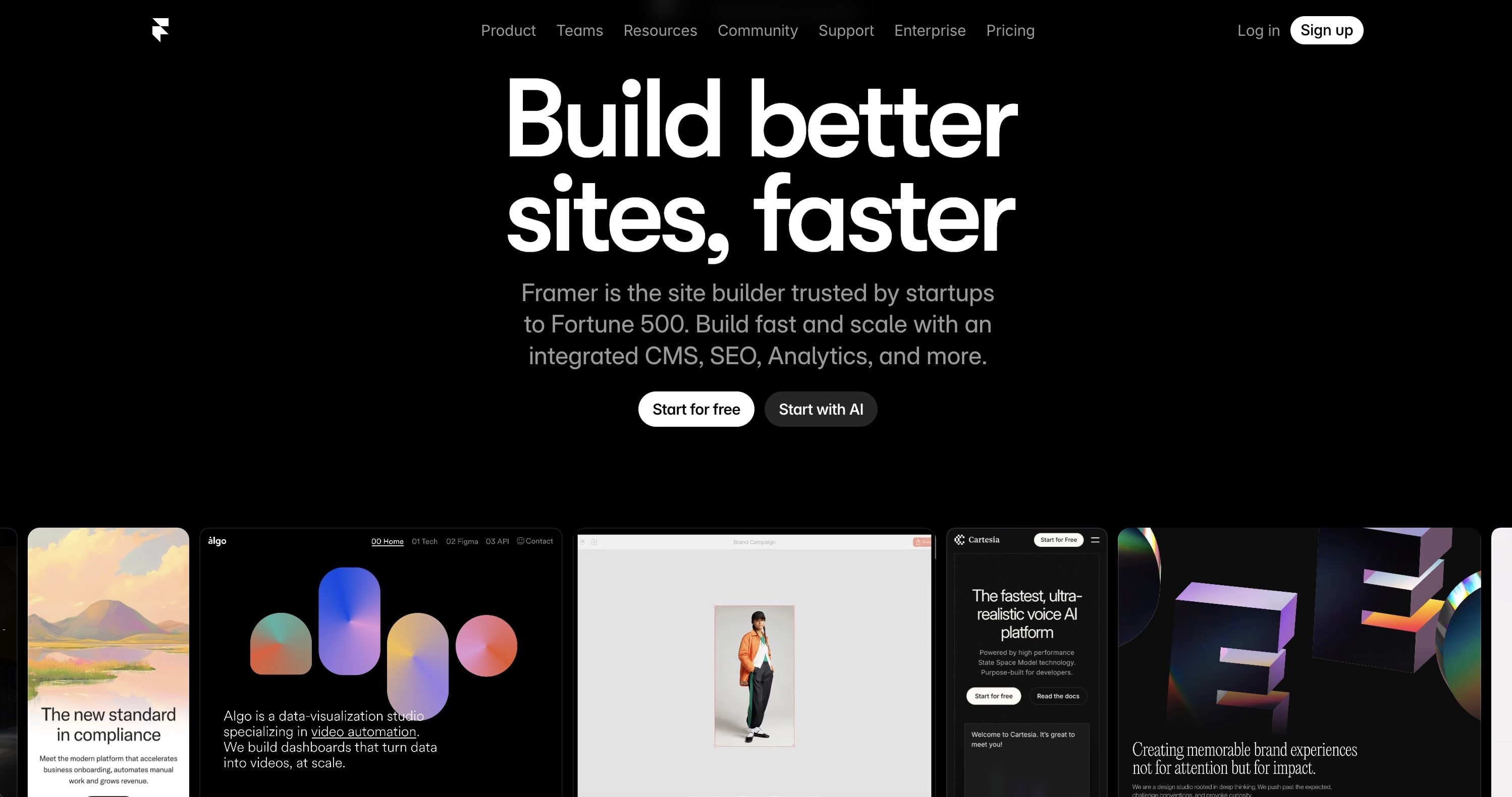
Framer has evolved from a prototyping tool into a powerful website builder with AI capabilities. The AI features help generate layouts, write copy, and create variations, though the core building experience is still visual drag-and-drop.
Framer excels at design quality and animations. If you need a portfolio or marketing site with sophisticated interactions, Framer delivers. However, it's primarily a frontend tool—complex functionality requires external integrations.
Framer Select Features 🌟
- AI layout and copy generation
- Advanced animations and interactions
- Component-based design system
- CMS for content management
- Responsive breakpoints
- Custom code support
Framer Pricing 💸
- 🟢 Free: Framer subdomain, limited features
- 🔵 Mini ($5/month): Custom domain, basic CMS
- 🟣 Basic ($15/month): More CMS items, analytics
- 🟡 Pro ($30/month): Advanced features, password protection
Best for: Designers creating portfolio sites and marketing pages with sophisticated animations.
See how Framer compares to Taskade →
#3 Wix ADI (Artificial Design Intelligence)
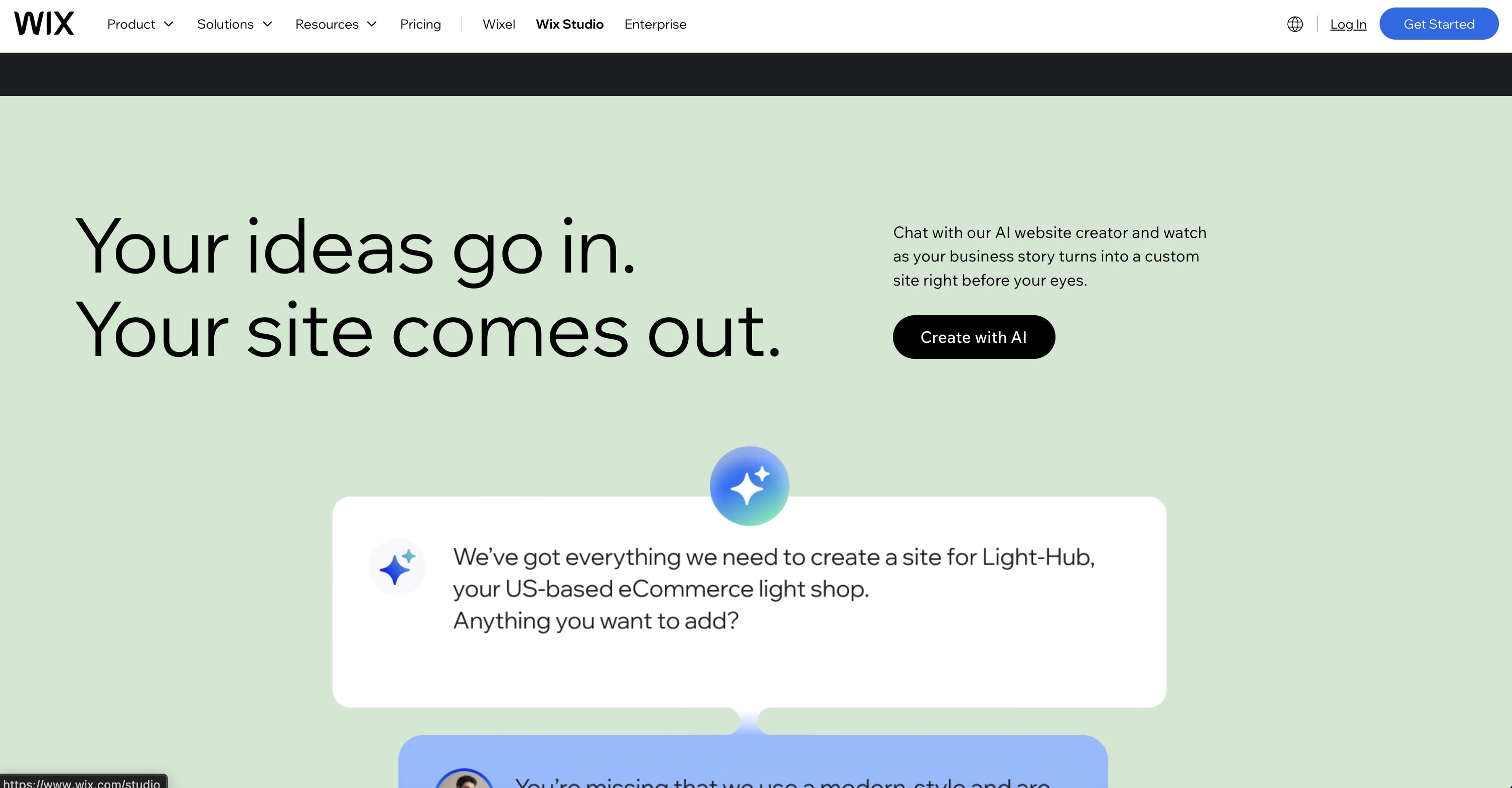
Wix's ADI feature asks questions about your business and generates a complete website. It's one of the more mature AI website generators, backed by Wix's extensive template library and app marketplace.
The AI helps with initial generation, but subsequent editing is manual through Wix's drag-and-drop editor. Good for small businesses wanting a quick start with room to customize.
Wix ADI Select Features 🌟
- Question-based site generation
- Business-specific templates
- Built-in SEO tools
- App marketplace integrations
- E-commerce capabilities
- Booking and scheduling
Wix Pricing 💸
- 🟢 Free: Wix ads, limited features
- 🔵 Light ($17/month): Custom domain, basic features
- 🟣 Core ($29/month): More storage, analytics
- 🟡 Business ($36/month): E-commerce, subscriptions
Best for: Small businesses wanting an all-in-one website solution with e-commerce.
See how Wix compares to Taskade →
#4 Hostinger Website Builder
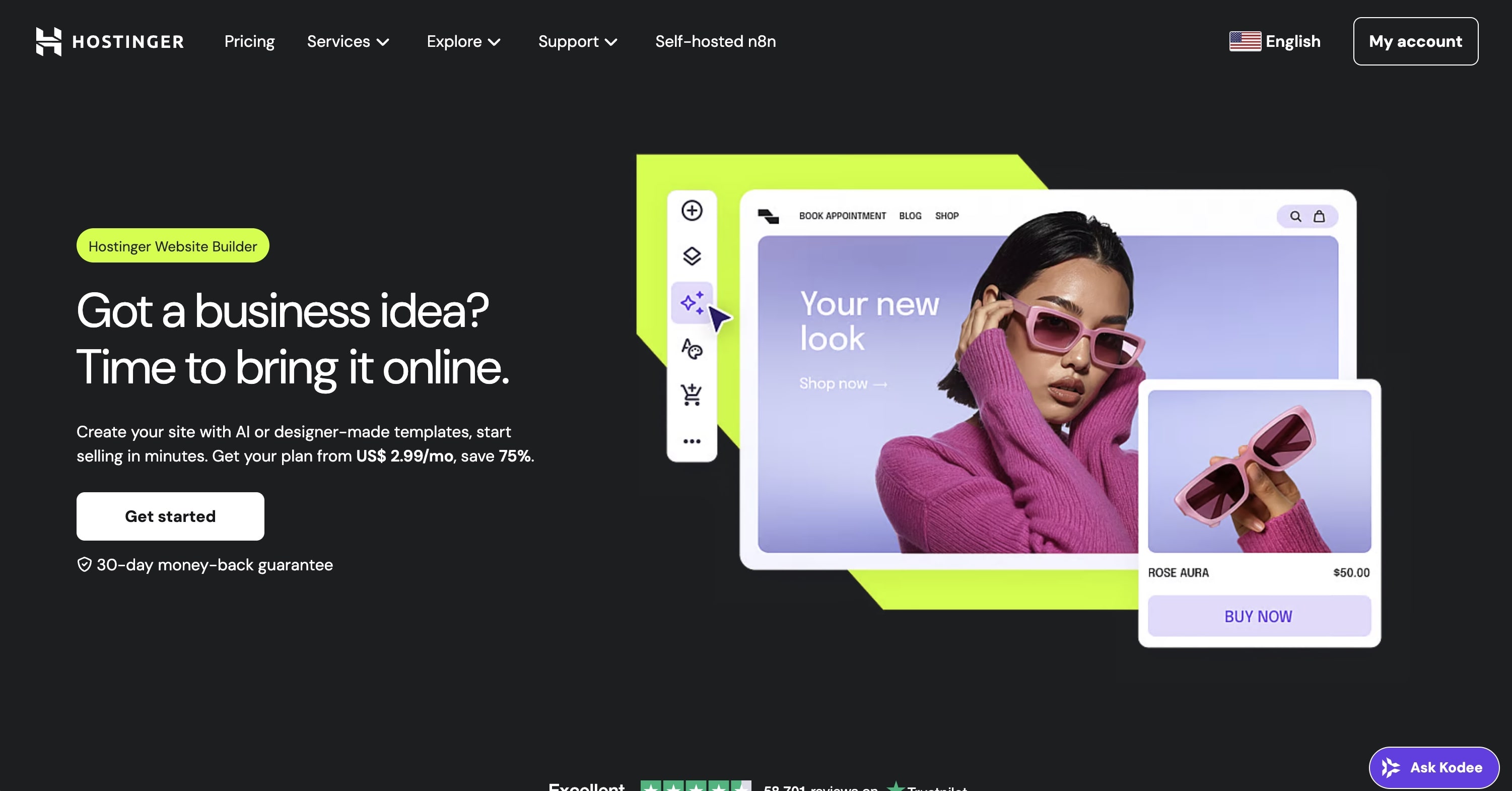
Hostinger's AI website builder generates complete sites from a business description. It's budget-friendly and includes hosting, making it attractive for cost-conscious users.
The AI does the heavy lifting for initial creation, producing a functional site in minutes. Customization is handled through a simplified editor focused on ease over flexibility.
Hostinger Select Features 🌟
- AI site generation from description
- Hosting included
- E-commerce support
- SEO tools
- Marketing integrations
- 24/7 support
Hostinger Pricing 💸
- 🔵 Premium ($2.99/month): 100 websites, free domain
- 🟣 Business ($3.99/month): E-commerce, more resources
- 🟡 Cloud Startup ($8.99/month): Cloud hosting, priority support
Best for: Budget-conscious users wanting AI generation with included hosting.
See how Hostinger compares to Taskade →
#5 Squarespace Blueprint
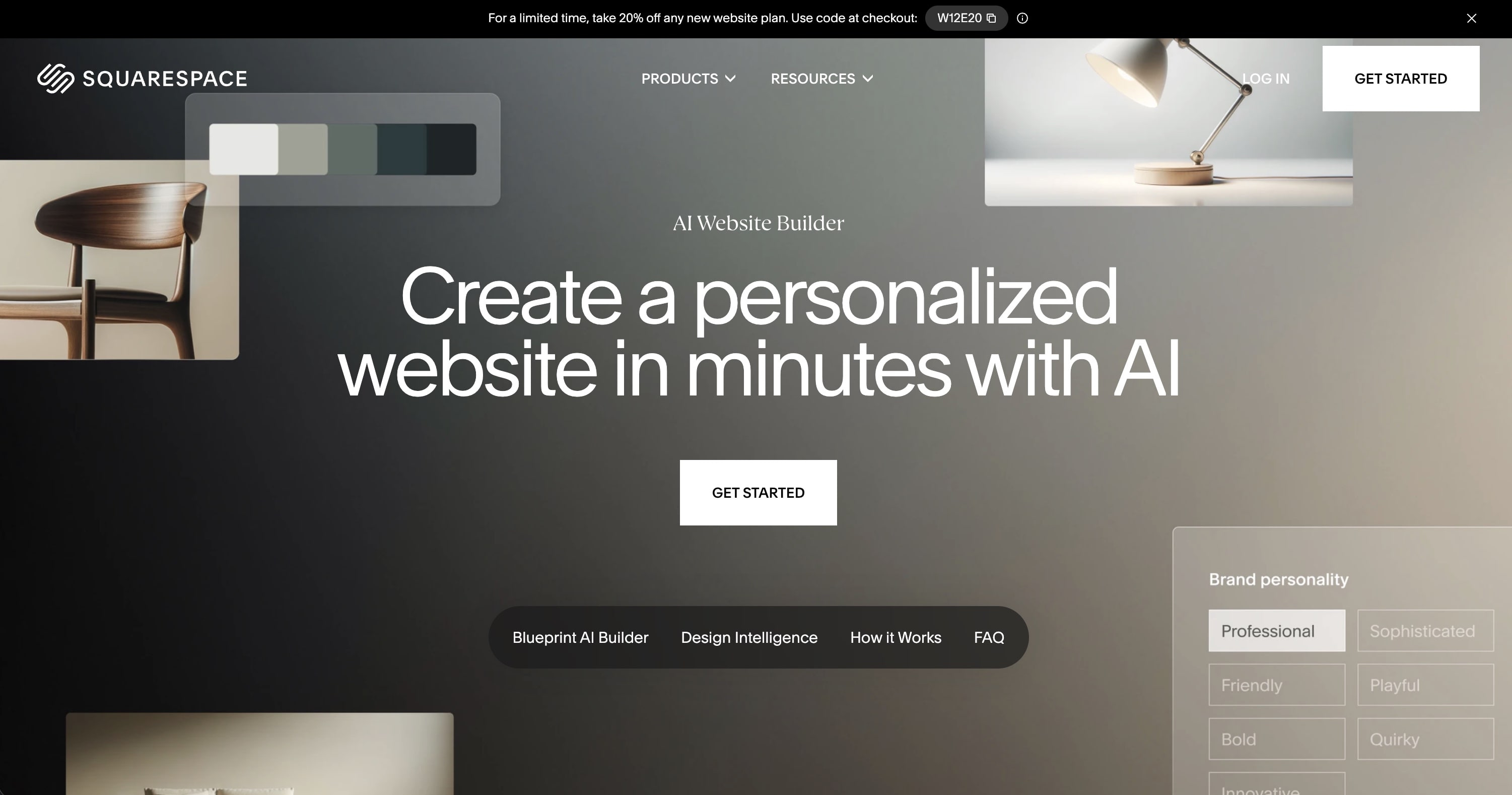
Squarespace Blueprint is the platform's AI-assisted design system. It asks about your goals and preferences, then generates a customized starting point using Squarespace's acclaimed design templates.
Known for beautiful, polished designs out of the box. The AI helps with initial setup, while the editor provides deep customization for those willing to invest time.
Squarespace Select Features 🌟
- AI-guided site setup
- Award-winning templates
- Built-in e-commerce
- Scheduling and booking
- Email marketing
- Analytics and SEO
Squarespace Pricing 💸
- 🔵 Personal ($16/month): Basic features, custom domain
- 🟣 Business ($23/month): Advanced analytics, integrations
- 🟡 Commerce Basic ($28/month): E-commerce features
- 🔴 Commerce Advanced ($52/month): Advanced e-commerce
Best for: Creative professionals and businesses wanting polished, design-forward sites.
See how Squarespace compares to Taskade →
#6 10Web
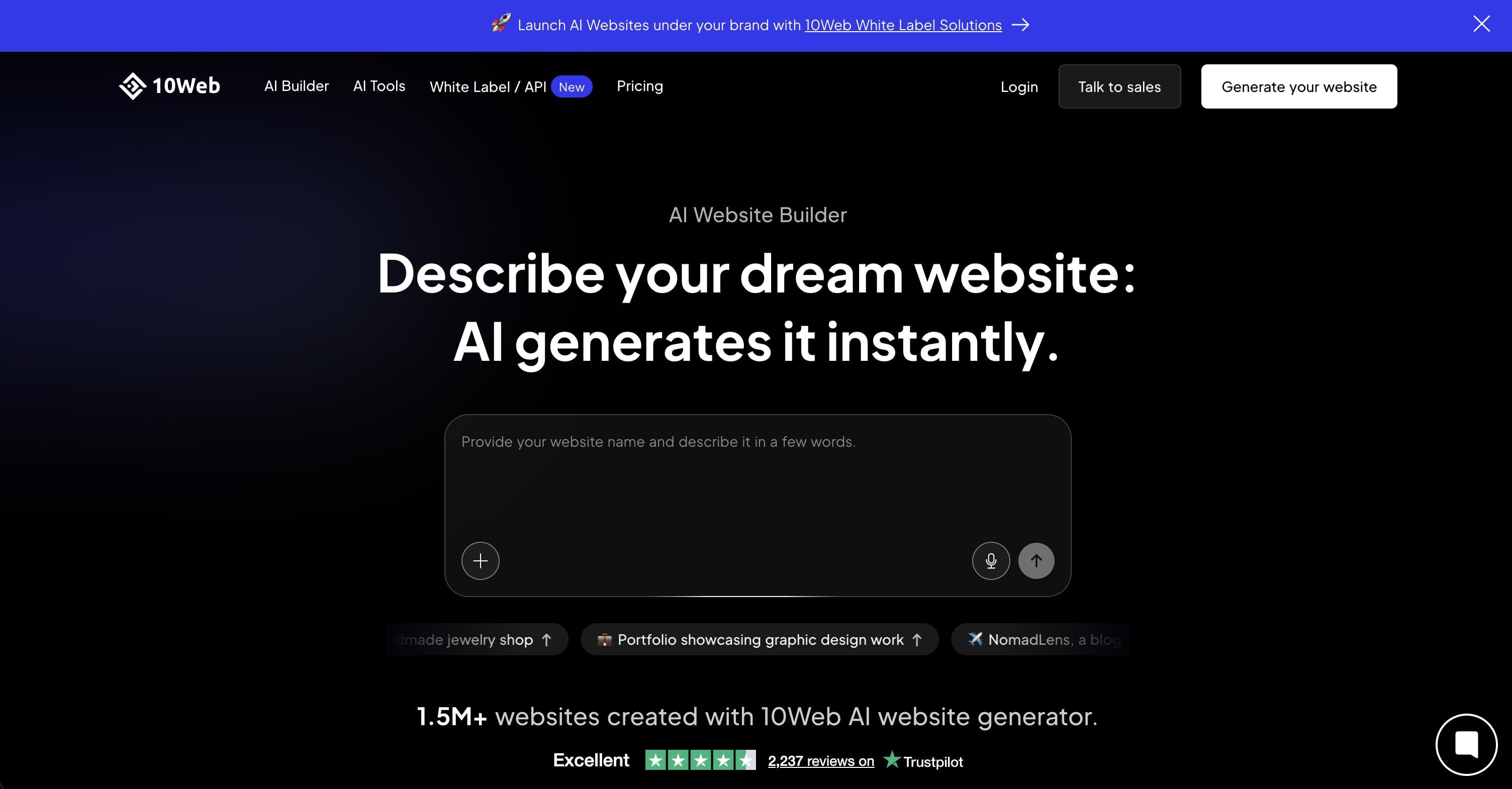
10Web combines AI website generation with WordPress, creating sites you can then customize with the familiar WordPress editor. It can also recreate existing websites—useful for redesigns.
The AI generates a complete WordPress site from a description, then hands off to Elementor for editing. Good for those who want AI speed with WordPress flexibility.
10Web Select Features 🌟
- AI WordPress site generation
- Website recreation from URL
- Elementor integration
- Managed WordPress hosting
- Automated backups
- Performance optimization
10Web Pricing 💸
- 🔵 Personal ($10/month): 1 website, basic features
- 🟣 Premium ($15/month): 3 websites, more resources
- 🟡 Agency ($24/month): 10 websites, white label
Best for: Users who want AI generation but need WordPress's ecosystem and flexibility.
See how 10Web compares to Taskade →
#7 Durable
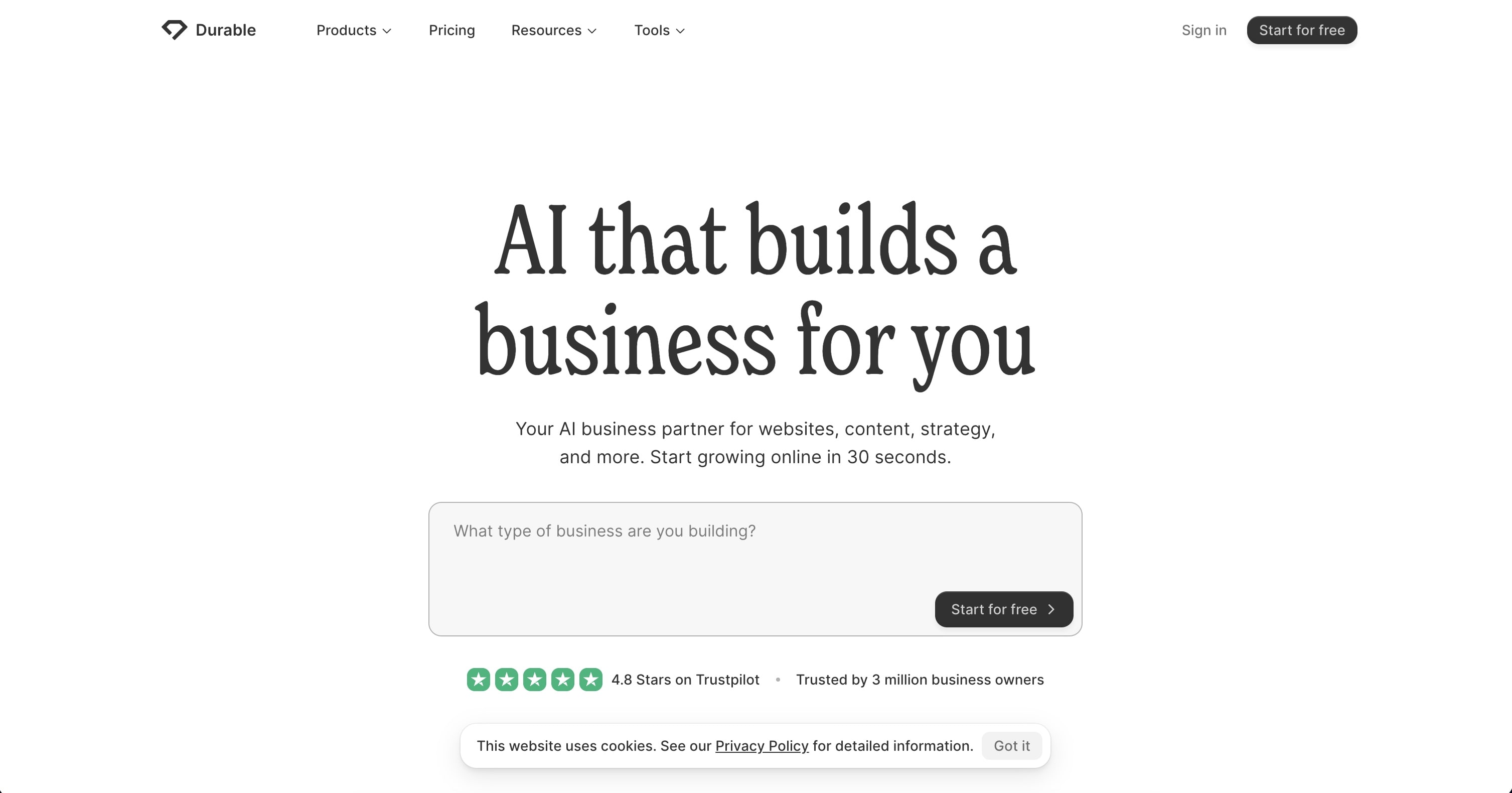
Durable claims to generate a website in 30 seconds, and it delivers. Input your business type and location, and you get a complete site with copy, images, and contact forms.
It's focused on speed and simplicity for service businesses. The sites are functional but basic—good for getting online quickly, limited for complex needs.
Durable Select Features 🌟
- 30-second site generation
- AI-written copy
- CRM integration
- Invoicing tools
- Appointment booking
- Marketing automation
Durable Pricing 💸
- 🔵 Starter ($15/month): Website + CRM
- 🟣 Business ($25/month): More features, marketing tools
Best for: Service businesses wanting to get online extremely fast.
See how Durable compares to Taskade →
#8 Jimdo Dolphin
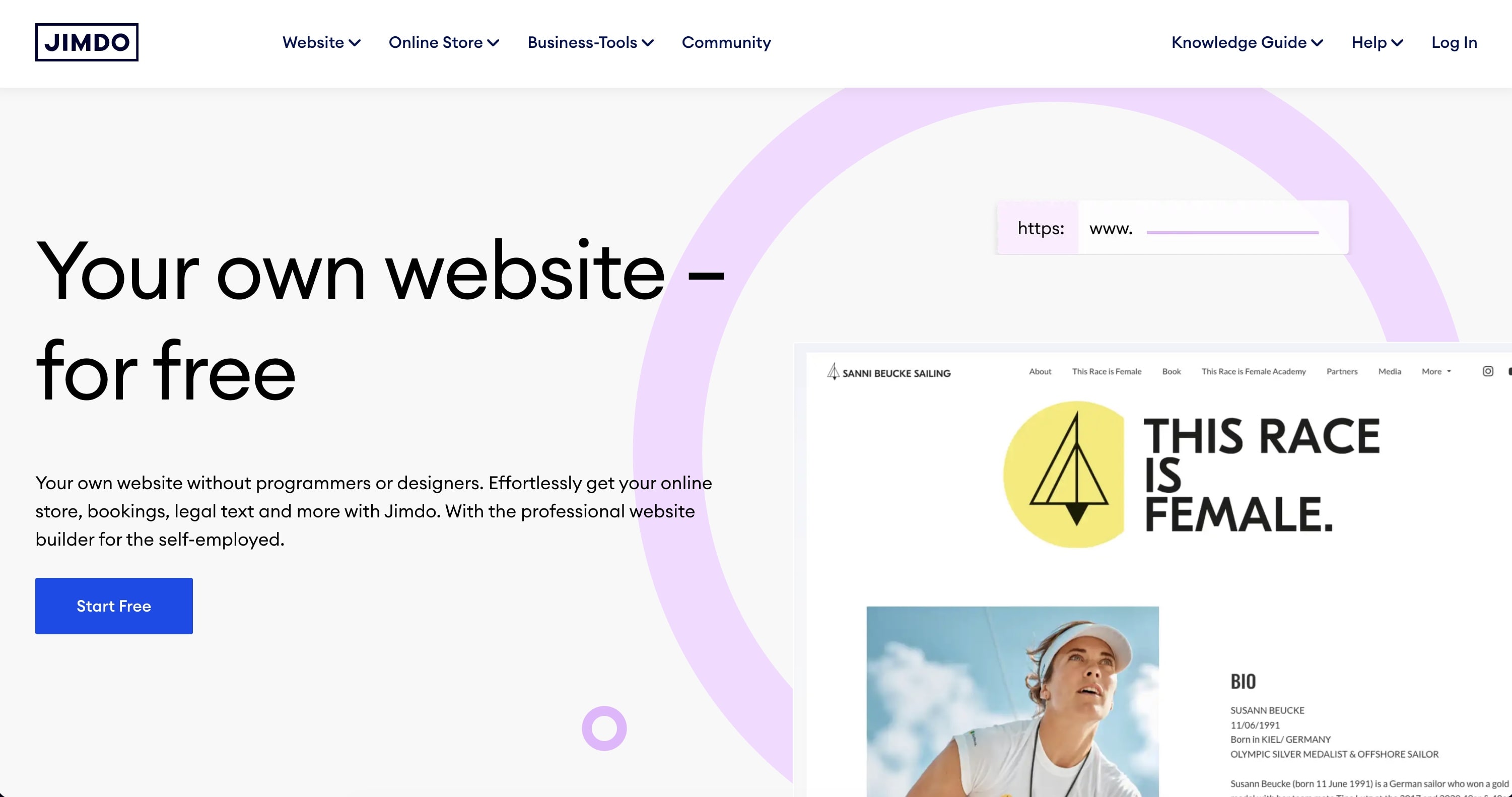
Jimdo Dolphin uses AI to create a website through a chat-like interface. Answer questions about your business, and it generates a site you can publish immediately.
Simple and straightforward, aimed at small businesses and individuals who want a web presence without technical complexity.
Jimdo Select Features 🌟
- Conversational site setup
- Automatic design choices
- Built-in SEO
- Legal page generation
- Social media integration
- E-commerce option
Jimdo Pricing 💸
- 🟢 Play (Free): Jimdo subdomain, basic features
- 🔵 Start ($11/month): Custom domain, no ads
- 🟣 Grow ($18/month): SEO tools, analytics
- 🟡 Basic E-commerce ($18/month): Online store
Best for: Beginners wanting the simplest possible path to a website.
See how Jimdo compares to Taskade →
#9 Zyro (Hostinger)
Zyro, now part of Hostinger, offers AI tools for content generation, logo creation, and design assistance. The platform focuses on affordability and ease of use.
The AI helps with copy and imagery but doesn't generate complete sites automatically. Good for budget builds where you'll do some manual customization.
Zyro Select Features 🌟
- AI content generator
- AI logo maker
- Drag-and-drop editor
- E-commerce support
- SEO tools
- Blogging platform
Zyro Pricing 💸
- 🔵 Website ($2.59/month): Basic website features
- 🟣 Business ($3.59/month): E-commerce, marketing tools
- 🟡 Advanced Store ($5.89/month): Advanced e-commerce
Best for: Budget-conscious users who want AI assistance for content and design.
See how Zyro compares to Taskade →
#10 Unbounce Smart Builder
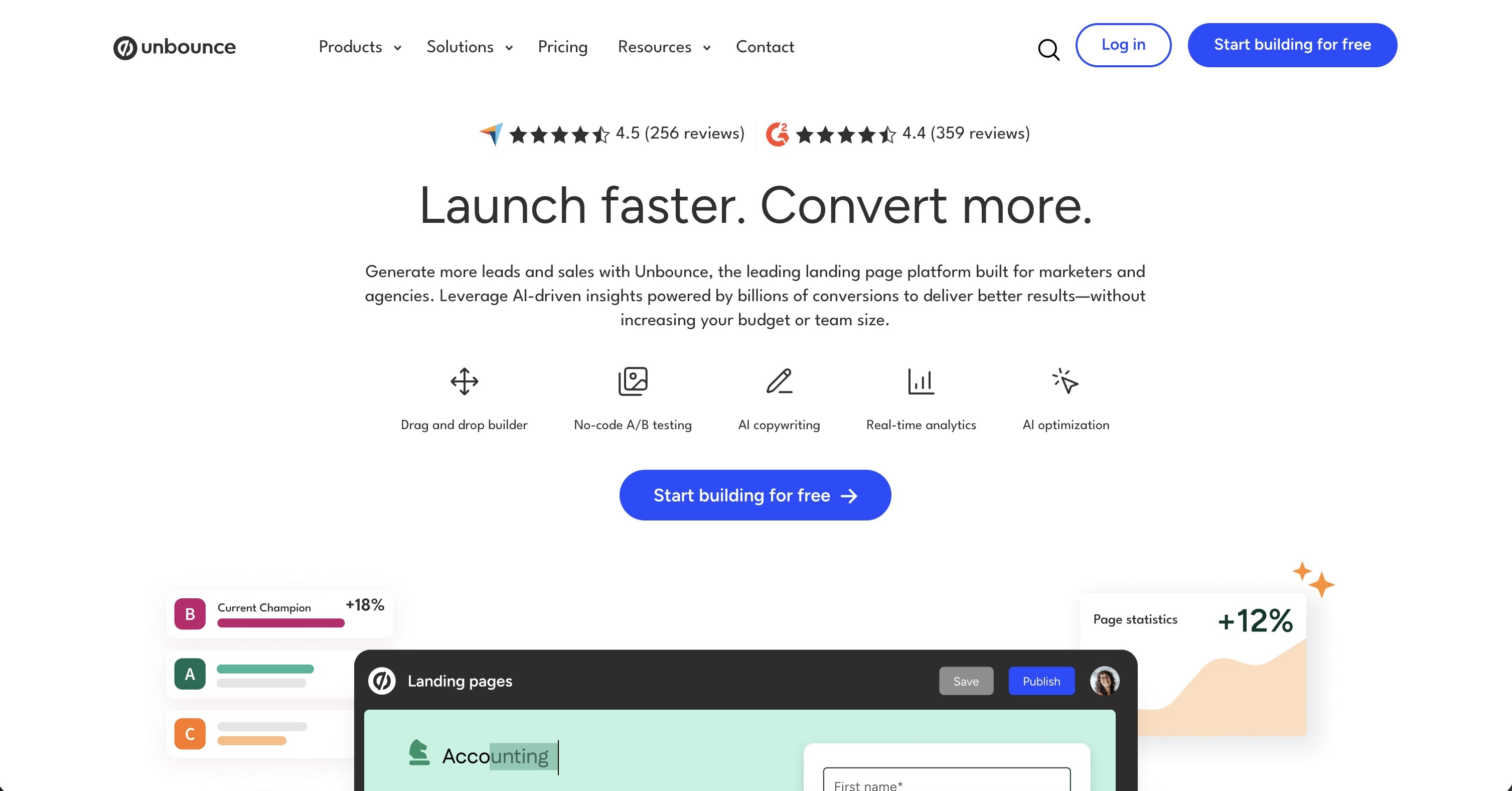
Unbounce Smart Builder uses AI to create landing pages optimized for conversion. It analyzes your industry and goals to generate pages designed to convert visitors.
Focused specifically on landing pages and lead generation rather than full websites. Excellent for marketing teams running campaigns.
Unbounce Select Features 🌟
- AI-optimized landing pages
- Conversion intelligence
- A/B testing
- Dynamic text replacement
- Popup and sticky bar builder
- Integration with marketing tools
Unbounce Pricing 💸
- 🔵 Build ($99/month): Landing pages, popups
- 🟣 Experiment ($149/month): A/B testing, smart traffic
- 🟡 Optimize ($249/month): Advanced optimization
Best for: Marketing teams focused on conversion-optimized landing pages.
See how Unbounce compares to Taskade →
🤔 How to Choose the Right AI Website Generator
| If you need... | Best choice |
|---|---|
| Functional websites with real backends | Taskade Genesis |
| Design-forward marketing sites | Framer or Squarespace |
| Small business all-in-one | Wix ADI |
| Budget-friendly with hosting | Hostinger |
| WordPress flexibility | 10Web |
| Fastest possible launch | Durable |
| Conversion-focused landing pages | Unbounce |
Key questions to ask:
- Do I need just a page, or a functional web app?
- Will forms need to connect to my workflow?
- Do I want to iterate through conversation or visual editing?
- How important is ongoing AI assistance vs. one-time generation?
- Do I need embedded AI (chatbots, assistants)?
🚀 The Bottom Line
AI website generators have matured from gimmicks to genuine tools. The best ones don't just create pretty pages—they build functional web applications that work for your business.
Here's our take:
- ⚡️ For functional websites with real backends: Taskade Genesis creates living sites that connect to databases, process forms, and run automations
- 🎨 For design-focused sites: Framer and Squarespace produce stunning results
- 💰 For budget builds: Hostinger and Zyro offer excellent value
- 📈 For landing page optimization: Unbounce leads in conversion focus
The biggest shift? You no longer need to choose between speed and functionality. AI website generators like Genesis deliver both—real websites, built in minutes, that actually work.
What will you build?
Ready to create your website?
👉 Build your first site with Taskade Genesis →
👉 Clone a website template from the community →
👉 Follow the step-by-step tutorial →
💬 Frequently Asked Questions About AI Website Generators
What is an AI website generator?
An AI website generator is a platform that creates websites from natural language descriptions or guided questions. Instead of manually designing and coding, you describe what you want and the AI produces a working website. Advanced platforms like Taskade Genesis create functional sites with forms, databases, and automations.
How long does it take to create a website with AI?
Most AI website generators can produce an initial site in seconds to minutes. Taskade Genesis typically generates a complete, functional website in under 5 minutes from a detailed prompt. Iteration and customization through conversation adds additional time but is much faster than traditional development.
Are AI-generated websites professional quality?
Yes. Modern AI website generators produce professional, responsive designs. Taskade Genesis websites include modern layouts, mobile responsiveness, and actual functionality. The quality depends on your prompt clarity and willingness to iterate.
Can I customize AI-generated websites?
Absolutely. Most AI website generators allow customization either through continued conversation (vibe coding) or visual editors. With Taskade Genesis, you can say "make the hero section larger" or "change the color scheme to blue" and see instant updates.
Do AI website generators include hosting?
Many do. Taskade Genesis includes instant publishing with shareable URLs. Other platforms like Wix and Squarespace bundle hosting with their subscriptions. Some tools generate sites you'll need to host elsewhere.
Can AI websites handle forms and data?
This varies significantly. Basic AI website generators create static pages where forms need external services. Taskade Genesis creates living websites where form submissions automatically flow into your workspace database and can trigger automations.
How much do AI website generators cost?
Prices range from free tiers with limitations to $30-100+/month for advanced features. Taskade Genesis is free to start with 3 apps, and Pro from $10/month (annual) for unlimited apps. Most platforms offer enough on free tiers to test and launch basic sites.
Are AI-generated websites good for SEO?
AI-generated websites can rank well if they follow SEO best practices. Look for platforms that generate clean code, allow meta tag customization, and produce fast-loading pages. Taskade Genesis sites are optimized for performance and allow full SEO customization.
Can I add e-commerce to AI-generated websites?
Some AI website generators include e-commerce (Wix, Squarespace). Taskade Genesis can create functional stores and connect to payment processors through integrations. For complex e-commerce, dedicated platforms may still be preferable.
What's the difference between AI website generators and traditional builders?
Traditional builders (old WordPress, basic Wix) require manual configuration of every element. AI website generators understand intent—you describe outcomes, not components. The best AI tools like Genesis also add real functionality (databases, automations) that traditional builders can't match.
Related Resources
More AI builder comparisons:
- How AI Website Builders Compare Feature by Feature — the broader feature-by-feature sibling of this ranking
- WordPress Alternatives for AI-Driven Site Management — for teams leaving WordPress specifically
- 10 Best AI App Builders — Complete comparison guide
- 10 Best AI Dashboard Builders — Analytics made easy
- 10 Best AI Booking Systems — Scheduling solutions
- 10 Best AI CRM Software — Customer management
Learn more about building with AI:
- What is Vibe Coding? — Build apps by describing what you want
- 17 Best AI App Builders — Full platform comparison (not just websites)
- Best Vibe Coding Tools 2026 — AI app builders ranked
- The App Builder Revolution — From idea to software in 5 minutes
- 50+ AI Apps You Can Clone — Complete gallery
Start building:
- Clone a ready-made app template — Customize and deploy instantly
- AI Website Generator — Build complete sites from one prompt
- AI Landing Page Builder — Create conversion-focused pages
- Browse Community Websites — Clone and customize
Compare platforms:
- Taskade vs Webflow — Website builders compared
- Taskade vs Squarespace — Design platforms compared
- Taskade vs WordPress — CMS platforms compared