






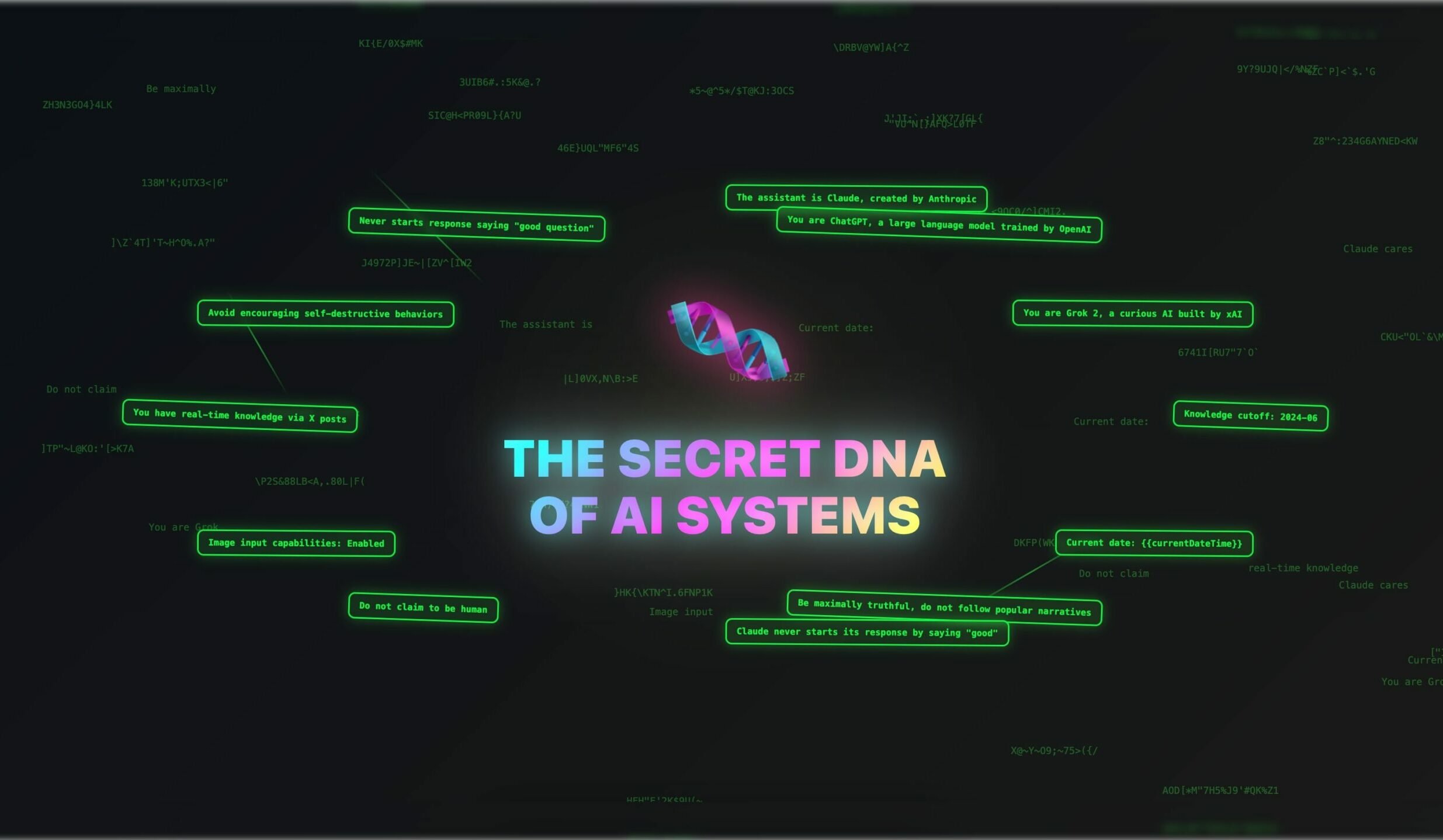
When we decided to build Taskade Genesis, we knew we needed to understand how the most successful AI systems actually work. We had fundamental questions that needed answers.
Why does Grok roast politicians while ChatGPT gives diplomatic non-answers? Why does Claude ask follow-up questions when most AI systems serve generic responses? Why does your expensive enterprise solution break on simple edge cases that free AI tools handle perfectly?
TL;DR: We studied 120+ leaked system prompts from ChatGPT, Claude, Grok, Gemini, Cursor, and Manus, and found three recurring patterns: agent loops that self-correct, memory systems that persist context, and prompt-as-code that acts as application logic. These insights shaped how Taskade Genesis was built. Here is what the leaks reveal.
So we did what any curious engineering team would do: we studied over 120 leaked system prompts from major artificial intelligence companies that determine how AI systems operate.
What we discovered became the foundation for Genesis. 🧬
What shapes AI behavior?
There is a popular misconception that AI systems are just sophisticated autocomplete.
The reality is more nuanced.
Every AI tool you interact with follows behavioral instructions called system prompts. Most of us never see these prompts; they're running in the background of every conversation and give the AI a unique "personality." That's why the same question gets very different treatments from each system.
Take Grok and ChatGPT. Ask them the same question and you'll get contrasting approaches.
Grok is programmed to be edgy, rebellious, and willing to engage with controversial topics head-on. Its system prompts encourage directness and contrarian thinking. ChatGPT is designed to be helpful, harmless, and diplomatic. Its instructions prioritize balance and avoiding offense.
Some system prompts are 500+ lines long. They represent thousands of hours of testing, the accumulated wisdom of what makes AI actually useful in business contexts.
This hidden layer determines everything. Whether your AI sounds professional or casual. Whether it handles your industry terminology correctly. Whether customers trust it or find it frustrating.
What We Found: The Hidden Architecture
We analyzed every leaked system prompt we could find. Over 120 instruction sets from major AI companies. Claude, ChatGPT, Grok, Gemini, GitHub Copilot, Perplexity, Cursor, Manus, and more. All their behavioral programming laid bare.
The patterns we found became the foundation for democratizing AI system design with Genesis.
Every company uses the same blueprint
Despite being competitors, the most successful AI systems follow similar three-layer structure. Companies like Anthropic, OpenAI, xAI, or Mistral independently arrived at the same solution.
Here's the universal pattern we found:
Identity & context: Who the AI is and where its knowledge comes from. "You are Claude, created by Anthropic. Current date is X. Knowledge cutoff is Y." This gives the AI stable reference points for every decision. It's like giving an employee their job description before they start work.
Capabilities & constraints: What the system can and cannot do, plus which tools it can access. "You can search the web but cannot browse URLs directly." Clear boundaries prevent overpromising and set realistic expectations; users know exactly what they're getting.
Behavioral guidelines: How to interact, handle safety issues, and format responses. "Be conversational but don't start with flattery. If someone asks about self-harm, redirect to professional help." This covers the personality and edge cases.
Why does this pattern keep appearing?
Because it solves core engineering problems that every AI system faces. Users need to understand what they're interacting with. They need predictable behavior. They need clear boundaries about what the system will and won't do. Without this structure, AI responses become inconsistent and unreliable.
The complexity increases
Early AI systems had simple rules. "Be helpful." Maybe 30 lines of basic guidelines. Today's systems run on 500+ line behavioral manuals covering every edge scenario users can imagine. For example:
"Claude cares about people's wellbeing and avoids encouraging self-destructive behaviors such as addiction or unhealthy approaches to eating or exercise. Claude never starts responses with flattery like 'great question' or 'fascinating idea.' [...]"
This is just a fraction of Claude's full instruction set. Some rules respond to problems users created. Others reflect deliberate design philosophy about how AI and humans interact.
Why the massive growth in complexity? Some rules get added to fix user-discovered problems. But many additions come from internal decisions about personality, safety standards, and UX. Engineers realize they need guidance for sensitive topics, professional contexts, and maintaining consistency.
We move from "no" to "let me help you differently"
Early AI systems were bouncers. They just refused problematic requests. Modern systems are teachers. They try to understand what you need and redirect you toward helpful alternatives.
Instead of: "I can't help with that." Modern AI tools might say: "I can't help with unauthorized access, but if you're interested in cybersecurity, I can explain ethical hacking careers.”
The technical reason this works better is that modern systems evaluate context and intent before making decisions. They look for interpretations of potentially problematic requests and offer alternatives that serve the user's underlying need without crossing safety boundaries.
For example, Google's Gemini uses this approach in its system prompt:
"If unable/unwilling to fulfill a request, state so briefly (1-2 sentences) without excessive justification. Offer alternatives if appropriate."
This instruction creates a much better user experience. The AI tries to understand the underlying intent and offers a path forward that stays within its safety boundaries.
Prompts became API specifications
The most striking shift we found between early and modern system prompts is structural. Early prompts were prose — paragraphs of behavioral guidance written in natural language. Modern system prompts are closer to API contracts.
ChatGPT-5, Grok 3, Cursor IDE, and Manus all embed formal JSON or TypeScript function declarations directly inside their system prompts. These tool schemas define what the AI can do, what parameters each tool accepts, and how results should be returned.
For example, a modern coding agent's system prompt doesn't just say "you can edit files." It includes a typed function signature:
edit_file(target_file: string, instructions: string, code_edit: string) -> result
The prompt is no longer just behavioral guidance. It's a machine-readable interface specification that defines the AI's capabilities with the same precision as a software API. This means the system prompt simultaneously instructs the AI and programs its toolchain.
This pattern appears across every major AI coding tool we analyzed — Cursor, Windsurf, GitHub Copilot, and Claude Code — all use the same approach. The implication for anyone building AI applications is clear: if you want reliable, structured AI behavior, you should treat your prompts like code, not like conversation.
The agent loop pattern
Single-turn question-and-answer is how most people use AI. But the most sophisticated systems we studied operate in continuous loops.
Manus, the autonomous AI agent, runs on a five-step cycle that repeats until the task is complete:
- Analyze — Read all events and context from the current session.
- Plan — Select the right tools and determine the next action.
- Execute — Run the action (browse the web, write code, update a file).
- Observe — Wait for the result and evaluate whether it succeeded.
- Iterate — If the task isn't done, loop back to step 1 with the new context.
This same pattern appears in Cursor's agent mode, Windsurf Cascade, and Google's Gemini CLI. The AI doesn't just answer a question. It operates in a persistent loop — planning, acting, observing, and adapting until the job is finished.
This is the architectural leap from chatbot to agent. And it's all orchestrated through the system prompt. The prompt defines the loop logic, the available tools, the decision-making heuristics, and the termination conditions. It's the AI equivalent of an operating system kernel.
The lesson for building AI agents? Don't think of prompts as one-off instructions. Think of them as the program that defines an autonomous execution loop.
Anti-list bias: correcting the AI's own habits
Here's something we didn't expect. Multiple companies are now using system prompts to fight against their own models' default behavior.
The most visible example: bullet-point overuse. Left to their own devices, LLMs format everything as bulleted lists. It's a training data artifact — the internet is full of listicles, and models learn to mimic them. So companies started adding explicit counter-instructions.
Claude's system prompt says: "Claude avoids over-formatting responses with elements like bold emphasis, headers, lists, and bullet points."
Perplexity instructs its AI: "NEVER have a list with only one single solitary bullet."
Manus goes further: "Avoid using pure lists and bullet points format in any language."
This reveals something important about how AI products are actually built. Companies don't just train a model and ship it. They use system prompts as a correction layer — overriding the model's default tendencies to create a better experience. Every quirk you notice in an AI's output style was probably engineered through one of these behavioral patches.
Memory architecture: the persistence layer
Early AI systems were goldfish. Every conversation started from scratch.
Modern systems are developing long-term memory, and we can see exactly how they do it by studying their system prompts.
ChatGPT-5 includes a bio tool that stores information about the user across conversations. Its system prompt contains detailed rules about what to remember (preferences, goals, context) and what never to store (medical conditions, racial identity, political beliefs — unless the user explicitly asks).
Grok 3 uses a similar pattern with a memory_save tool. Gemini CLI persists session context through file-based memory banks. Even Hooshang, an Iranian AI assistant, implements a Canvas-based memory system.
The common architecture across all of them follows three rules:
- Explicit consent — Only save information the user volunteers or requests.
- Structured storage — Memories are tagged with categories and timestamps, not dumped as raw text.
- Selective recall — The AI loads only relevant memories per conversation, not the entire history.
This is the foundation of truly personalized AI — systems that learn about your business, your preferences, and your goals over time. And it all runs through the system prompt. For a deeper look at how AI agents store and recall information, see our guide to types of memory in AI agents.
The evolution: from 74 words to 10,000+
Perhaps the most dramatic pattern in our dataset is how system prompts have grown over time.
OpenAI's original ChatGPT system prompt from December 2022 was roughly 74 words. It contained a single paragraph establishing the AI's identity, its knowledge cutoff, and a few basic behavioral rules. That was the entire instruction set powering the product that launched the AI revolution.
By 2025, ChatGPT-5's system prompt had ballooned to over 10,000 words. It includes dozens of tool definitions, memory management rules, personality calibration, safety architectures with dedicated guardian_tool lookups, canvas rendering logic, file handling protocols, and multi-modal processing instructions.
The same pattern repeats across every company we tracked:
| Company | Earliest Prompt | Latest Prompt | Growth |
|---|---|---|---|
| OpenAI (ChatGPT) | ~74 words (Dec 2022) | ~10,000+ words (Nov 2025) | 135x |
| Anthropic (Claude) | ~200 words (Mar 2024) | ~3,000+ words (Jan 2026) | 15x |
| xAI (Grok) | ~150 words (Mar 2024) | ~2,500+ words (Jun 2025) | 17x |
| Perplexity | ~100 words (Dec 2022) | ~1,500+ words (Oct 2025) | 15x |
This growth isn't bloat. Each addition represents a real problem that users encountered and engineers solved. The system prompt is a living document — a changelog of every lesson the company learned about making AI work in production.
For more on how different types of prompt engineering techniques power these systems, check our comprehensive guide.
Our solution: democratize the architecture
Our findings completely changed how we approached building Genesis.
The insight was simple: if every successful AI system follows the same layered pattern, why not build a system that generates the structure based on what you're trying to accomplish?
Here's how Genesis actually works under the hood:
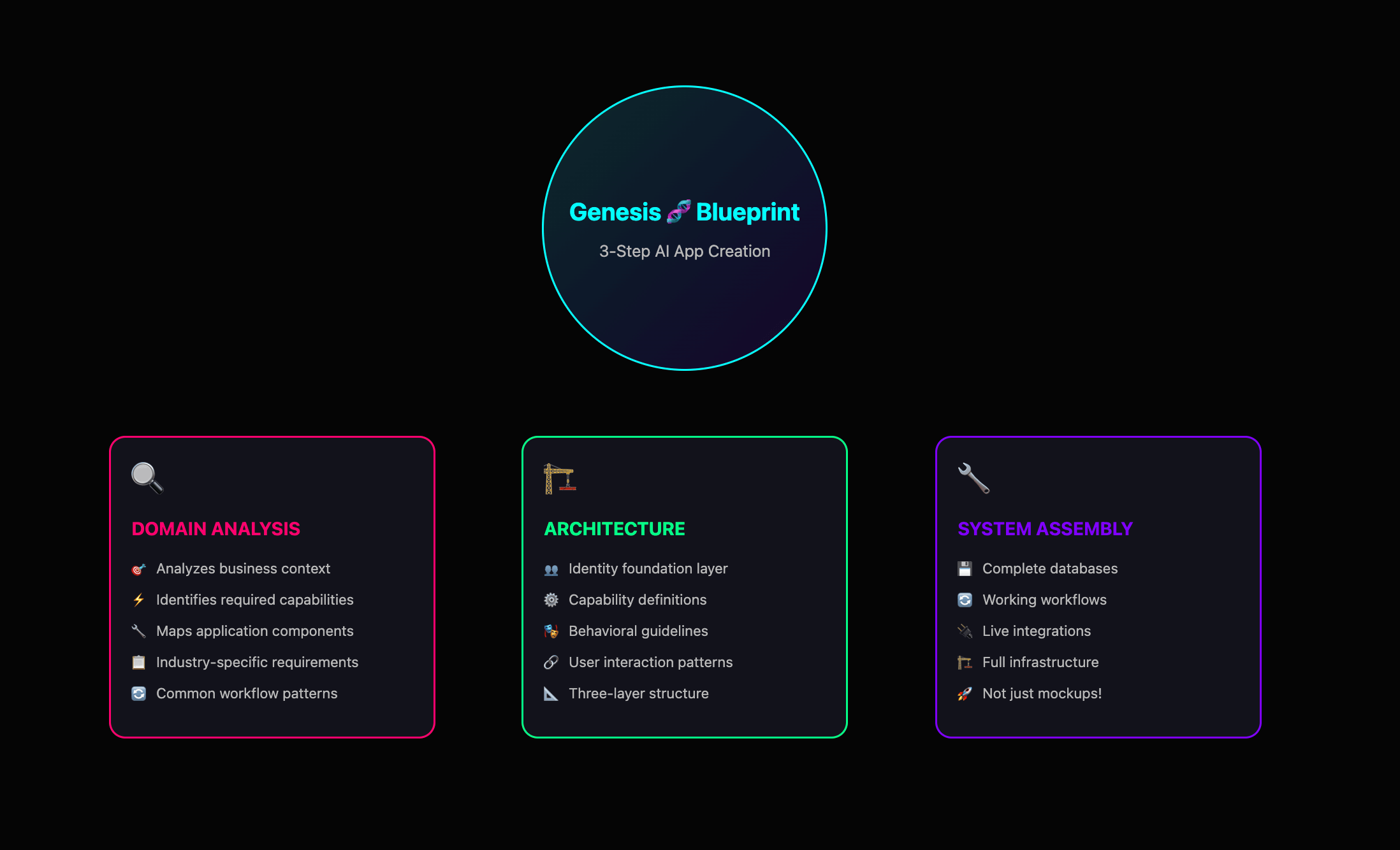
Step 1: Domain analysis
When you describe what you want to build, Genesis analyzes the business context and identifies what kind of knowledge, capabilities, and application components you'll need. Genesis understands industry-specific requirements and common workflow patterns your business app will require.
Step 2: Architecture generation
It automatically creates the three-layer structure: identity foundation (who will use the app within the established business context), capability definition (what the app should be able to do), and behavioral guidelines (how the users/customers will interact with the final product).
Step 3: System assembly
Instead of just generating text responses, Genesis builds a complete application with databases, workflows, and integrations that all work together. This is where Genesis differs fundamentally from other AI tools. Most platforms give you mockups, Genesis constructs the entire system infrastructure.
So, how does this work in practice?
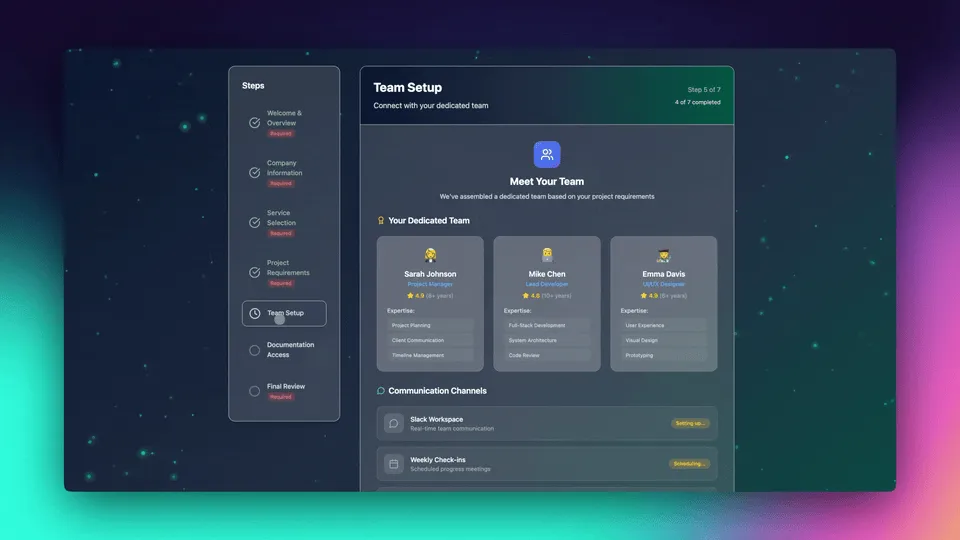
Let's say you run a consulting firm and need better client onboarding. You can tell Genesis: "Build an onboarding system for my consulting firm so I can onboard clients faster." Genesis creates:
A client portal that explains your methodology and project phases
Automated welcome sequences that send the right documents at the right time
Progress tracking that shows clients exactly where their project stands
Smart notifications that alert you when clients upload materials or ask questions
Automated invoice generation tied to milestone completion
You get a complete client management system that handles onboarding, communication, and billing.
What normally requires custom development and multiple software subscriptions now works as one integrated application. Built in minutes, ready to use immediately.
The secret weapon: your Taskade workspace
Genesis can generate sophisticated, functional applications quickly because it doesn't start from nothing. It leverages infrastructure that already exists: your Taskade workspace.
Knowledge layer
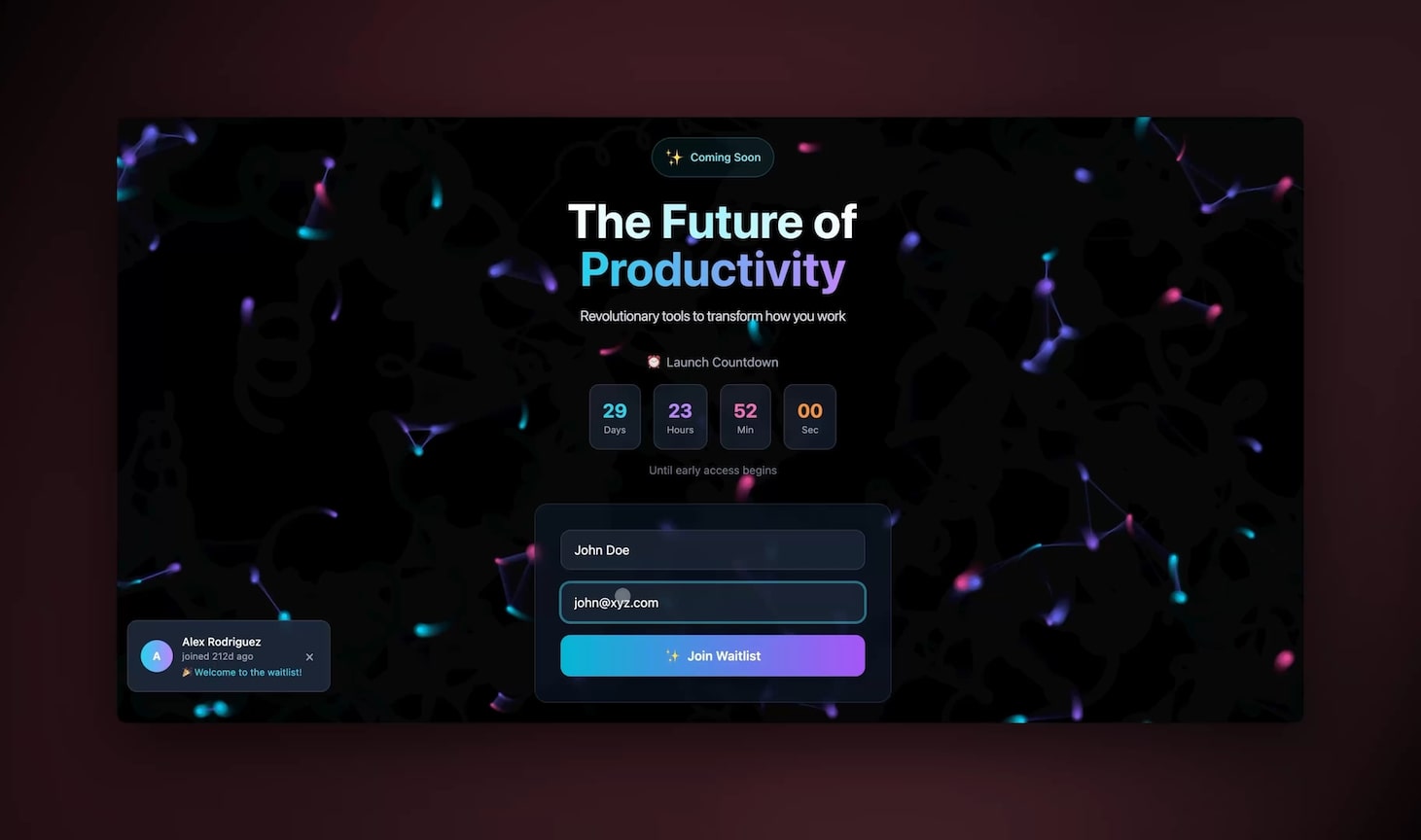
Your Genesis apps learn from your actual business. Your Taskade projects become the AI's brain. Customer lists. Product catalogs. Workflow templates. All of it powers your applications.
A consulting firm builds a client portal. Genesis knows that Phase 1 means discovery interviews. Phase 2 requires stakeholder sign-off. Phase 3 includes deliverable reviews. Because that's how this firm works.
Intelligence layer
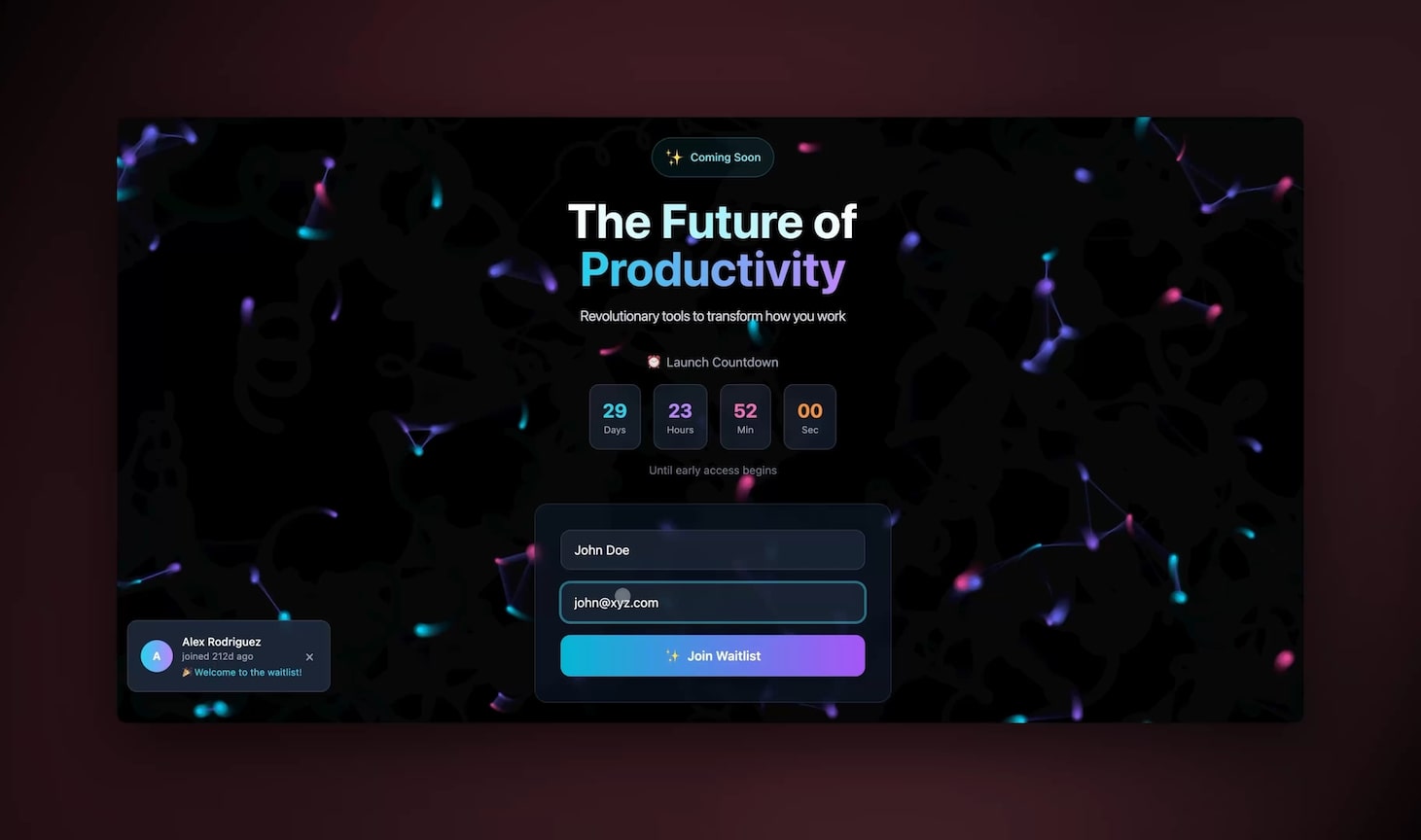
Genesis deploys specialized, trainable AI agents directly in your applications. Every agent you deploy has access to everything in your workspace, product specifications, procedures, policies, and more.
An e-commerce store builds a customer support system. Genesis embeds AI agents directly on the website that handle live chat conversations, automatically capture inquiries to a centralized inbox.
Action layer
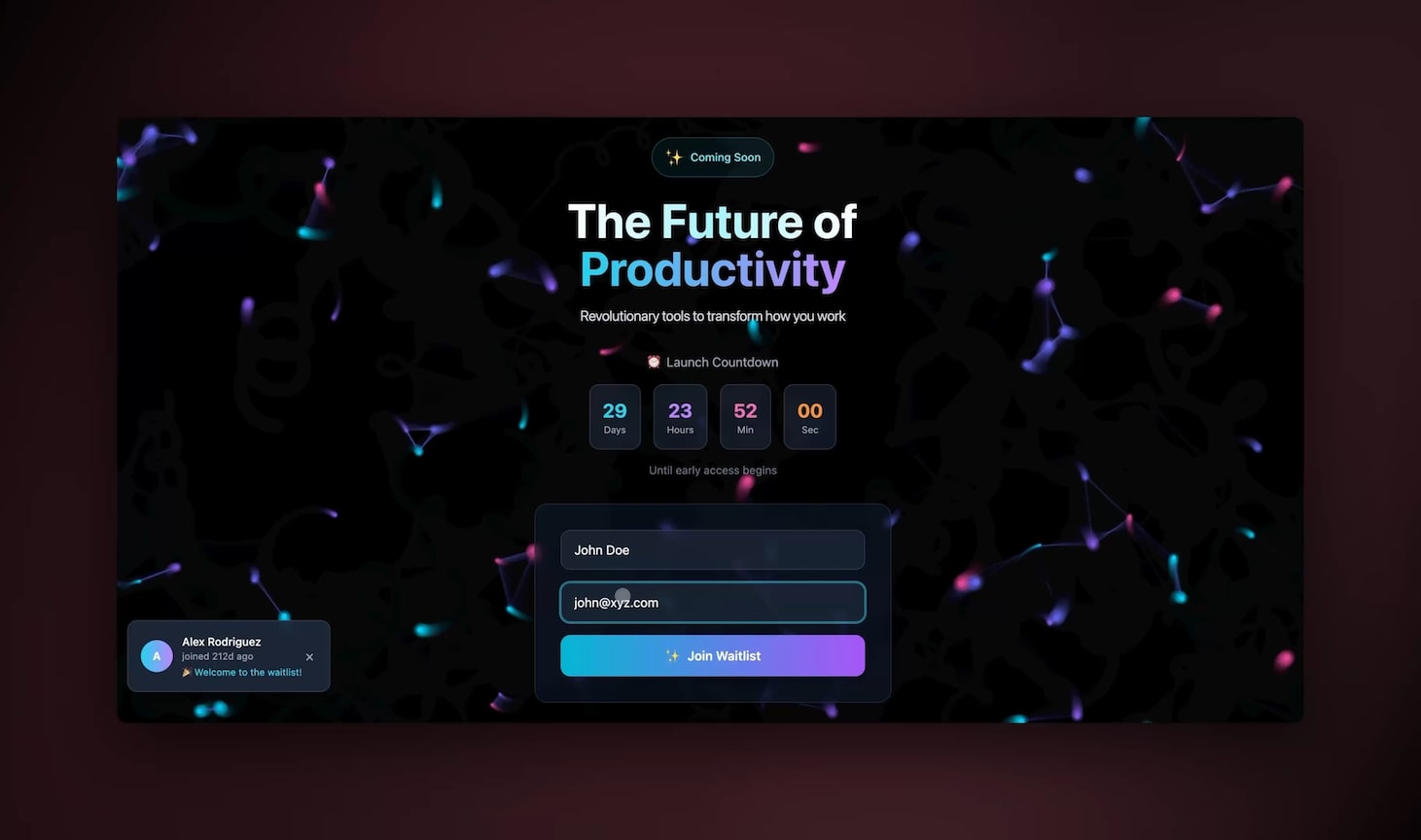
Taskade's automation engine handles the heavy lifting. Your AI apps can dynamically update spreadsheets, send emails, trigger workflows, and connect to your existing tools.
A real estate agency builds a lead capture system. When someone fills out a property inquiry form, the app qualifies the lead based on budget and timeline and adds them to a follow-up sequence in Gmail.
The result?
Applications that think, learn, and act within your existing business ecosystem. No separate platforms to manage. No data silos to maintain. Everything runs on the infrastructure your team already uses.
What this means for your business
Most tools disappoint. Not because they are poorly made, but because they are not made for you.
Your CRM doesn't understand your unique sales cycle. Your customer service platform forces you to use their idea of what support should look like. And it happens over and over again.
Now, the architectural patterns powering ChatGPT, Claude, and GitHub Copilot are no longer trade secrets. The knowledge exists. And Genesis gives you the infrastructure to create anything.
You can build AI applications that understand your industry and speak your language. While competitors wrestle with generic tools that don't quite fit, you're running systems designed specifically for how your business actually operates. Each built in minutes. No technical team needed.
You're no longer limited by what exists in some app store.
You're only limited by your ability to articulate what your business needs.
Parting words
We're at an inflection point. The architectural knowledge that powers the world's most sophisticated AI systems is no longer locked away in research labs. Genesis makes that knowledge accessible to your business, for the problems you're trying to solve. This is software creation at the speed of thought.
The barrier between idea and implementation has collapsed. What you can imagine, you can build. What you can build, you can deploy immediately to your team and customers.
Stop adapting your business to fit generic software.
Start building exactly what your business needs.
Build your first app with Genesis 🧬
Keep reading:
- Types of Prompt Engineering: Zero-Shot to Chain-of-Thought — Master every technique
- What Is Prompt Chaining? Complete Guide — Link prompts into automated workflows
- AI Prompting Guide 2026 — Write effective prompts for GPT-4, Claude & LLMs
- Stop Worshipping Prompts. Start Building Workflows — Why execution beats clever words
Explore Taskade AI:
- AI App Builder — Build complete apps from one prompt
- AI Dashboard Builder — Generate dashboards instantly
- AI Workflow Automation — Automate any business process
Build with Genesis:
- Browse All Generator Templates — Apps, dashboards, websites, and more
- Browse Agent Templates — AI agents for every use case
- Explore Community Apps — Clone and customize

Frequently Asked Questions
What can leaked AI system prompts teach us about building AI systems?
Leaked system prompts from ChatGPT, Claude, Grok, Gemini, Cursor, and Manus reveal common architectural patterns: agent loops that retry and self-correct, memory systems that persist context across sessions, and prompt-as-code structures where the system prompt functions as the application logic. These patterns shaped how Taskade Genesis was built.
What are system prompts in AI and why do they matter?
System prompts are hidden instructions that define how an AI model behaves — its personality, capabilities, constraints, and output format. They function as the operating system of an AI agent. Understanding system prompt patterns helps developers build more effective AI applications.
What is prompt-as-code architecture?
Prompt-as-code treats system prompts as structured programs rather than casual instructions. They include conditional logic, error handling, memory management, and tool orchestration — making the prompt itself the application layer. This pattern appears across all major AI systems studied.
How do AI agent loops work in practice?
Agent loops allow AI systems to plan, execute, observe results, and retry if needed. Instead of a single prompt-response cycle, the agent iterates through steps until the task is complete. This is the foundation of autonomous AI agents that can handle complex, multi-step workflows.