






Hey there 👋
Your tools shouldn't live in silos.
Connect Slack, Gmail, Google Sheets, Stripe, GitHub, and 100+ more services directly to your Taskade Genesis apps.
TL;DR: Taskade now supports 100+ integrations across 10 categories — from Slack and Stripe to GitHub and Google Sheets. Connect your entire tool stack to Taskade Genesis apps and power automations that run 24/7. Try it free →
One workspace. All your tools. Everything connected.
🔌 100+ Integrations, One Workspace
Connect your entire tool stack to Taskade Genesis. From communication to payments, data to development—everything works together through automations.
Integration Categories:
- Communication — Slack, Discord, Microsoft Teams, WhatsApp, Zoom
- Email & CRM — Gmail, HubSpot, Apollo, Mailchimp
- Productivity — Google Workspace, Microsoft 365, Notion
- Development — GitHub, GitLab, HTTP/Webhooks
- Payments — Stripe, PayPal
- Content — WordPress, RSS, YouTube, Reddit
- Data & Analytics — Google Sheets, Airtable, Typeform
- And 90+ more...
🌟 Example: Connect Stripe → Build payment dashboard → Connect Slack → Auto-notify team → Connect Gmail → Send receipts → Everything works together.
👉 Browse All Integrations: View 100+ Integrations
💬 Communication Integrations
Keep your team connected. Integrate Slack, Discord, Teams, and more to bring communication into your Taskade Genesis apps.
What You Can Do:
- Slack — Post updates, create channels, send notifications
- Discord — Manage communities, send messages, track engagement
- Microsoft Teams — Team collaboration and notifications
- WhatsApp Business — Send messages, media, and notifications
- Zoom — Schedule meetings, manage events
🌟 Example: A Team Dashboard that posts updates to Slack → Creates channels for new projects → Sends notifications to Discord → Keeps everyone informed.
Featured Apps with Communication:
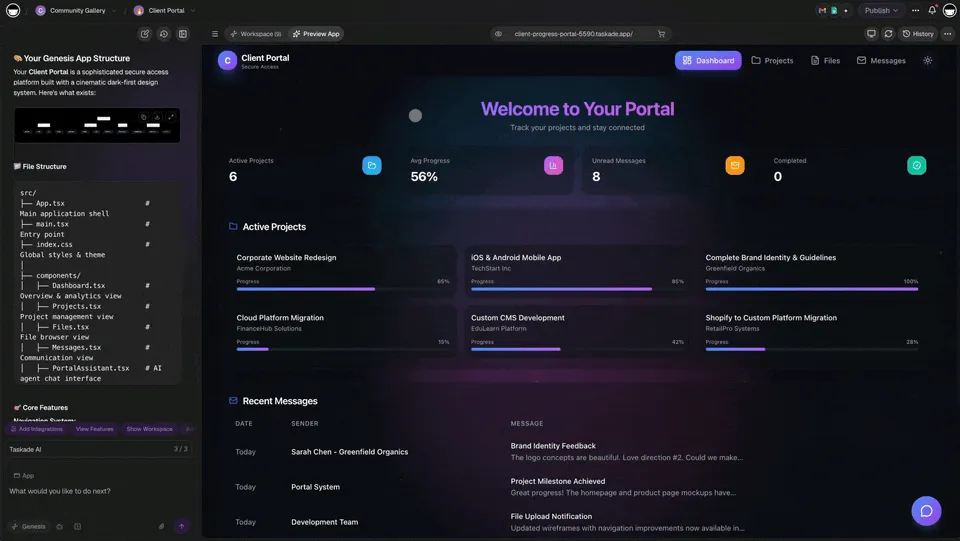
- Client Portal Dashboard — Team communication integrated
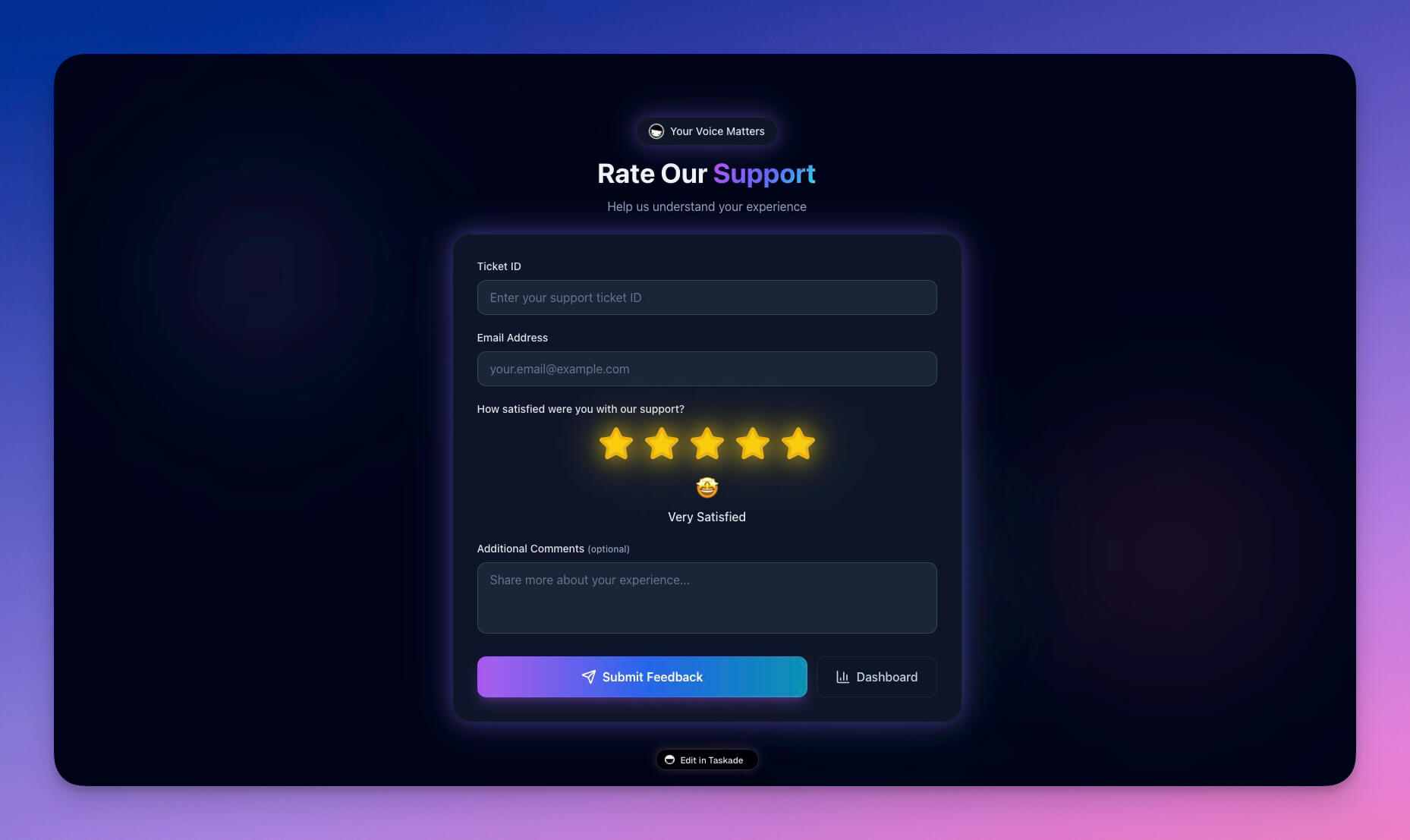
- Support Rating Dashboard — Slack notifications for ratings
👉 How to use: Open Integration Hub → Connect Slack/Discord/Teams → Use in automations → Apps stay connected
📧 Email & CRM Integrations
Connect your email and CRM to automate customer workflows and track relationships. Use AI agents to analyze incoming data intelligently.
What You Can Do:
- Gmail — Send emails, read messages, manage inbox
- HubSpot — Sync contacts, deals, and pipelines
- Apollo — Lead research and outreach automation
- Mailchimp — Email marketing and campaigns
🌟 Example: New lead form submission → Gmail sends welcome email → HubSpot creates contact → Apollo researches lead → Mailchimp adds to campaign → Complete automation.
Featured Apps with Email/CRM:
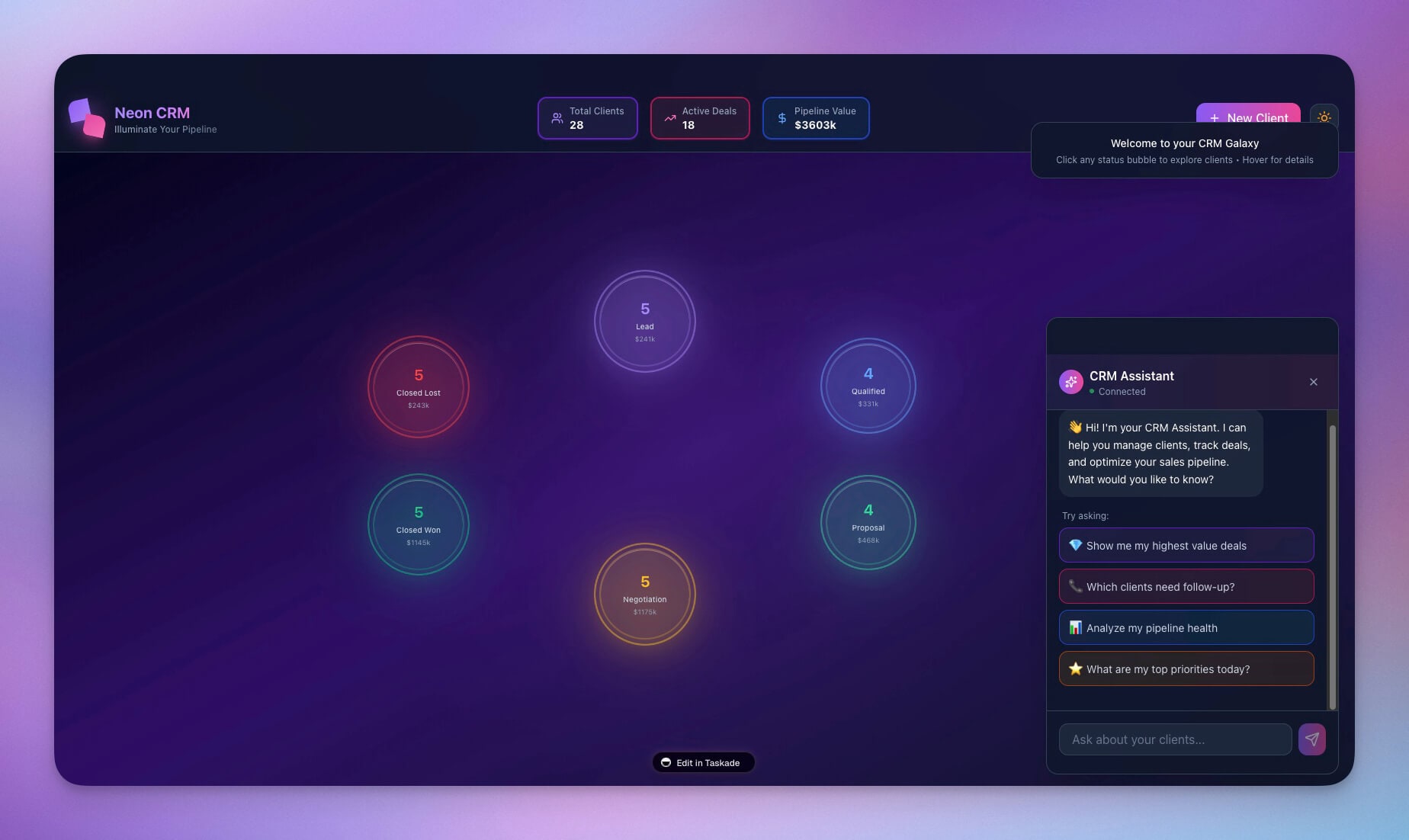
- Neon CRM Dashboard — HubSpot integration
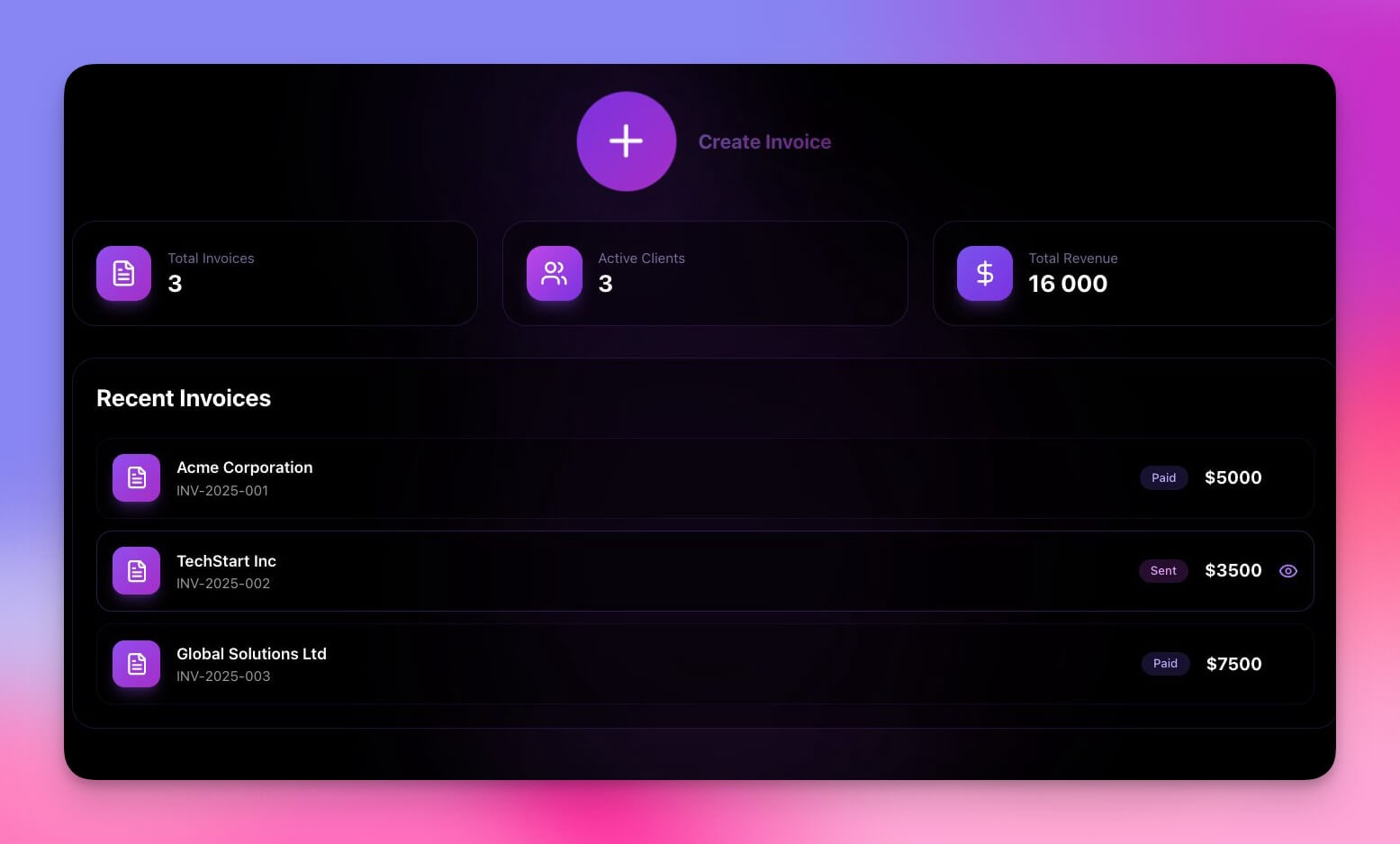
- Invoice Generator — Gmail receipts
👉 How to use: Connect Gmail/HubSpot → Create automation → Sync data → Apps update automatically
💳 Payment Integrations
Accept payments, manage subscriptions, and track revenue—all integrated into your Taskade Genesis apps.
What You Can Do:
- Stripe — Process payments, manage subscriptions, handle invoices
- PayPal — Payment processing and transactions
🌟 Example: Customer purchases → Stripe processes payment → Automation creates project → Sends receipt → Updates dashboard → Complete workflow.
Featured Apps with Payments:
- Invoice Generator — Stripe payment processing
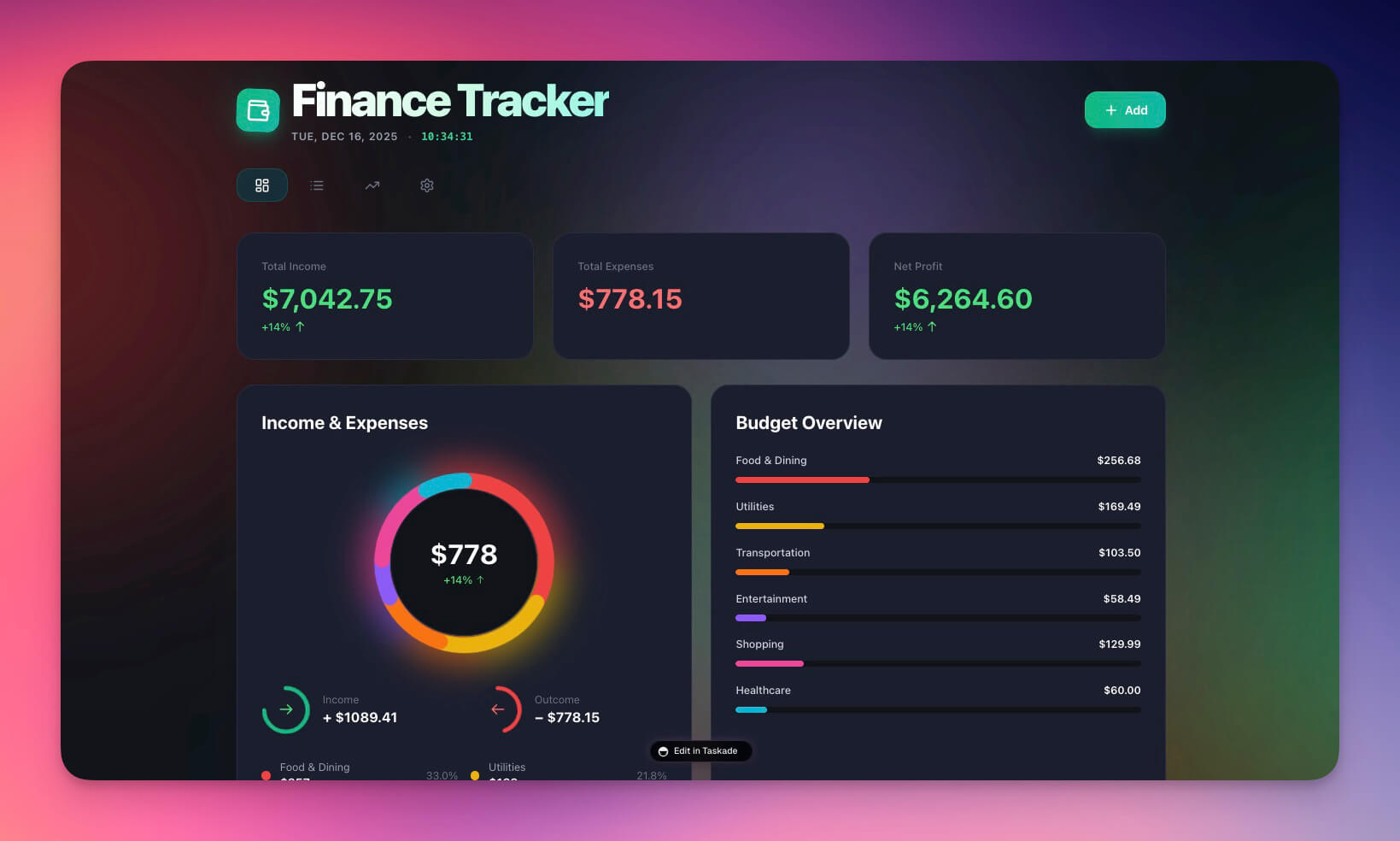
- Finance Tracker Dashboard — Payment tracking
👉 How to use: Connect Stripe → Build payment workflows → Process payments → Track revenue
📊 Data & Analytics Integrations
Connect your data sources to build powerful analytics and reporting dashboards. Use projects as databases for structured data storage.
What You Can Do:
- Google Sheets — Sync data, create reports, track metrics
- Airtable — Database integration and data sync
- Typeform — Form submissions and data collection
- Google Drive — File management and sharing
🌟 Example: Form submissions → Google Sheets → Dashboard updates → Analytics tracked → Reports generated → Complete data flow.
Featured Apps with Data:
- Finance Tracker Dashboard — Google Sheets integration
- Team Capacity Planner — Data sync
👉 How to use: Connect Google Sheets/Airtable → Sync data → Build dashboards → Track metrics
🛠️ Development Integrations
Connect your development workflow to your apps. GitHub, webhooks, and APIs—all integrated with automation triggers.
What You Can Do:
- GitHub — Track issues, sync PRs, manage repositories
- HTTP/Webhooks — Connect to any API or service
- Custom APIs — Build your own integrations
🌟 Example: GitHub PR created → Automation creates task → Updates dashboard → Notifies team → Tracks progress → Complete dev workflow.
Featured Apps with Dev Tools:
- Project Dashboard — GitHub integration
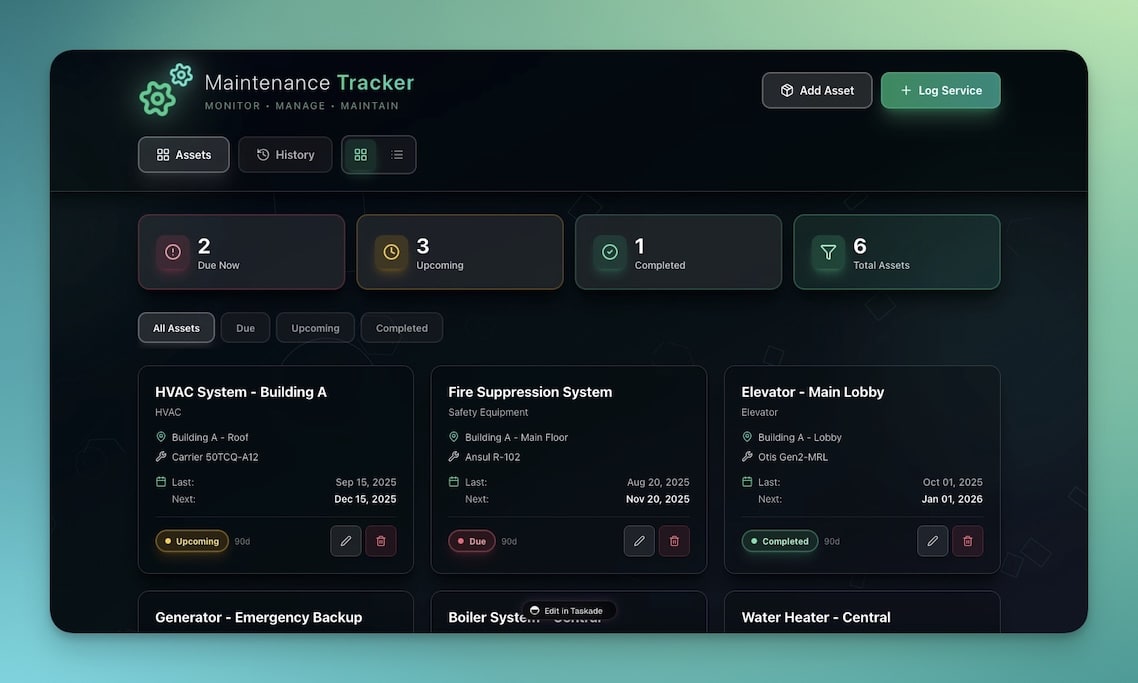
- Maintenance Tracker Dashboard — Webhook integration
👉 How to use: Connect GitHub → Create webhooks → Build custom APIs → Integrate everything
📝 Content Integrations
Connect your content platforms to automate publishing and track performance. Learn how to automate YouTube and RSS feeds.
What You Can Do:
- WordPress — Auto-publish posts, manage content
- RSS — Aggregate feeds, repurpose content
- YouTube — Transcribe videos, extract content
- Reddit — Post and engage with communities
🌟 Example: Create content → WordPress publishes → RSS aggregates → YouTube transcribes → Reddit shares → Complete content workflow.
Featured Apps with Content:
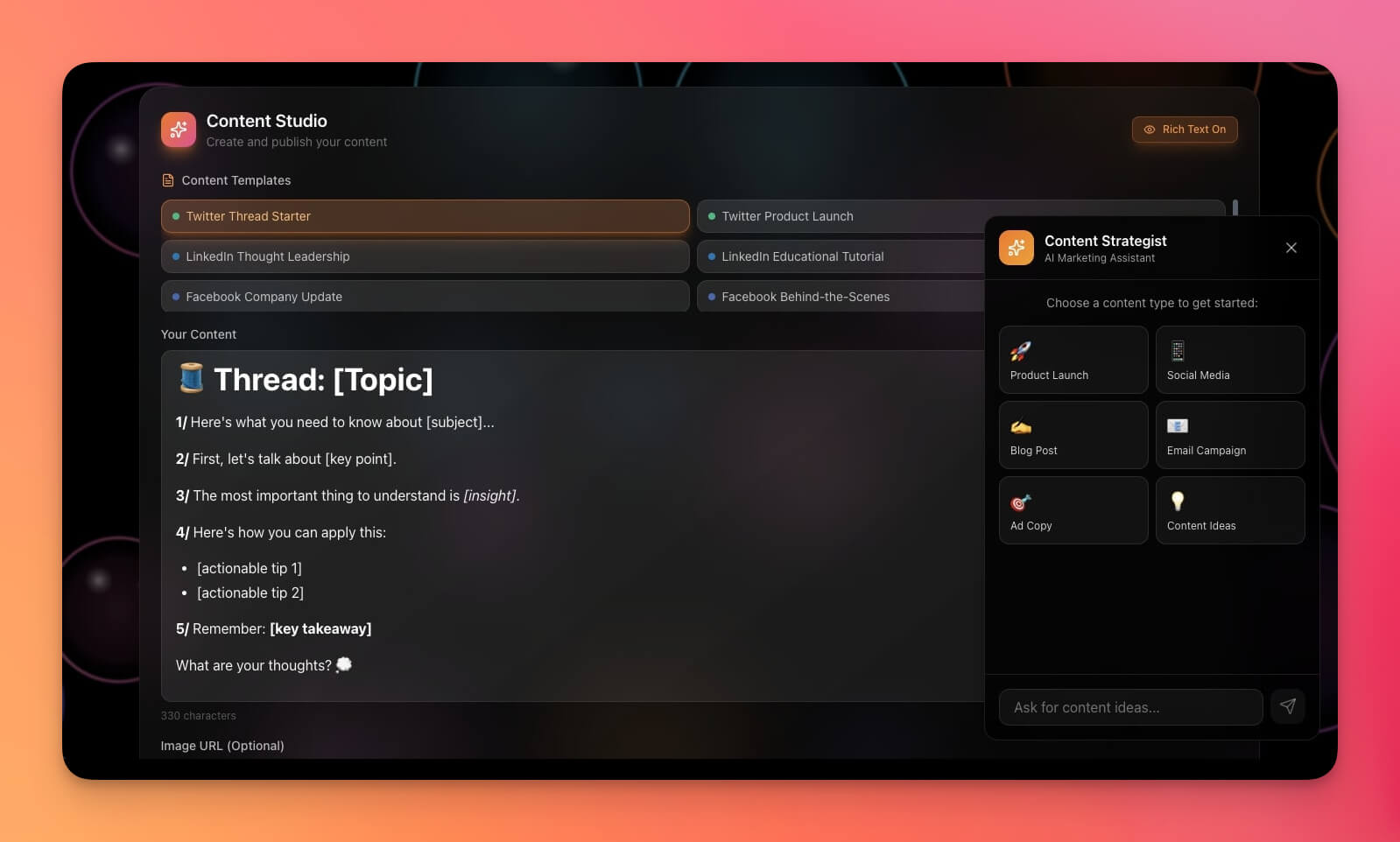
- Multi-Platform Publisher — WordPress, RSS integration
- RSS-Feed Inbox — Content aggregation
👉 How to use: Connect WordPress/RSS → Create automation → Publish content → Track performance
🔄 Complete Integration Workflows
Build end-to-end workflows that connect multiple services together. Explore advanced automation workflows with branching, looping, and filtering.
Example Workflow:
- Form Submission → Typeform collects data
- Data Sync → Google Sheets stores responses
- CRM Update → HubSpot creates contact
- Email Sent → Gmail sends confirmation
- Slack Notification → Team gets notified
- Dashboard Update → App displays new data
Result: Complete automation across 6+ services, all working together.
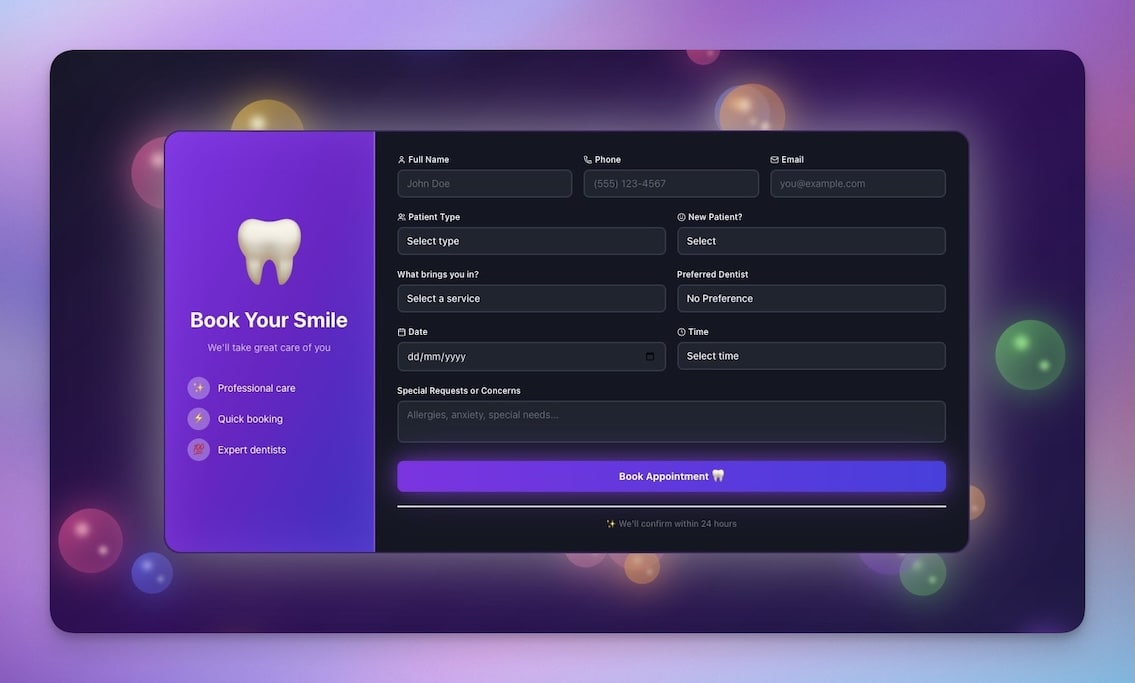
🌟 Example: Appointment Booking System → Calendly booking → Google Calendar sync → Gmail confirmation → Slack notification → Dashboard update → Complete workflow.
👉 How to use: Connect multiple services → Create automation → Build workflows → Everything works together
🔐 Secure & Reliable
All integrations use secure OAuth authentication and reliable connection management.
Security Features:
- OAuth 2.0 — Secure authentication without passwords
- Encrypted Connections — All data encrypted in transit
- Permission Control — Granular access control
- Audit Logging — Track all integration activity
Reliability Features:
- Automatic Retries — Failed requests retry automatically
- Rate Limit Handling — Respects API limits
- Error Recovery — Graceful error handling
- Connection Monitoring — Health checks and alerts
👉 How to use: Connect services securely → Monitor connections → Automatic reliability
🧩 Other Improvements
-
- New: 100+ Integrations — Connect to all your tools
- New: OAuth Authentication — Secure connection management
- New: Integration Hub — Visual integration management
- New: Webhook Support — Connect to any service
- Better connection reliability
- Improved error handling
Taskade Genesis App Enhancements:
- New: Integration Integration — Apps connect to 100+ services
- New: Real-Time Sync — Data syncs automatically
- New: Workflow Automation — Complete automation workflows
- Better integration performance
- Improved connection management
-
- New: Multi-Service Workflows — Connect multiple services
- New: Integration Triggers — Trigger from external services
- New: Data Mapping — Map data between services
- Better workflow reliability
- Improved error recovery
-
- New: Webhook API — Receive webhooks from any service
- New: HTTP Integration — Connect to REST APIs
- New: Custom Integrations — Build your own integrations
- Better API documentation
- Improved developer experience
Improved security, stability, and overall speed
Various bug fixes and optimizations
Check all updates on the Changelog.
🚀 Join the Community
Great things are built together. Your ideas, feedback, and creations shape the future of Taskade Genesis. Connect, learn, and build with us:
Feedback | Reddit | Facebook Group | Updates | Tutorials | Docs | Community
One Workspace. All Your Tools.
Before: Tools live in silos. Manual connections. Data scattered.
Now: One workspace. 100+ integrations. Everything connected.
Your entire tool stack, working together.
Start connecting and building now
This is the origin of living software 🌱
— John Xie, Co-founder & CEO, Taskade
Frequently Asked Questions
How many integrations does Taskade support?
Taskade supports 100+ integrations across communication (Slack, Discord, Microsoft Teams), email and CRM (Gmail, HubSpot, Mailchimp), productivity (Google Workspace, Microsoft 365), development (GitHub, GitLab), payments (Stripe, PayPal), content (WordPress, RSS, YouTube), and data platforms (Google Sheets, Airtable).
Can I connect Taskade integrations to Genesis apps?
Yes. Integrations connect directly to your Genesis apps through automation workflows. You can build dashboards powered by Stripe payment data, forms that send Slack notifications, and tools that sync with Google Sheets — all within a single app.
Does Taskade support custom webhooks?
Yes. Taskade supports HTTP webhooks and custom API integrations. You can connect any service that supports webhooks to trigger Taskade automations, enabling integration with tools beyond the 100+ built-in connectors.
How do Taskade integrations work with AI agents?
AI agents can work with integration data to make intelligent decisions. For example, an agent can monitor Slack messages, analyze sentiment, and route support requests to the right team — all automatically through the combination of integrations and AI intelligence.