

Yes, AI can make a work schedule. This work schedule maker builds the staff roster for you: describe your crew, your operating hours, and your coverage rules, and get a filled shift calendar with rotations, days off, and uncovered shifts flagged. Every block stays editable, staff see their own shifts, and swaps happen where the roster lives.
TL;DR: Taskade generates the whole employee rotation from one prompt, covering shift assignments, rest gaps, approved time off, and open shifts, then keeps it live with real-time swaps and automated reminders. Build your shift calendar
What Is an Employee Shift Calendar?
An employee shift calendar is the single source of truth for who works when. It maps each employee to a shift block across a repeating cycle (early, late, night, weekend, on-call) and records days off, leave, and swaps in one place. Shift-based operations use it to prove coverage before the week starts instead of finding a hole at 6 a.m. It pairs with a capacity calendar for headcount planning, a shift schedule timesheet for hours worked, and a PTO and leave tracker so nobody gets scheduled on a booked-off day.
Coverage-First Scheduling: What You Get vs a Plain Shift Tool
A generic scheduling app hands you a grid. Taskade generates a roster that respects your rules, then keeps swaps, hours, and payroll export in the same workspace.
| Job to be done | Typical shift scheduler | Taskade |
|---|---|---|
| First draft of the rotation | Blank grid you fill cell by cell | Generated from a prompt describing your crew and hours |
| Uncovered shifts | You spot the hole by eye | Flagged as open shifts you can filter and assign |
| Shift swaps | Email the manager, wait for a reprint | Edited live in the roster, everyone sees it instantly |
| Time off | Tracked in a separate tool | Leave tracker in the same workspace |
| How you view it | One fixed week grid | All project views: Calendar, Board, Table, Gantt |
| Shift reminders | Manual texts the night before | Automated reminders before every shift |
| Hours to payroll | Retyped into a spreadsheet | Payroll export timesheet built from the same roster |
| Cost to start | Per-seat subscription | Free (earn free AI credits as you go), no card required |
A scheduler produces a document. Taskade produces a live operations hub your team works inside all week.
Pick the Rotation Pattern That Matches Your Coverage
Tell the generator which pattern you run and it builds the cycle, including the rest days that pattern implies.
| Rotation pattern | Cycle | Best for | Watch for |
|---|---|---|---|
| Fixed shifts | 1 week | Retail, offices, single-shift sites | Weekend fairness across the team |
| 2-2-3, also called Panama or Pitman | 2 weeks, 12-hour shifts, 4 teams | 24/7 plants, security, dispatch | Rest gaps between night and day blocks |
| 4-on-4-off | 8 days, 12-hour shifts | Manufacturing, logistics hubs | Overtime creep on the fourth day |
| DuPont | 4 weeks, 12-hour shifts, 4 teams | Continuous process plants | Night blocks stacked before the long break |
| 7-on-7-off | 2 weeks, 12-hour shifts | Hospitals, utilities, remote sites | Fatigue late in the seven-day run |
| 24/48 | 3 days, 24-hour shifts | Fire, EMS, standby crews | Callback hours landing on scheduled off days |
| Split and on-call | Daily | Hospitality, field service, clinics | Who owns the on-call rotation |
| Compressed week | 1 week | Support desks, back office | Hour caps per day, so check the compressed schedule timesheet |
Sample Output: One Week of a 2-2-3 Rotation
This is what the generator returns for a 24/7 site running four teams on 12-hour shifts. Week one is below. In week two the pattern inverts, so Team A works the two-day stretch and Team B works the three.
| Team | Mon | Tue | Wed | Thu | Fri | Sat | Sun |
|---|---|---|---|---|---|---|---|
| A (day) | Day | Day | Off | Off | Day | Day | Day |
| B (day) | Off | Off | Day | Day | Off | Off | Off |
| C (night) | Night | Night | Off | Off | Night | Night | Night |
| D (night) | Off | Off | Night | Night | Off | Off | Off |
Every day and night block is covered, nobody works more than three days in a row, and hours average 42 a week across the two-week cycle. Ask for a different headcount, a different pattern, or a fifth relief team, and the generator rebuilds the whole cycle rather than shifting one cell.
How to Build Your Employee Shift Calendar
Open your Taskade workspace and click "New project", then choose "AI Project Studio".
Describe the roster in one prompt: headcount, roles, operating hours, rotation pattern, and any rule that cannot break (minimum rest, one manager per shift, no back-to-back nights).
Review the generated cycle and fill the gaps. Unassigned blocks stay visible as open shifts you can offer to the team.
Switch to Calendar view for the month at a glance, Board to sort by shift or location, Table to check hours per person.
Share the roster and set who can edit versus only view. Taskade has role-based access from Owner through Viewer, so staff claim a shift without rewriting the schedule.
Customize the project with your own fields, such as site, certification, or pay code, then reuse it next month.
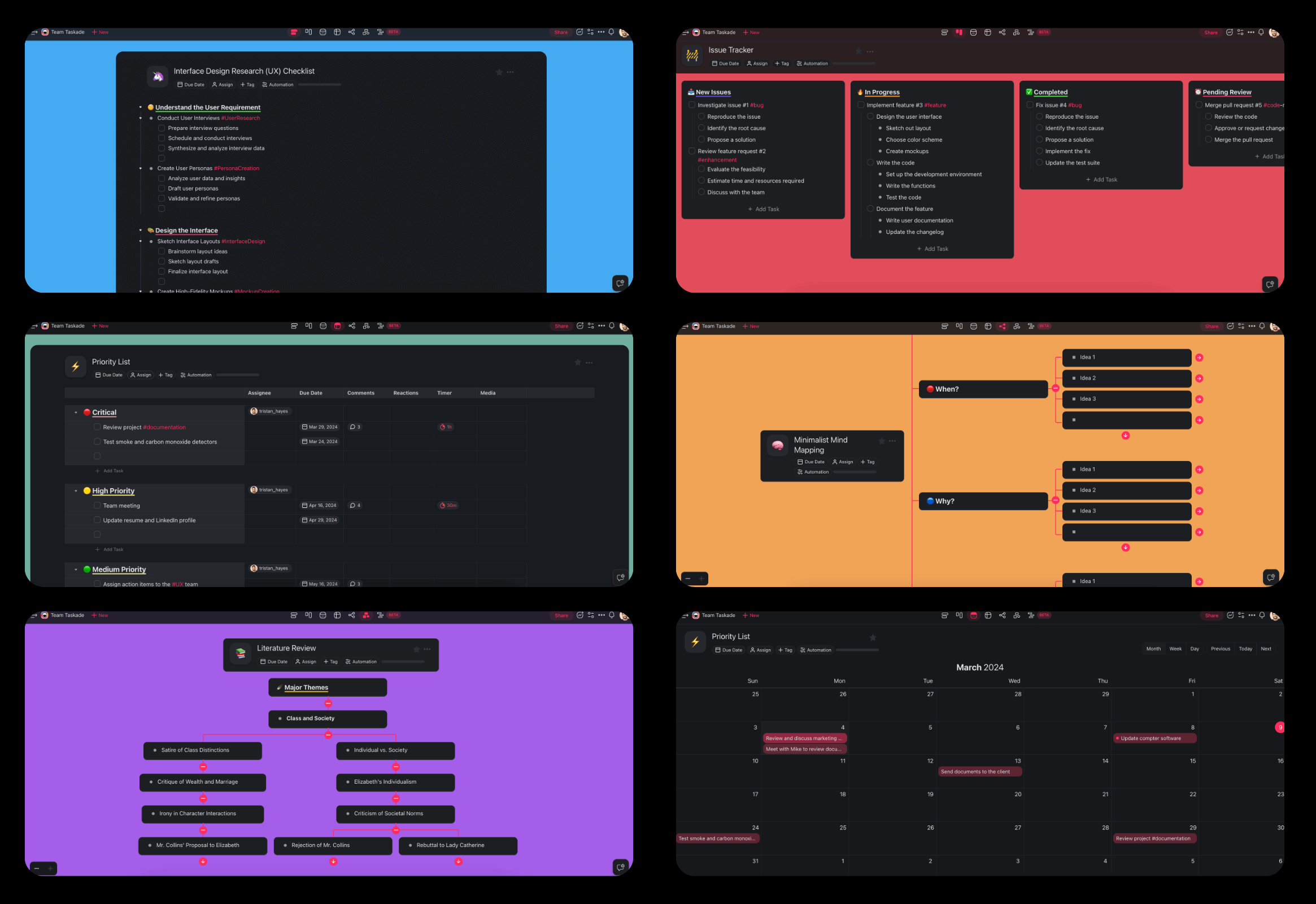
Run the Whole Shift Cycle From One Roster
Scheduling is the first step, not the whole job. Each of these starts from the same roster:
AI Shift Schedule Maker: a fresh rotation for a new site or season.
AI Work Schedule Maker and free schedule generator: lighter versions for small teams and one-off weeks.
Overtime tracking timesheet: catch overtime while you can still reassign it, not on the payroll run.
Team capacity planning sheet: check the headcount can cover the hours you just scheduled.
Crew scheduling dispatch board and shift-based dispatch scheduler: field crews whose shifts are tied to job sites.
Clinic staff shift roster and healthcare staff timesheet: patient-facing coverage with credential requirements.
Vacation tracking sheet, timesheet template, and training calendar: the paperwork around the roster.
AI agents and automations: auto-publish the roster weekly, sync approved leave with holiday and PTO sync, or run a shift scheduling automation when someone calls out.
Frequently Asked Questions
What is an AI employee schedule generator?
It is a tool that writes the staff schedule from your rules instead of handing you a blank grid. You state who works, when the business is open, how many people each shift needs, and who is off. The generator assigns every shift, balances hours, and flags any slot nobody can cover.
Can AI do staff scheduling for a small business?
Yes. A cafe, clinic, shop, or crew of five to fifty gets the same flow: list staff and availability, set the cover you need per shift, and generate the week. Managers review the draft, swap a few names, and publish one link the team checks on their phones.
Can I reuse my work schedule every week?
Yes. Save the first schedule as your template and regenerate next week from it. Recurring shifts stay in place, approved time off is removed, and only the changes need your attention. For rotating 12-hour patterns, see the rotating shift schedule maker.
Is the employee shift calendar generator free?
You can start on the Free plan, which includes 2 members. On Free, you earn free AI credits through referrals and invites, and you can upgrade any time. Pro is $10/month billed annually for up to 10 members, and higher tiers lift both usage and member limits.
Can AI make a work schedule?
Yes. Give it the same inputs a human scheduler would need: headcount, roles, operating hours, the rotation pattern you run, and any rule that cannot break. The AI returns a complete work schedule with shifts assigned, days off placed, and gaps marked as open shifts. It does the mechanical part, laying out a valid cycle across every day you operate, and leaves you the judgment calls about who covers what. Review the draft before you publish it.
How do I create an employee shift schedule?
Describe your team and coverage rules in one prompt: headcount, roles, operating hours, rotation pattern, and hard constraints such as minimum rest between shifts. The AI returns a filled cycle with days off and open shifts marked. From there you reassign blocks, add your own fields, and publish. You get a usable first draft in minutes and spend the rest of your time on exceptions.
Is there an automatic shift scheduler for recurring rotations?
Yes. Once a cycle is generated, keep it as your template and let an automation roll the next period forward instead of rebuilding it. Set a recurring trigger for the day you publish, then pair it with reminders before each shift. Mid-week changes stay in the same roster, so the automatic version and the live version never drift apart.
Can it generate a random employee schedule?
It rotates rather than randomizes, which is usually what people want from a random employee schedule generator: no one person gets every weekend or every night block. Ask for shifts distributed evenly across the crew and the generator spreads the unpopular slots through the cycle. If you do want arbitrary assignment, for a draw or a trial run, say so in the prompt and edit the result.
Can employees swap shifts themselves?
Yes. Give staff edit access on their own shift blocks and swaps happen in the roster instead of a text thread. Everyone sees the change in real time, so there is no "which version is current" problem. Because permissions are from Owner through Viewer, one shift lead can approve swaps while everyone else only views the published schedule.
How does it handle time off, no-shows, and last-minute callouts?
Approved leave lives in the same workspace as the roster, so the generator will not schedule someone who is already off. Pair the calendar with a PTO and leave tracker for requests and balances. For callouts, an automation turns the vacated block into an open shift and notifies eligible staff immediately, which is what shift scheduling automation is for.
Does it work for 24/7 operations and rotating night shifts?
Yes. Name the pattern in your prompt, whether that is 2-2-3, 4-on-4-off, DuPont, 7-on-7-off, split, or on-call, and the generator lays out the full cycle including rest days. For round-the-clock sites, use Table view to check hours per person and Gantt to see whether night blocks overlap as intended. Timeline sits inside Gantt, so the handover view is one click away.
What is a 2-2-3 shift schedule?
A 2-2-3, also called the Panama or Pitman schedule, is a two-week cycle of 12-hour shifts: two days on, two off, three on, then two off, two on, three off. Four teams cover a site around the clock and each person averages 42 hours a week across the cycle, with a three-day weekend every other week. Name it in your prompt and the generator lays out the whole rotation, as in the sample week above.
Can I share the schedule without giving everyone edit access?
Yes. Publish a view-only link for staff, keep editing to the scheduler, and embed the calendar in an internal team page. Roles run from Owner down to Viewer, so a site lead can edit one location while the rest of the team only sees the published roster.
Which AI models generate the schedule?
Taskade routes your prompt through frontier models from top AI labs, with Auto selected by default. You can switch models per task, picking a longer-context model for a multi-site roster or a faster one for a weekly refresh. The output stays fully editable either way.
Can I automate reminders and weekly roster publishing?
Yes. With workflow automations and AI agents you can publish next week's roster on a schedule, send reminders before every shift, and log completed hours to a timesheet. Agents come with built-in tools, and 100+ bidirectional integrations connect the roster to tools you already use, including Google Calendar. Start from an automation trigger such as a due date or field update.