







AI project management tools now do more than store tasks. They plan work from a goal, write the status report, schedule the week and run follow-ups through automations. This guide ranks 9 tools for 2026 on their AI, their free plans and their current prices.
TL;DR: Asana leads for portfolios, ClickUp packs the most features, monday.com has the most visual boards and Motion schedules your calendar. Taskade puts AI agents and automations inside the project, and Pro covers up to 10 people at one price. Pro is $10 a month billed yearly. See plans and prices
AI Project Management Tools at a Glance (2026)
| Tool | Free plan | Paid from | Best for |
|---|---|---|---|
| Taskade | Yes: 2 members, 3 apps, no AI credits to start | $10/mo (Pro, yearly) for up to 10 people | AI agents and automations inside the project |
| Asana | Yes: up to 2 users | $10.99/user/mo (Starter, yearly) | Portfolios, timelines and goals |
| ClickUp | Yes: Free Forever | $9/user/mo (Core, yearly) | An all-in-one hub with AI included |
| monday.com | Yes: up to 2 seats | $9/seat/mo (Basic, yearly), 3-seat minimum | Visual boards with AI credits on paid plans |
| Notion | Yes | $10/member/mo (Plus, yearly) | Docs and wikis with light project tracking |
| Motion | No: free trial | $19/seat/mo (Pro AI, yearly) | AI that schedules tasks on your calendar |
| Wrike | Yes | $10/user/mo (Team, yearly) | Resourcing, approvals and reporting |
| Smartsheet | No: 30-day trial | $9/member/mo (Pro, yearly) | Spreadsheet-style project tracking |
| Linear | Yes: 2 teams, 250 issues | $10/user/mo (Basic, yearly) | Software teams that track issues and cycles |
Prices were checked on each vendor's pricing page on 2026-10-18. The sources are listed at the end of this guide.

What to Look For in an AI Project Management Tool
Five questions sort the tools fast:
- Does the AI act or only suggest? An agent that updates the board and writes the report saves more time than a writing assistant.
- How is AI billed? Some tools include AI credits in each plan, and some sell AI per seat or as credits on top.
- Does the price grow with each hire? Most tools bill per user. A few include a set number of people.
- Can automations run the follow-ups? Check the monthly automation limit on the plan you will buy.
- Does it fit how your team thinks? Boards, timelines, spreadsheets and docs suit different teams.
What Independent Reviewers Say
Two independent 2026 lists that are not written by any vendor on this page name Taskade:
- project-management.com ranks Taskade #3 of 8 in "I Found 8 AI Project Management Tools Worth Using in 2026" (2026-06-03), as "best for building customizable project apps." The reviewer writes: "Taskade Genesis has completely changed how I design internal project tools and workflow systems."
- The Digital Project Manager ranks Taskade #10 of 10 in "10 Best AI Project Management Tools Reviewed In 2026" (updated 2026-09-30), as "best for real-time organization."
Both lists rank other tools above or near Taskade, and both are worth a read before you choose.
The 9 Best AI Project Management Tools in 2026
1. Taskade: Best for AI Agents and Automations in the Project
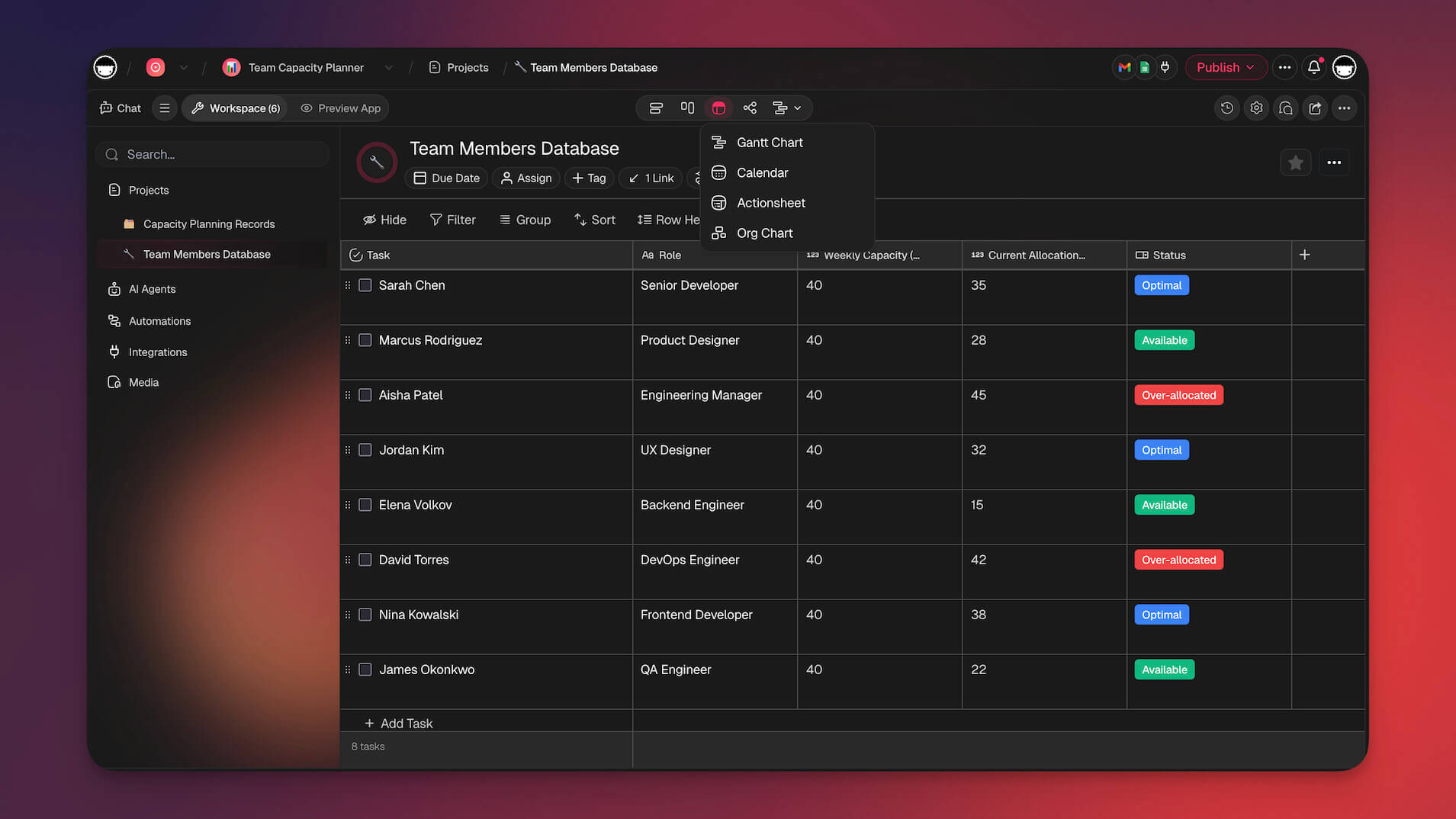
Taskade is a workspace where projects, AI agents and automations share the same data.
AI in 2026: agents read the project and write plans, summaries and follow-ups, and automations can call them.
Strengths:
- One price covers up to 10 people on Pro
- Video calls and chat inside the workspace
Trade-offs:
- Fewer portfolio and reporting features than Asana
Pricing: Free with 2 members and no AI credits to start. Pro is $10 a month billed yearly ($20 monthly), with 50,000 AI credits and 1,000 automation runs a month.
Best for: Small teams that want AI to do project work, not only suggest it.
2. Asana: Best for Portfolios and Goals
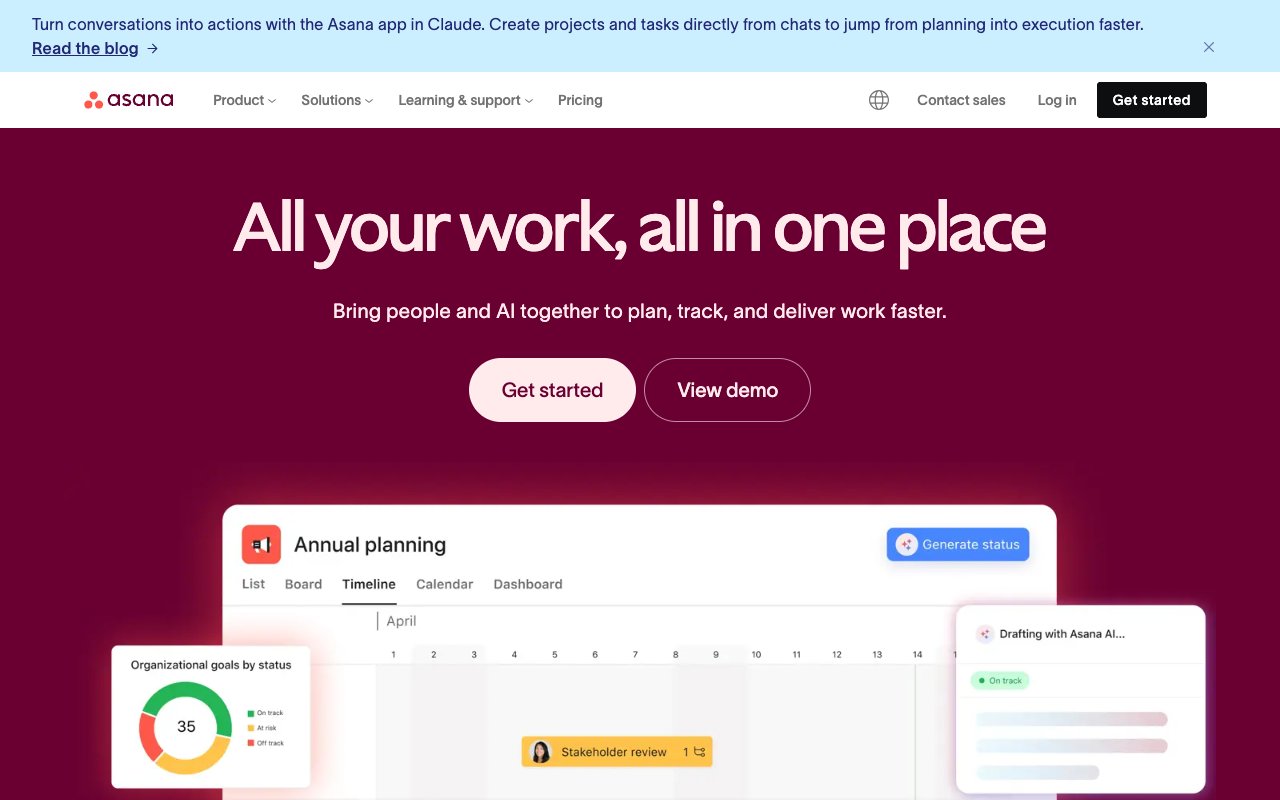
Asana organizes work in projects, portfolios and company goals, with timelines and workload views.
AI in 2026: paid plans include AI requests and AI Studio credits for smart workflows.
Strengths:
- Portfolios and goals connect daily tasks to company plans
- Workload view shows each person's capacity
Trade-offs:
- Portfolios and goals need the higher plans
Pricing: Personal is free for up to 2 users. Starter is $10.99 a user a month billed yearly ($13.49 monthly). Advanced is $24.99.
Best for: Large teams that plan across many projects.
3. ClickUp: Best All-in-One Hub
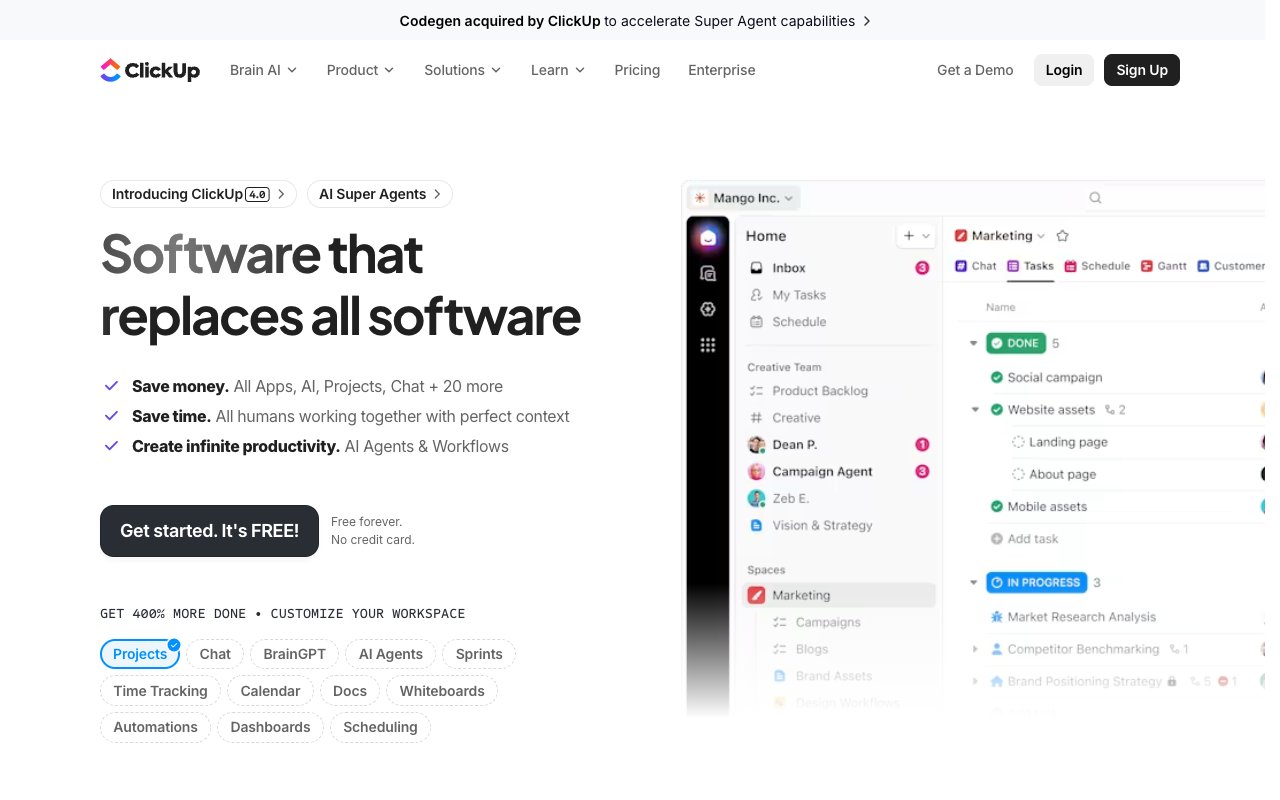
ClickUp puts tasks, docs, whiteboards, chat and goals in one tool, with many views.
AI in 2026: the new plans for new workspaces include AI across tasks and docs.
Strengths:
- The widest feature set on this list
- Native time tracking and reports
Trade-offs:
- The learning curve is steep
Pricing: Free Forever with 60 MB storage. Core is $9 a user a month billed yearly, and Business is $17. Existing workspaces keep the older Unlimited and Business plans.
Best for: Teams that want one deep tool for most of their work.
4. monday.com: Best for Visual Boards
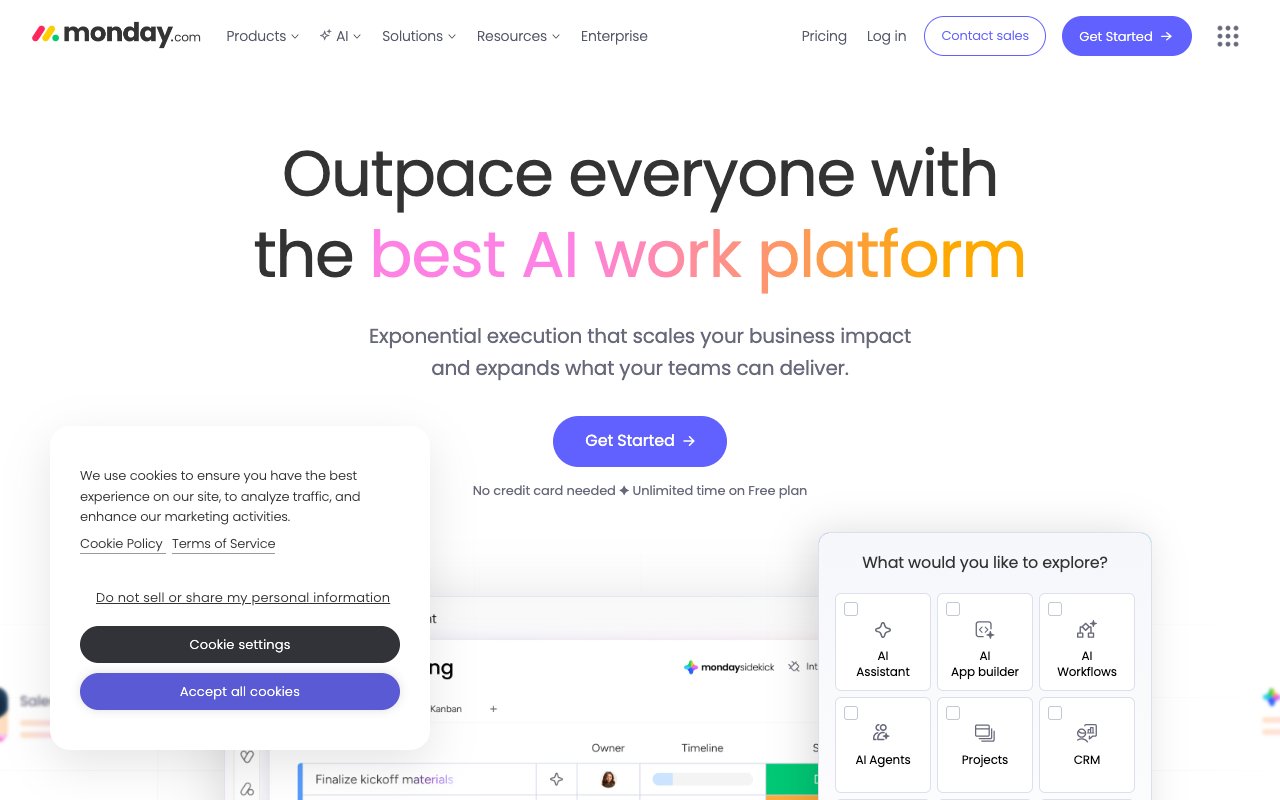
monday.com is a visual work platform with colorful boards, dashboards and a no-code automation builder.
AI in 2026: paid plans include AI credits (1,000 a month on Basic) and AI agents, with more on the higher plans.
Strengths:
- The most visual boards and dashboards
- A polished automation builder
Trade-offs:
- Paid plans start at 3 seats
Pricing: Free for up to 2 seats and 3 boards. Basic is $9 a seat a month billed yearly ($12 monthly), Standard $12 and Pro $19.
Best for: Mid-size teams that want custom visual workflows.
5. Notion: Best for Docs With Projects
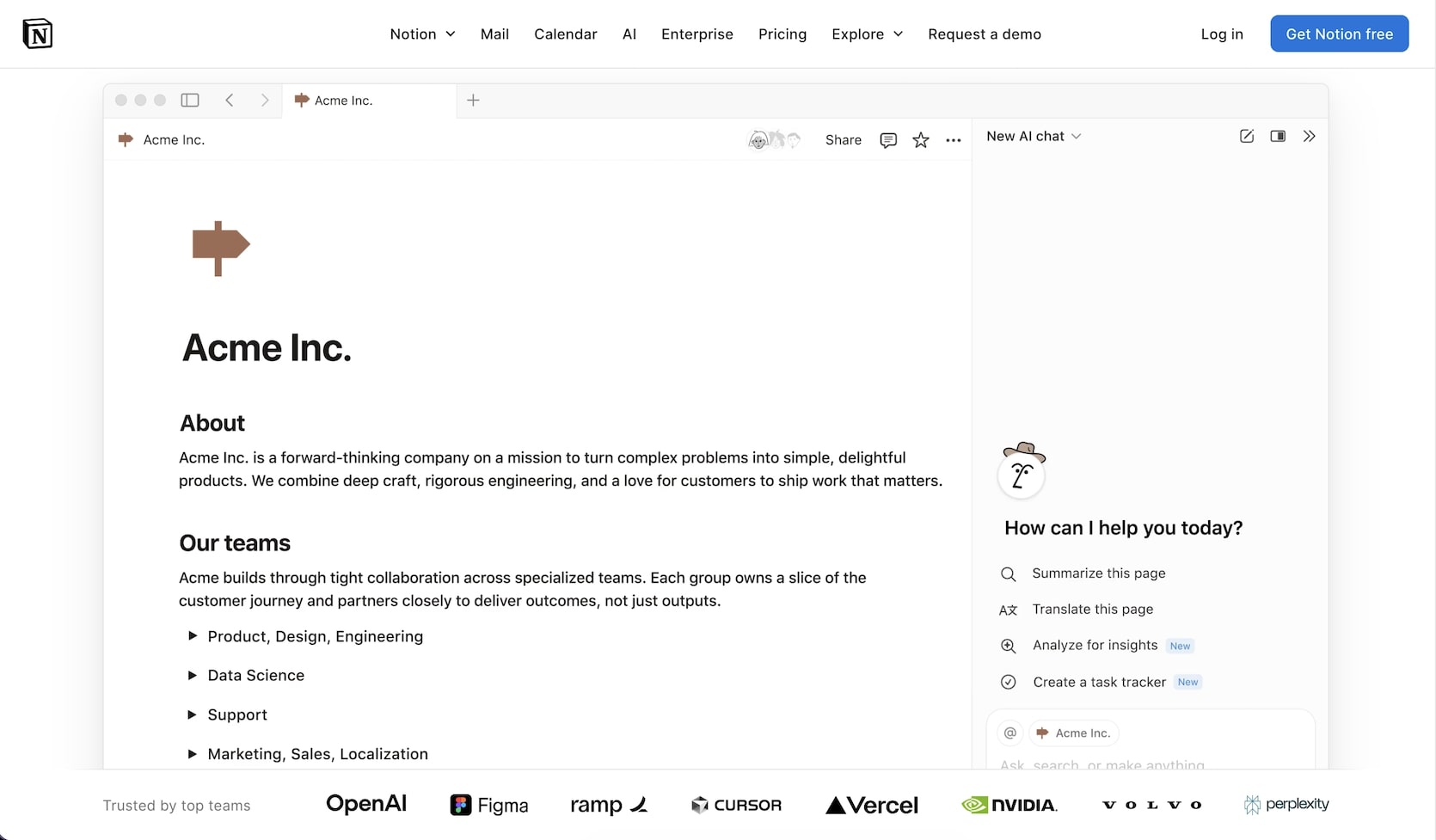
Notion combines docs, wikis and databases, and its project templates add light task tracking.
AI in 2026: Notion AI is a trial on Free and Plus. The Notion Agent and AI meeting notes are on Business, and custom agents run on Notion credits.
Strengths:
- Flexible pages and databases for any structure
- A strong wiki for team knowledge
Trade-offs:
- Fewer project views and less scheduling than dedicated tools
Pricing: Free for individuals. Plus is $10 a member a month billed yearly ($12 monthly). Business is $20 billed yearly ($24 monthly).
Best for: Teams whose projects live next to their docs.
6. Motion: Best for AI Scheduling
Motion plans your day: it places tasks on your calendar by priority and deadline, and moves them when plans change.
AI in 2026: Pro AI includes 7,500 AI credits a seat a month for scheduling and project work.
Strengths:
- Automatic calendar planning for each person
- Deadline warnings before work slips
Trade-offs:
- No free plan, and the price is per seat
Pricing: No free plan, only a trial. Pro AI is $19 a seat a month billed yearly ($29 monthly) for teams. Individuals pay $29 yearly ($49 monthly).
Best for: People and teams whose main problem is time, not task tracking.
7. Wrike: Best for Resourcing and Approvals
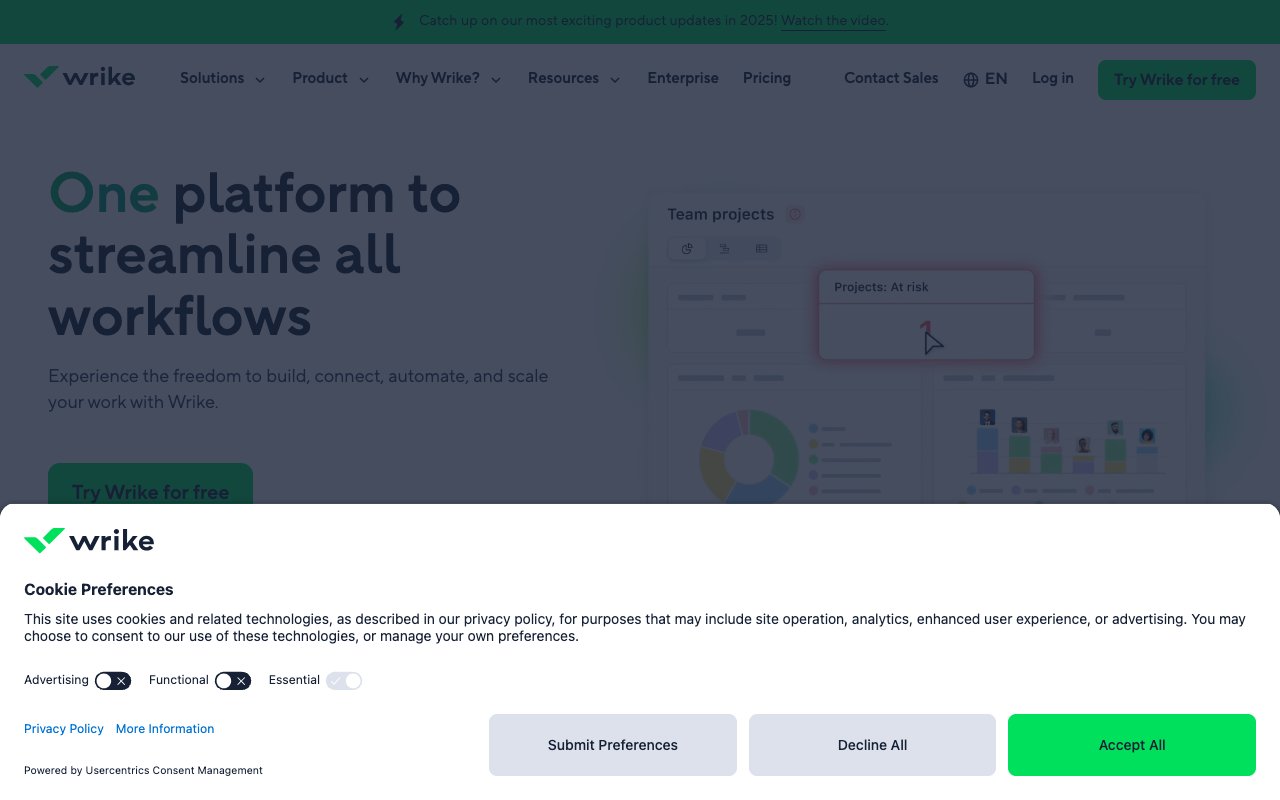
Wrike handles complex projects with resource planning, custom workflows and request forms.
AI in 2026: Team includes AI Essentials for content and summaries. Business adds a starter pack of AI Elite actions for AI agents.
Strengths:
- Strong workload and capacity planning
- Multi-step approval workflows
Trade-offs:
- Paid plans are billed yearly only
Pricing: Free for basic task management. Team is $10 a user a month billed yearly (2 to 15 users). Business is $25 (5 to 200 users).
Best for: Agencies and service teams with complex resourcing.
8. Smartsheet: Best for Spreadsheet Teams
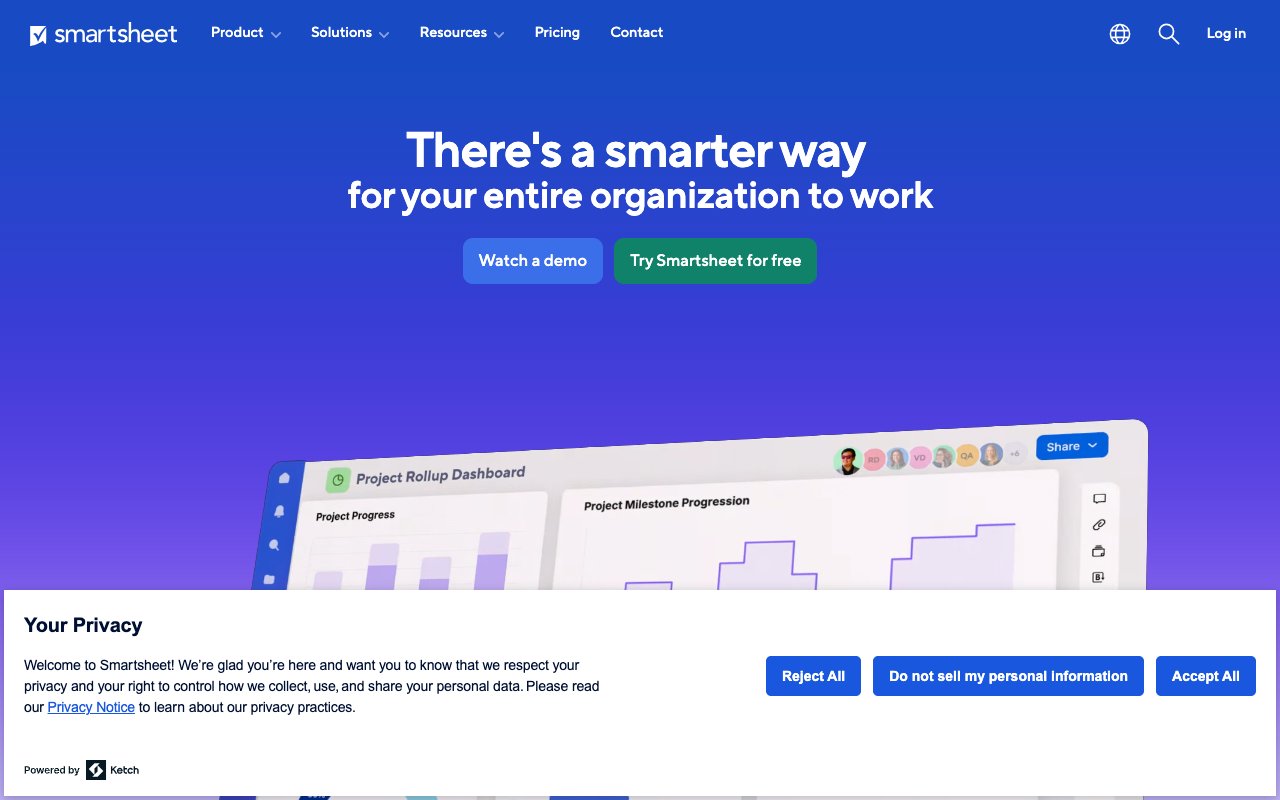
Smartsheet keeps a spreadsheet grid and adds Gantt, calendar and reports on top of the sheet data.
AI in 2026: Pro includes Smart Assist to analyze data and generate formulas. Business adds connections to outside AI assistants.
Strengths:
- Excel users feel at home on day one
- Reports roll up data from many sheets
Trade-offs:
- No free plan, and boards are less visual
Pricing: No free plan, only a 30-day trial. Pro is $9 a member a month billed yearly ($12 monthly), and Business is $19 ($24 monthly).
Best for: Teams that think in rows, columns and formulas.
9. Linear: Best for Software Teams
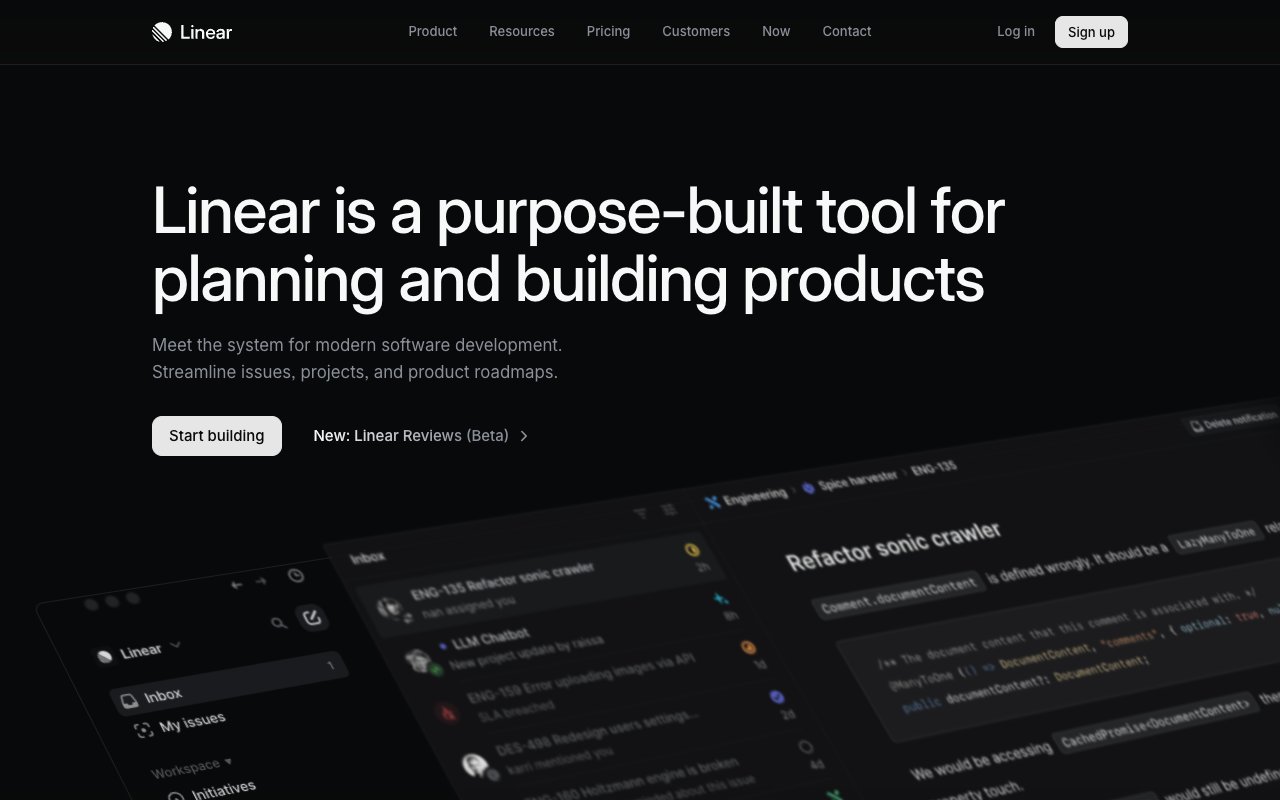
Linear tracks issues, cycles and roadmaps for product and engineering teams, with a fast keyboard-first interface.
AI in 2026: the Free plan lists the Linear Agent and an agent platform, and some AI work needs AI credits.
Strengths:
- Speed and keyboard shortcuts that developers like
- Cycles and roadmaps made for product work
Trade-offs:
- Made for software work, not general projects
Pricing: Free for 2 teams and 250 issues. Basic is $10 a user a month billed yearly, and Business is $16.
Best for: Product and engineering teams.
Monthly Cost for a 10-Person Team (2026)
The table uses yearly billing and each tool's lowest paid plan for 10 people.
| Tool | Plan | Monthly Cost |
|---|---|---|
| Taskade | Pro (up to 10 people) | $10 |
| monday.com | Basic | $90 |
| ClickUp | Core | $90 |
| Smartsheet | Pro | $90 |
| Notion | Plus | $100 |
| Wrike | Team | $100 |
| Linear | Basic | $100 |
| Asana | Starter | $109.90 |
| Motion | Pro AI | $190 |
A team above 10 people moves to Taskade Business at $25 a month billed yearly, with no member limit.
Limitations: When Taskade Is Not the Right AI Project Management Tool
Taskade is a strong fit for small teams that want AI agents and automations in the project. Another tool is the better fit in these cases:
- You manage portfolios and goals across hundreds of people. Asana and monday.com Enterprise are made for that shape.
- Your main problem is the calendar. Motion plans each person's day for them.
- Your team works in spreadsheets. Smartsheet keeps the grid and the formulas.
- You run software sprints and issue triage. Linear is made for product and engineering teams.
- You plan heavy daily AI use for a large team. Taskade AI credits are shared by the workspace, so check the Pro or Business allowance first.
How to Choose
| If You Need... | Best Choice |
|---|---|
| AI agents and automations at one team price | Taskade |
| Portfolios and goals | Asana |
| Everything in one app | ClickUp |
| The most visual boards | monday.com |
| Docs and wiki first | Notion |
| AI calendar planning | Motion |
| Resourcing and approvals | Wrike |
| A spreadsheet interface | Smartsheet |
| Issue tracking for software | Linear |
Why We Built Taskade Differently
Most project tools add AI to a task list. Taskade starts from a workspace where three layers share the same data, which we call Workspace DNA:
- 🧠 Projects: tasks and custom fields in List, Board, Calendar, Table, Mind Map, Gantt and Org Chart views
- 🤖 Custom AI agents: agents that read the project and do the work
- ⚡️ Automations: rules that run follow-ups across 100+ integrations
The same workspace can also turn a project into a live app with Taskade Genesis. These project apps are ready to clone:
| App | What It Does | Clone |
|---|---|---|
| Neon Task Dashboard | Visual project tracking with AI | Clone → |
| Team Capacity Planner | Resource allocation and workload balancing | Clone → |
| Finance Tracker Dashboard | Project budget and expense tracking | Clone → |
| Monochrome Project Dashboard | Clean, minimalist project tracker | Clone → |
More apps are in the Community Gallery. To start from a list instead, open a project management template, or start a free Taskade workspace.
Related Reading
- Best Monday.com alternatives
- Best AI workspace tools
- Best Notion alternatives
- Taskade vs Asana
- Taskade vs Monday.com
- AI task management
Sources (prices checked 2026-10-18):
- Asana: https://asana.com/pricing
- ClickUp: https://clickup.com/pricing
- monday.com: https://monday.com/pricing
- Notion: https://www.notion.com/pricing
- Motion: https://www.usemotion.com/pricing
- Wrike: https://www.wrike.com/price/
- Smartsheet: https://www.smartsheet.com/pricing
- Linear: https://linear.app/pricing
- project-management.com list: https://project-management.com/best-ai-project-management-tools/
- The Digital Project Manager list: https://thedigitalprojectmanager.com/tools/best-ai-project-management-tools/
- Taskade: pricing
Frequently Asked Questions
What are the best AI project management tools in 2026?
The strongest picks in 2026 are Taskade for AI agents and automations at one team price, Asana for portfolios and goals, ClickUp for an all-in-one hub, monday.com for visual boards, Notion for docs with projects, Motion for AI scheduling, Wrike for resourcing, Smartsheet for spreadsheet teams and Linear for software teams.
Which AI project management tool has the best AI agents?
Taskade agents work inside the project with built-in tools, persistent memory and custom commands, and automations can call them. monday.com, Wrike, Notion and Linear also sell agents on some plans. Pick by where the agent needs to work: Taskade agents act on projects, apps and automations in one workspace.
How much does Taskade cost for project management?
Taskade Free includes 2 workspace members, 3 apps, 1 agent and 10 automation runs a month, and starts with no AI credits. Pro is $10 a month billed yearly ($20 monthly) for up to 10 people, with 50,000 AI credits and 1,000 automation runs a month. Business is $25 a month billed yearly with no member limit.
Which independent reviews name Taskade?
Two independent 2026 lists name Taskade. project-management.com ranks Taskade #3 of 8 AI project management tools, as best for building customizable project apps. The Digital Project Manager ranks Taskade #10 of 10, as best for real-time organization, in its list updated on 2026-09-30.
How does AI improve project management?
AI takes over the routine work: status updates, summaries, scheduling, task breakdowns and risk flags. It drafts a plan from a goal, keeps the board current from incoming messages, and writes the weekly report. People keep the decisions, the negotiation with stakeholders and the team leadership.
Can AI replace project managers?
No. AI handles operational tasks such as scheduling, tracking, reporting and routine messages. Project managers stay essential for stakeholder negotiation, team motivation, trade-off decisions and judgment calls. The best tools free a project manager from status chasing so they spend more time on those decisions.
Can I use Taskade to manage projects?
Yes. Taskade manages projects of every size, with multiple project views, AI agents and automations. The Free plan covers 2 workspace members. Pro covers up to 10 people for $10 a month billed yearly.
What is the best project management software for a small team?
For a small team that wants AI to do project work, Taskade Pro covers up to 10 people at one price. For simple boards, Trello is the lighter choice. For portfolios and goals across a growing company, Asana fits better.