






Hi Taskaders 🎉
We've worked hard to make Taskade work better for you! Here's what's new:
TL;DR: December 2021 closed the year with virtual video-call backgrounds, a new wallpaper collection, and the iPad/Android tablet experience — primitives that today live on as branded Genesis apps on custom domains, the Community Gallery, and the Zoom integration.
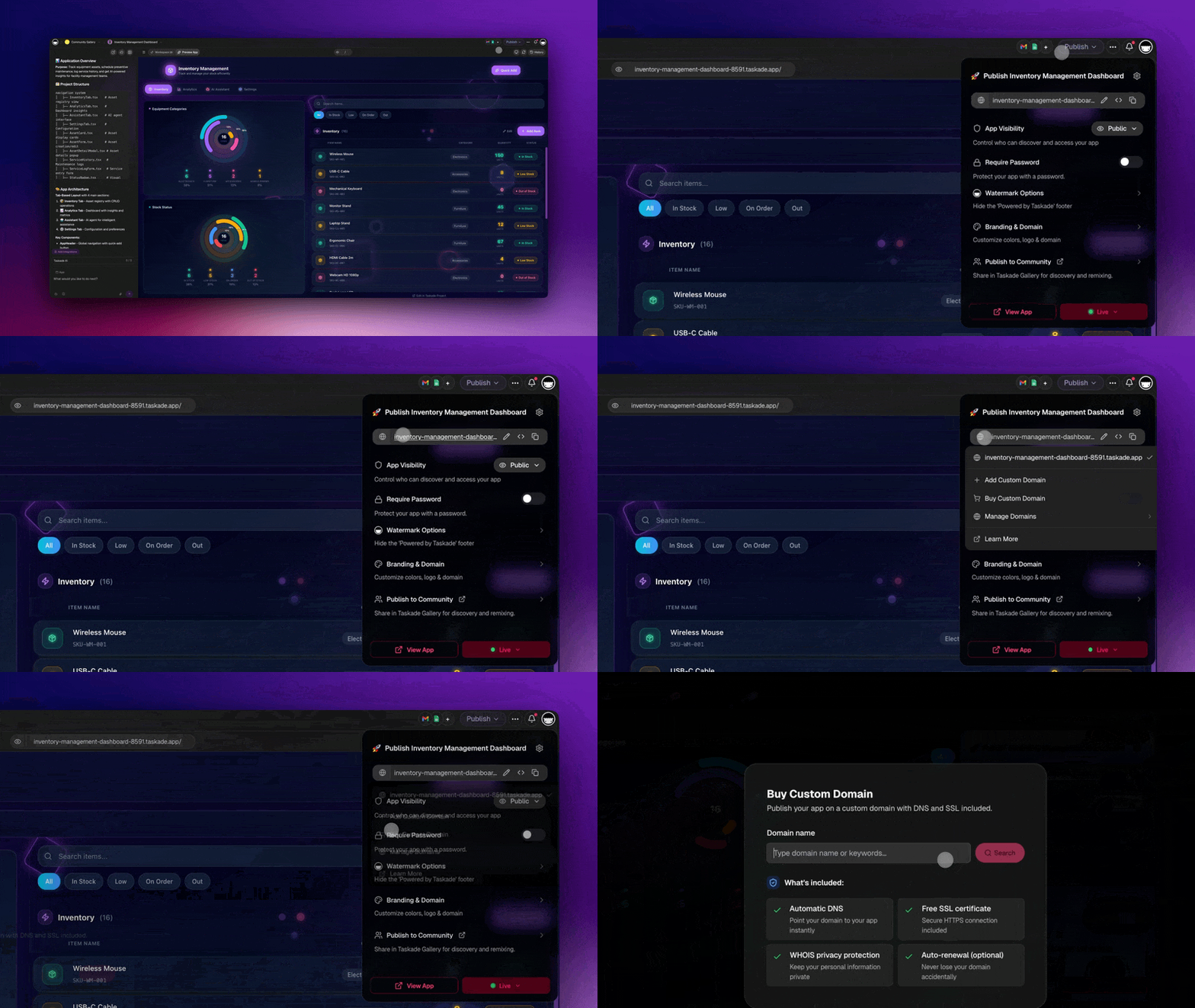
Then → Now: 2021's virtual backgrounds and wallpapers evolved into today's custom domains and the Genesis Community Gallery, where any Genesis-built app can be branded, themed, and published to the world.
⚡️ Virtual Background
The new video chat is here with improved call quality, faster screen sharing, and virtual background. Give it a try for your next meeting! Learn more.
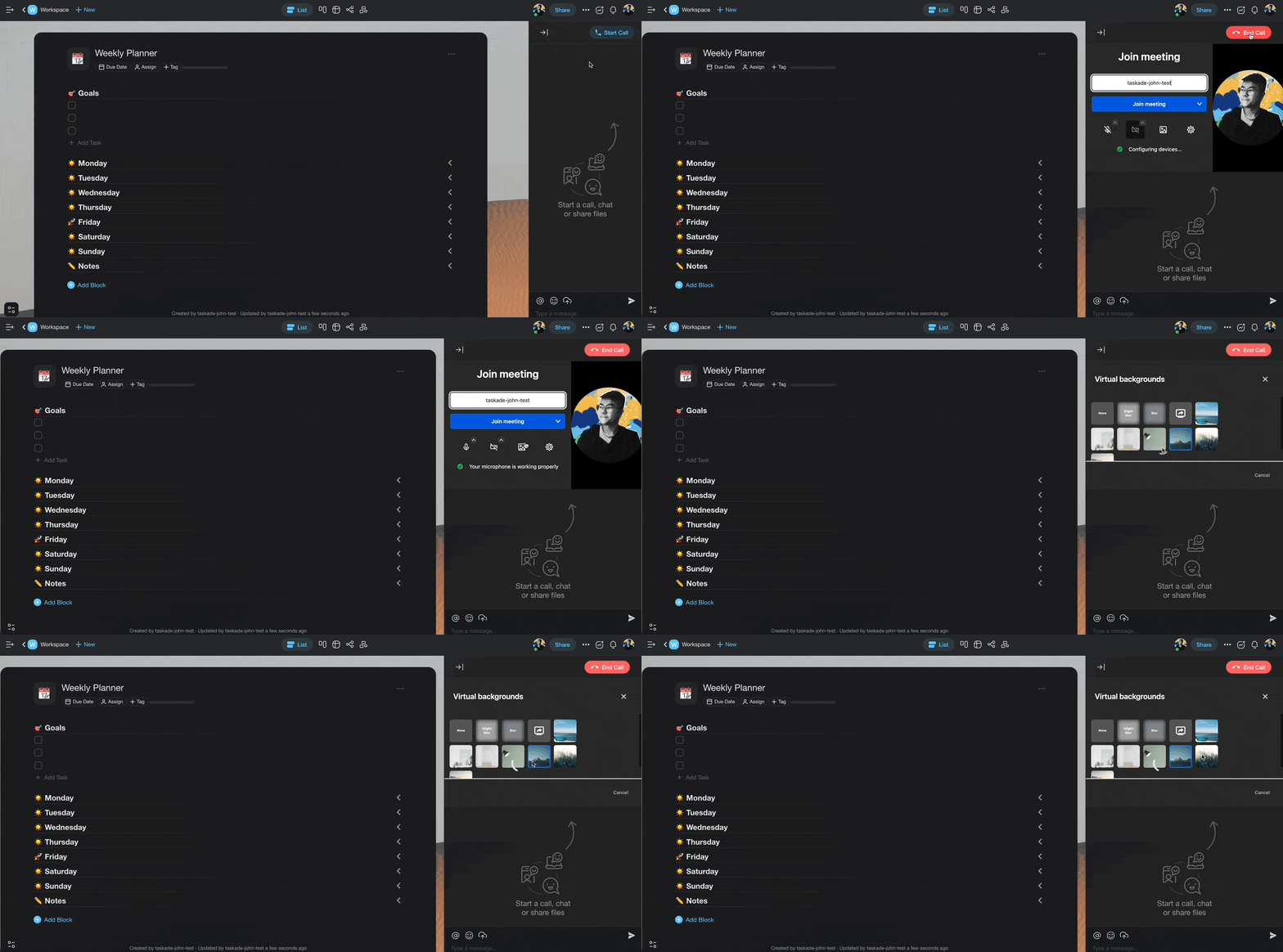
taskade virtual background video call
⚡️ New Wallpapers
Customize your project with our latest wallpaper collection. Learn more.
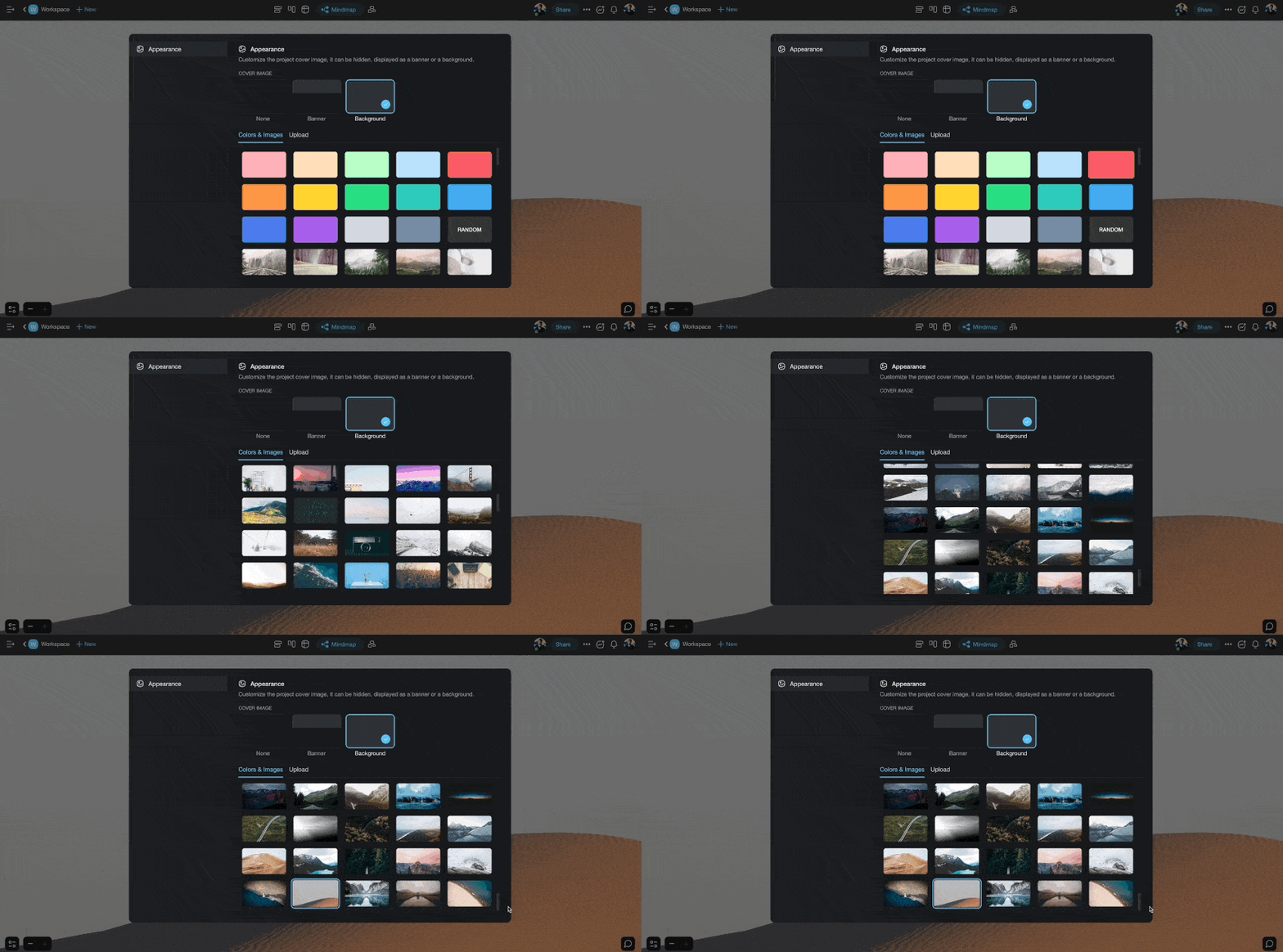
taskade wallpapers
⚡️ Add Block to Top
You can now add a block anywhere!
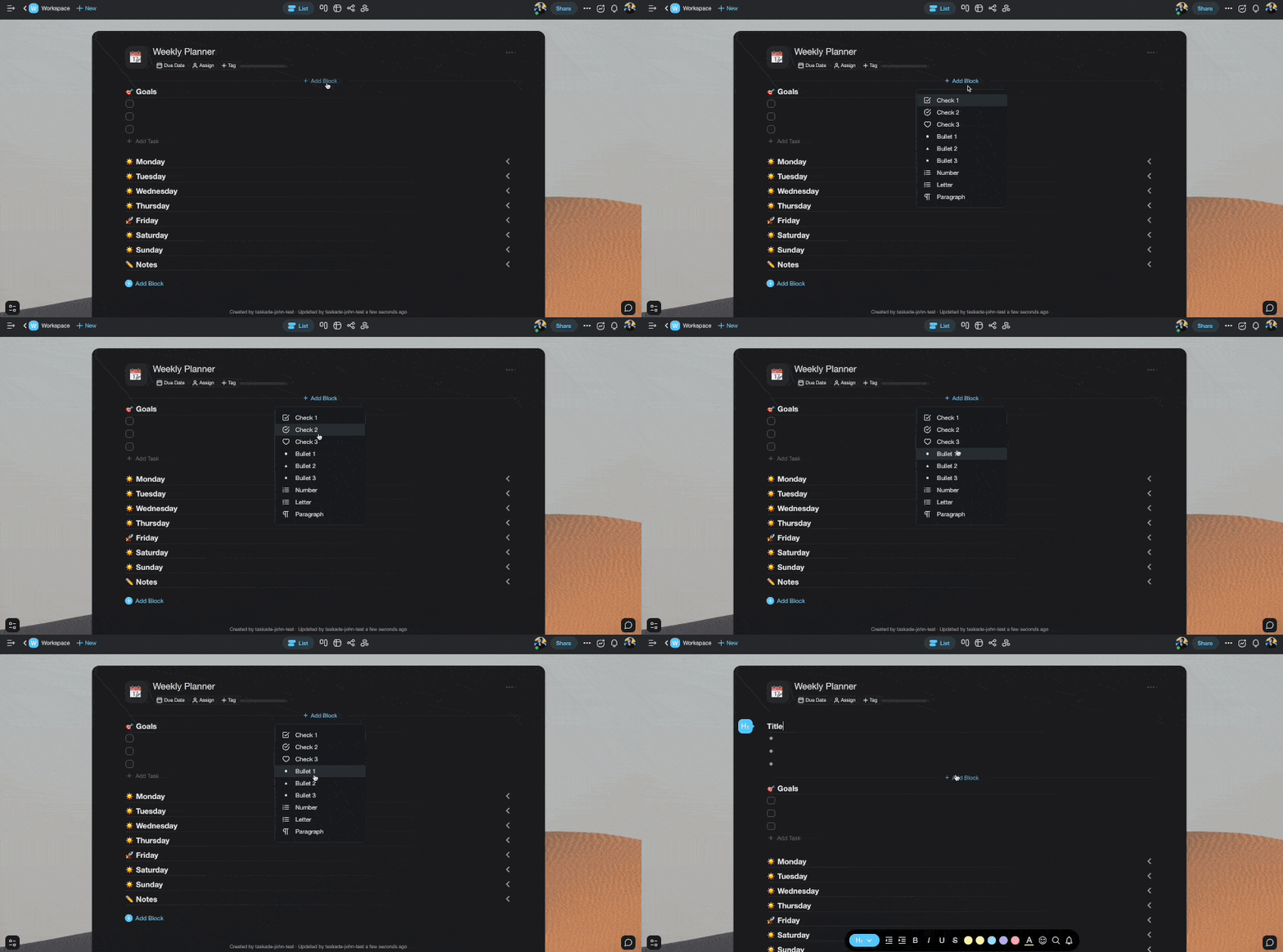
taskade add block top
📊 Theme & Personalization: 2021 H2 vs Today
| Theme | 2021 H2 | Today (2026) |
|---|---|---|
| Wallpapers | Project wallpaper collection | Wallpapers + Aurora glass UI |
| Video calls | Virtual backgrounds, screen sharing | Virtual backgrounds + Zoom integration |
| Tablet apps | New iPad / Android tablet experience | Same + mobile guide and desktop widgets |
| Personalization | Wallpapers per project | Custom domains and password protection on published Genesis apps |
Anatomy of a 2026 video-call room
   ┌───────────────────────────────────┐
   │  [virtual bg]   participants ▾    │
   │                                   │
   │   👤 you      👤 teammate         │
   │   👤 agent (notes)                │
   │                                   │
   │  💬 chat panel · resizable        │
   │  🤖 agent: "summary posted to     │
   │     Genesis app dashboard"        │
   └───────────────────────────────────┘
Hub & spoke
- Hubs: Taskade Genesis · Community Gallery · Downloads · Templates
- Spokes: Learn — start a video call · Learn — Zoom integration · Learn — custom domains · Learn — mobile guide
- Related: iPad & tablet app · Project background + sidebar
🎉 Other Improvements
- Taskade for Mobile: The new iPad and Android Tablet experience is live! 🙌
- Subspaces are now named Folders for clarity.
- Bug fixes and performance improvements.
| Thanks again for supporting Taskade, and as always, don’t hesitate to reach out or visit our help center if you need help. We’re here for you! 😊 — Team Taskade 🐑 P.S. Want to help us improve Taskade? You can also suggest a feature. |
|---|
Frequently Asked Questions
Does Taskade support virtual backgrounds in video calls?
Yes. Taskade's video chat includes virtual background support so you can replace your real background during meetings. Choose from built-in backgrounds or upload a custom image. The feature is available on web and desktop apps alongside improved call quality and screen sharing.
Can I customize project wallpapers in Taskade?
Yes. Taskade offers a collection of full-page wallpapers you can apply to any project. Open Project Settings, select Background, and choose from colors, gradients, and artwork. Wallpapers personalize your workspace and help visually distinguish different projects.
Can I add a content block at the top of a Taskade project?
Yes. Taskade lets you add new blocks at any position in a project, including the very top. Click the Add Block button that appears above the first item, or use keyboard shortcuts to insert content exactly where you need it.
Does Taskade have an iPad and Android tablet app?
Yes. Taskade offers dedicated apps for iPad and Android tablets with optimized layouts for larger screens. The tablet experience supports multi-tasking, full project editing, real-time collaboration, and all the same views available on web and desktop.