






Hi Taskaders 🎉
We've worked hard to make Taskade work better for you! Here's what's new:
TL;DR: Version history, autocomplete #tags, and Markdown in chat shipped in 2021 set the foundation for today's Taskade — now multiple project views, 15+ frontier AI models, and 100+ integrations. Taskade Genesis turns any prompt into a living app with persistent memory across every revision.
Then → Now: 2021's project version history evolved into today's project history plus AI Agents that reference past versions and Genesis builds backed by Workspace DNA memory.
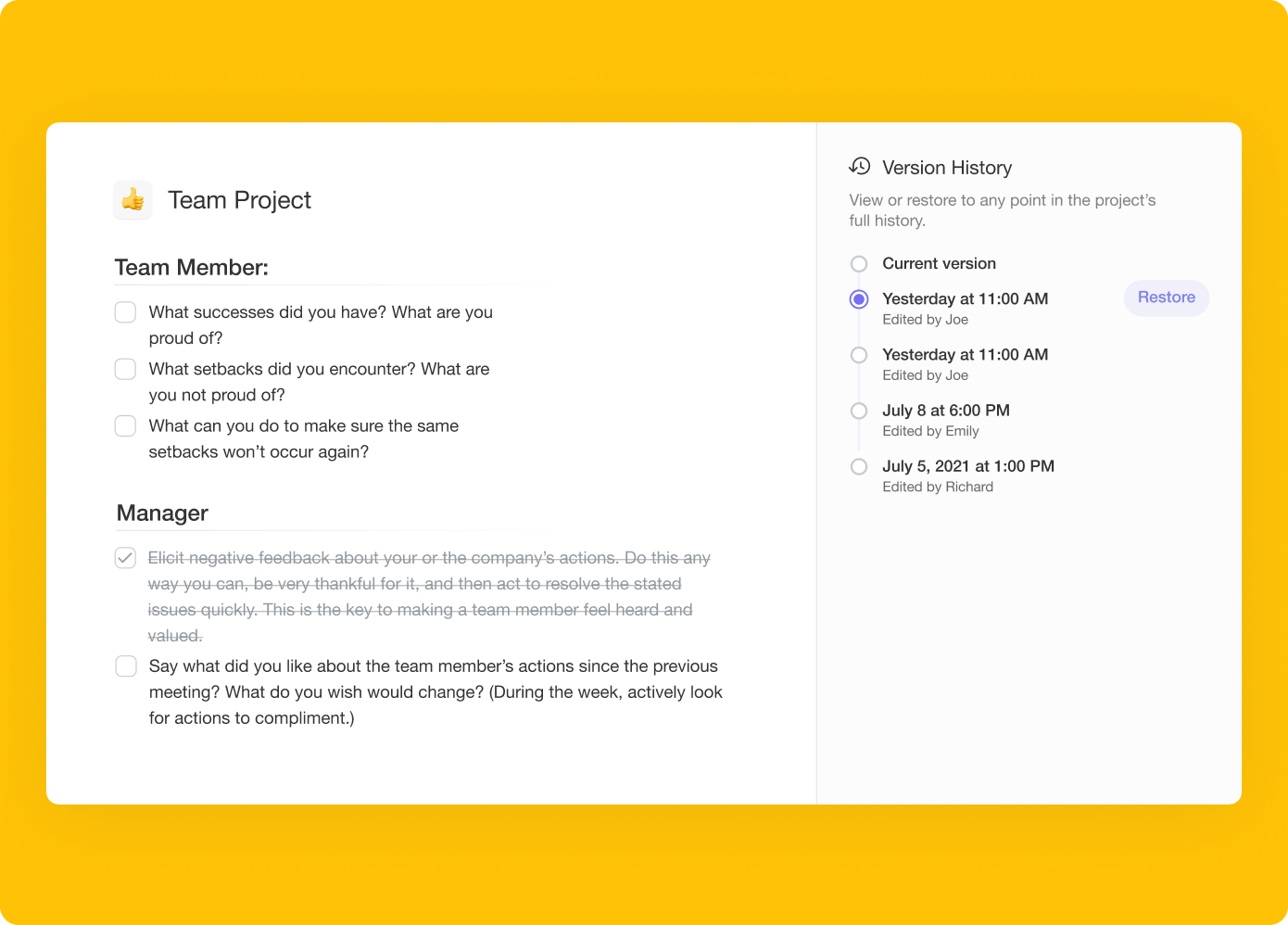
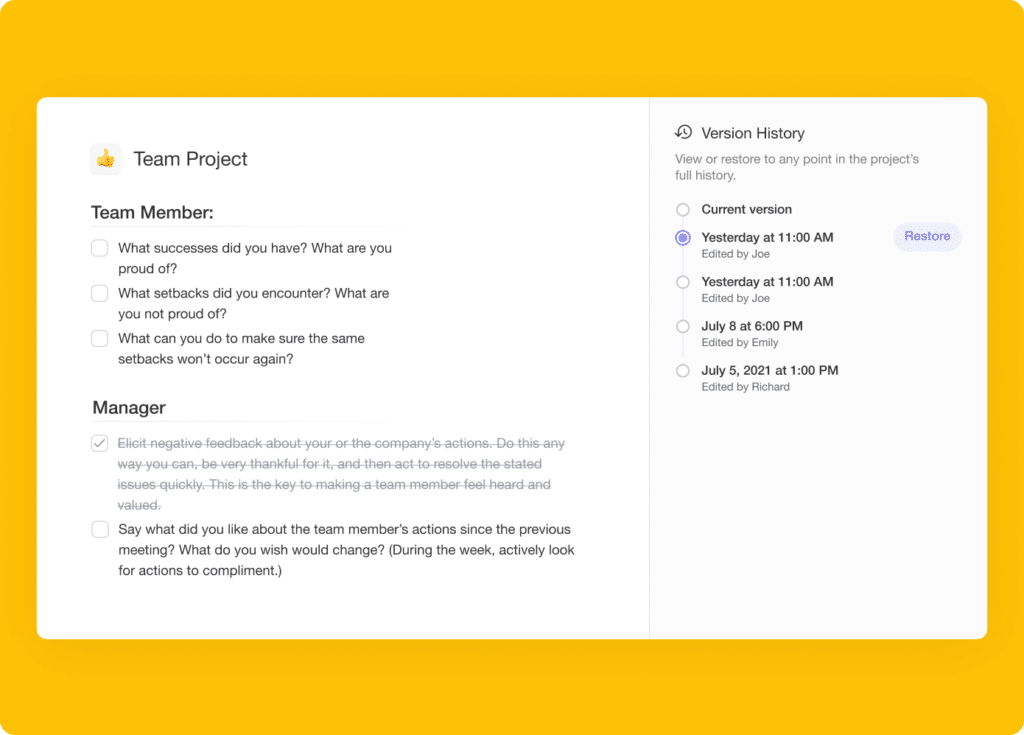
⚡️ Version History
You can now recover deleted data by accessing your project's version history. Simply browse previous versions, and select a snapshot to restore to.
⚡️ Autocomplete #Tags
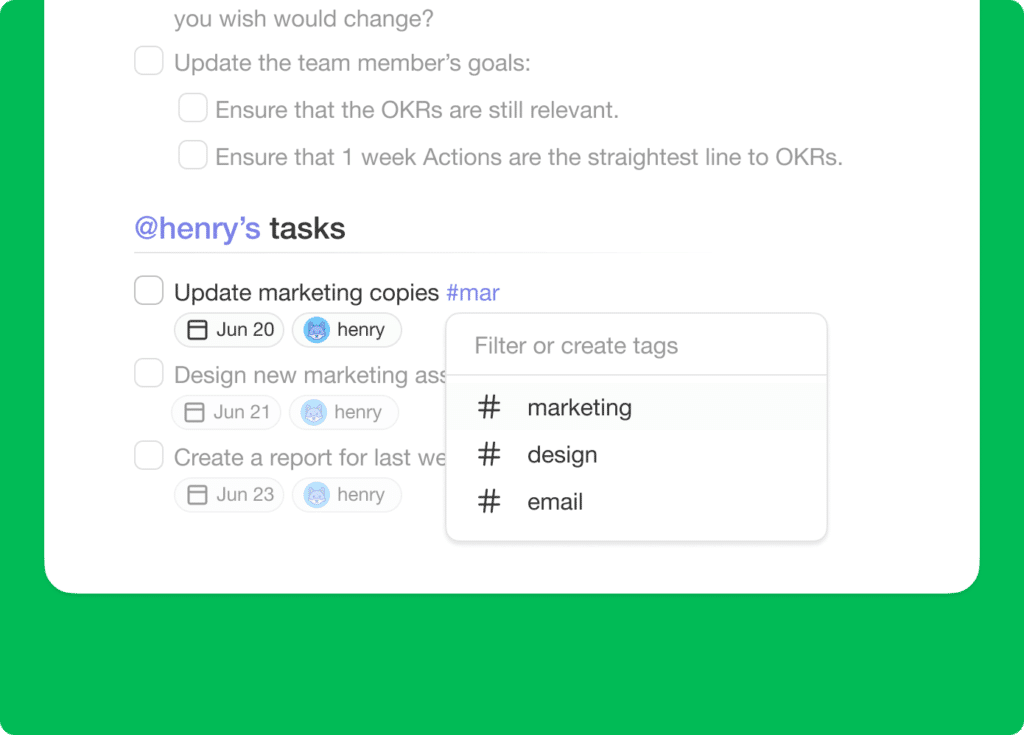
Tag management is here to help you organize and prioritize tasks! Simply type # to select from a list of previously used tags or create new ones on the spot!
⚡️ Markdown Support in Chat/Comments
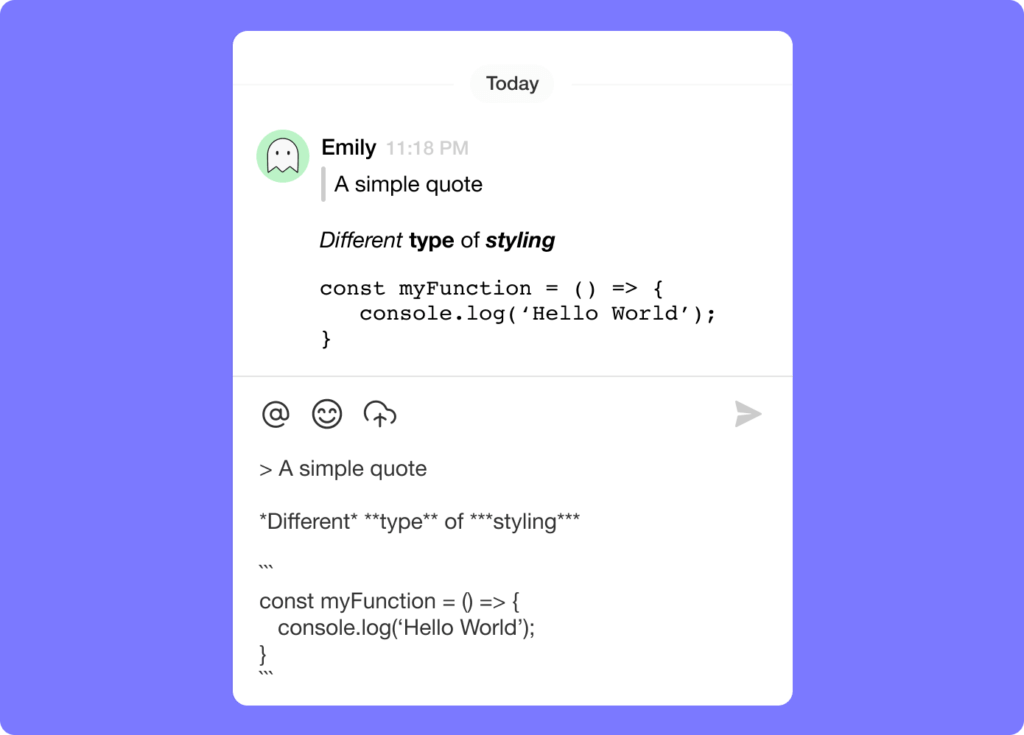
You can now type in markdown in both chat messages and comments! Click here to view our supported markdown formats.
📊 Capture: 2021 H2 vs Today
| Capture | 2021 H2 | Today (2026) |
|---|---|---|
| Version history | Restore deleted snapshots | Full history + Agents reading past versions |
| Tagging | Autocomplete #tags | Autocomplete + search across @mentions and #hashtags |
| Chat formatting | Markdown in chat/comments | Markdown + AI agent chat inside every project |
| Roles | Viewer/Checker comments | RBAC (Owner to Viewer) |
🕰️ Version history → Workspace DNA memory
Restoring a deleted task in 2021 was the seed of Workspace DNA memory — every change is now part of the persistent context that AI Agents can read, summarize, and reason over.
Snapshot timeline
 ┌──────────────── PROJECT VERSION HISTORY ────────────────┐
 │                                                         │
 │  ●─────●─────●─────●─────●─────●──────●  ▶ now          │
 │  v1    v2    v3    v4    v5    v6    v7                 │
 │  │     │     │     │     │     │     │                  │
 │  init  +5    -2    edit  +3    sort  +tag               │
 │                                                         │
 │  Click any dot → preview → Restore                      │
 │ ─────────────────────────────────────────────────────── │
 │  2026: + AI agents read every snapshot as memory        │
 └─────────────────────────────────────────────────────────┘
📚 Related reading — hub & spoke
- Taskade Genesis · AI Agents v2 · Automations · Community Gallery
- All project views · 100+ integrations · Pricing
- Learn — Version history
- Learn — Markdown support
- Learn — Search
- Learn — Agent knowledge
- Learn — Permissions (RBAC)
🎉 Other Improvements
- Taskade for Desktop Update: Tabs now display project icons.
- Folded blocks now auto-unfold when an attachment is added.
- Added additional options to Add Block menu in the project editor.
- Added next / previous buttons to lightbox for attachments.
- Added aggregated project #tags to the task more menu.
- Enabled CTRL + SHIFT + / to display all Keyboard Shortcuts.
- Enabled CTRL / ⌘ + K support for quick search everywhere.
- Enabled ability to comment for Viewer & Checker Roles.
- Improved display of due dates in My Tasks.
- Improved display of results in Search.
- Improved performance and bug fixes.
| Thanks again for supporting Taskade, and as always, don’t hesitate to reach out or visit our help center if you need help. We’re here for you! 😊 — Team Taskade 🐑 |
|---|
Frequently Asked Questions
Does Taskade have version history for projects?
Yes. Taskade's Version History lets you browse previous snapshots of any project and restore to an earlier state. This protects against accidental deletions, unwanted edits, and data loss — providing a full audit trail of every change made to the project over time.
How do hashtags work in Taskade?
Type # followed by a keyword to tag any task. Taskade autocompletes from your previously used tags, or you can create new ones on the spot. Tags help you categorize, filter, and search across projects — and you can sort sub-tasks by #hashtag for better organization.
Does Taskade support Markdown in chat and comments?
Yes. Taskade chat and comments support Markdown syntax for formatting messages. Use bold, italic, strikethrough, code blocks, blockquotes, and lists without a toolbar. This makes team communication cleaner and more structured, similar to Discord or Slack Markdown formatting.
Can Viewer and Checker roles comment on Taskade projects?
Yes. Team members with Viewer and Checker role permissions can add comments to tasks in a project. This lets read-only users provide feedback and ask questions without being able to edit the project content itself.