






Hi Taskaders 🎉
New updates are live for our web, mobile, and desktop apps!
TL;DR: Org Chart View shipped in 2021 was project view #5 of what's now 7 project views — List, Board, Calendar, Table, Mind Map, Gantt, Org Chart. Today Taskade Genesis builds full living apps from a prompt, with AI Agents and 100+ integrations doing the work.
Then → Now: In 2021, Org Chart View was a single hierarchy diagram. Today the same project flips between 7 project views — Org Chart, Mind Map, Gantt, Timeline, Calendar, Table, Board, List — and AI Agents restructure them on demand across Automations.
✅ Org Chart View
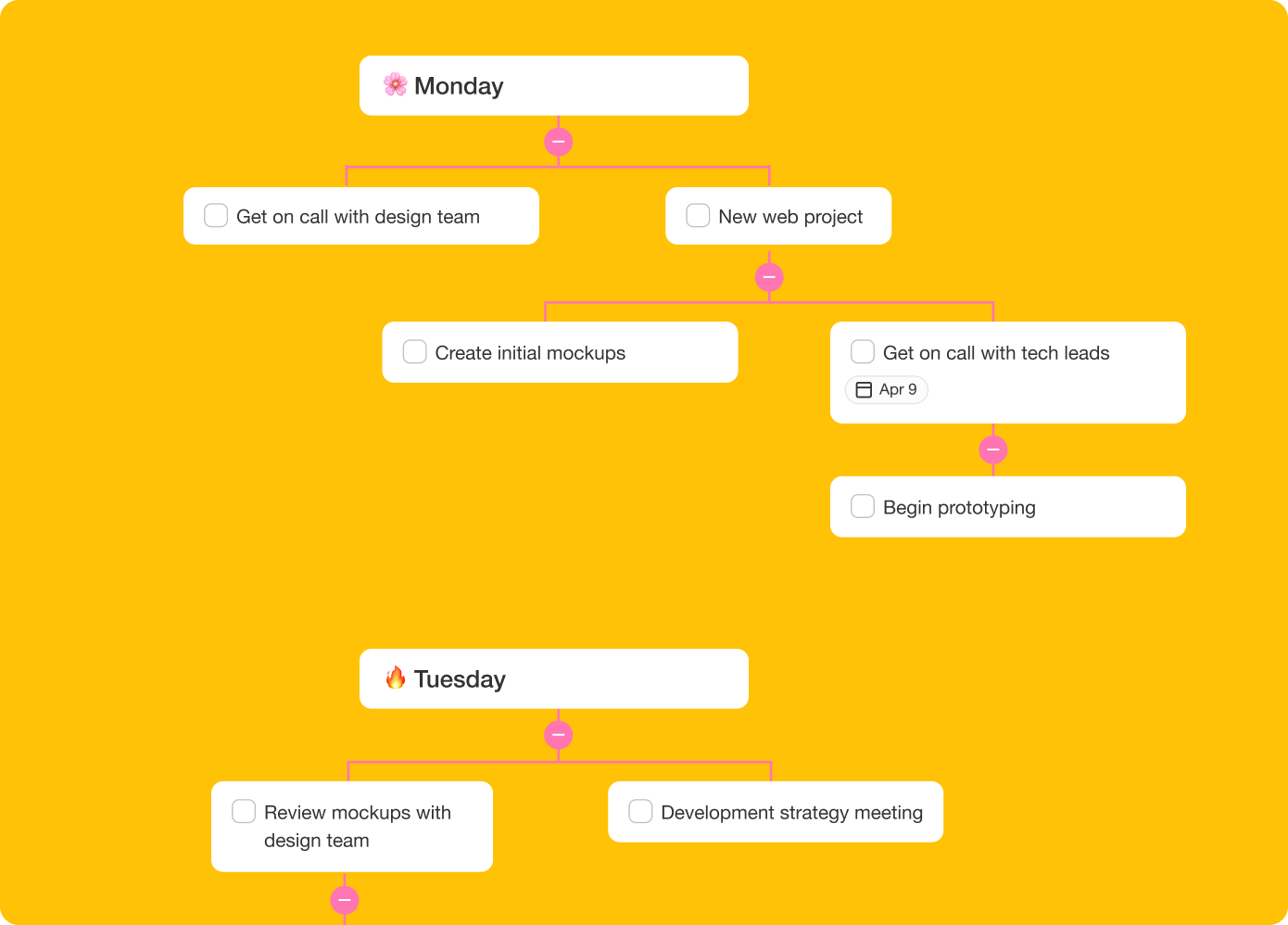
We've updated the org chart view for better legibility and use cases. Break down larger tasks into smaller ones to help you get things done.
📱 Taskade for Mobile
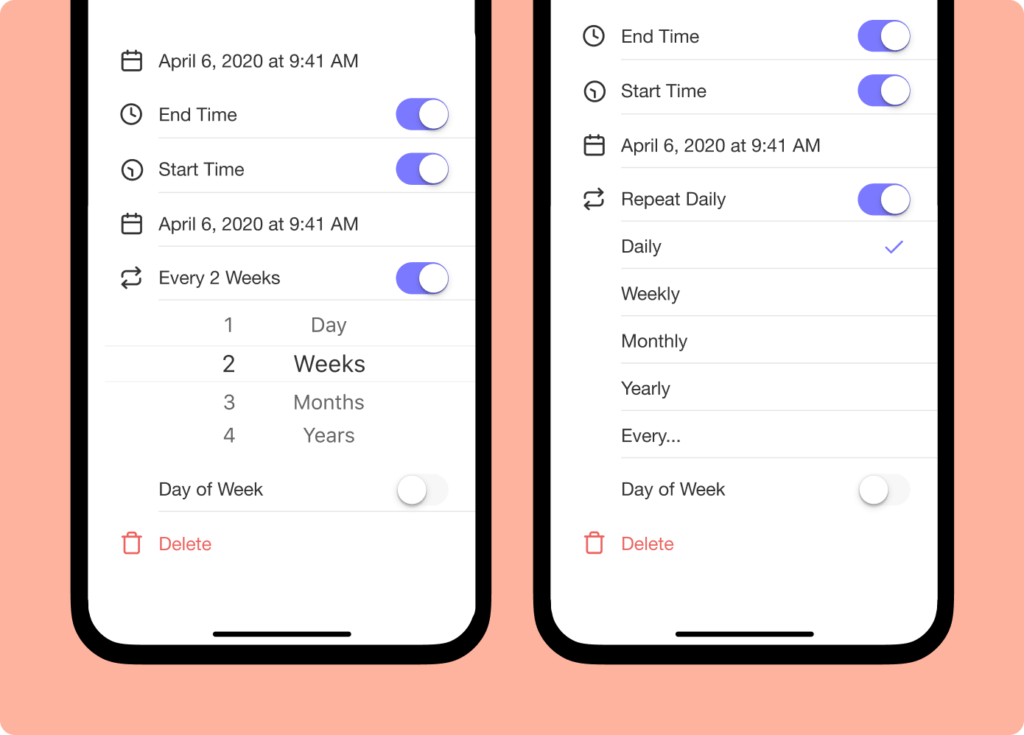
iOS & Android app now support start time and custom intervals for repeating tasks. Calendar dates and syncing have been improved.
💻 Taskade for Desktop
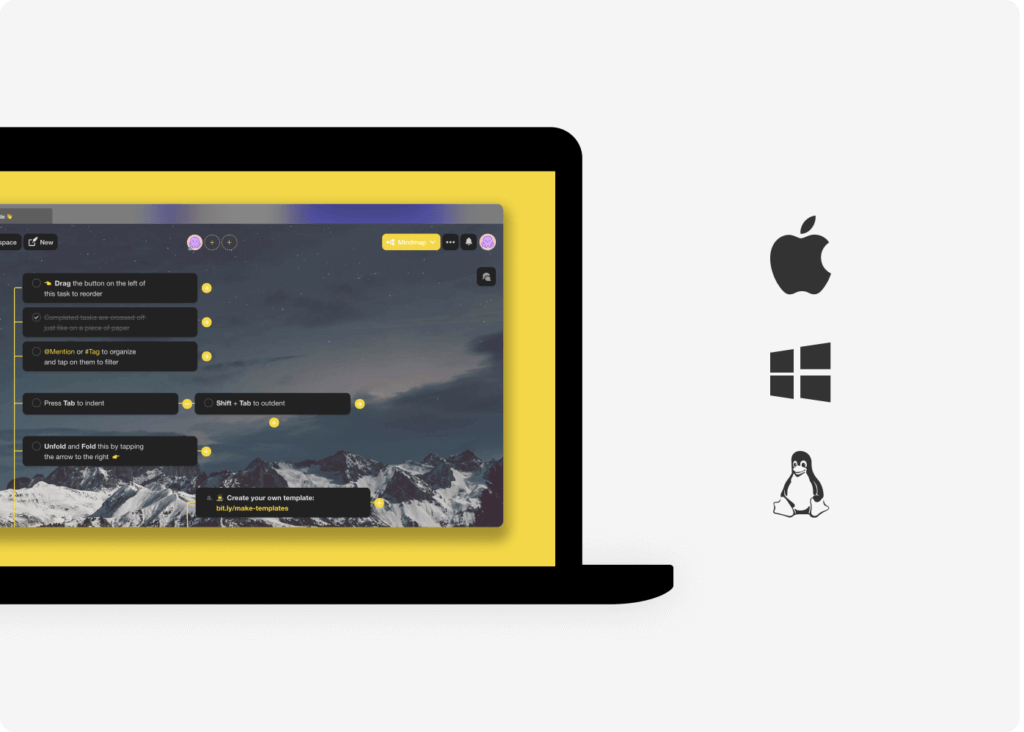
Our desktop apps have been updated with various bug fixes, performance, and improved support for Apple M1 and Windows.
🎉 Other Improvements
- Editor: Select multiple tasks and hit enter/return to delete.
- Editor: List hierarchy guidelines now displayed for all levels.
- Editor: Add-on menu is now accessible on the right of each task.
- Editor: Completed tasks will fade out add-ons for better contrast.
- Click on the + icon to add dates, comments, assign, or upload files.
- Improved support and performance for Safari browser.
- Workspace: Admins can now upgrade and manage payments.
- Workspace: Spaces and projects now supports multiple owners.
- Various performance improvements and bug fixes across all platforms.
2021 H1 vs Today (2026)
| Dimension | 2021 H1 | Today (2026) |
|---|---|---|
| Team viz | Org Chart added — 5 views total (List, Action, Mind Map, Calendar, Org Chart) | 7 project views including Org Chart + AI agent teams |
| Mobile | iOS + Android with start times & repeat intervals | Same + mobile widgets + AI chat on mobile |
| Desktop | Apple M1 + Windows native | Same + desktop widgets + Genesis apps publishable to any device |
| Add-ons | + icon for due dates, comments, files | Same + task add-ons + slash commands + AI |
| Intelligence | None | 15+ frontier models + Multi-Agent Teams |
🌳 Org Chart, in ASCII
Org Chart View was project view #5 — added between Calendar and Mind Map. Today it's one of 7 project views, and AI agent teams sit inside the hierarchy.
A simple hierarchy
                       ┌──────────────────┐
                       │  CEO  (Owner)    │
                       └────────┬─────────┘
                                │
                ┌───────────────┼───────────────┐
                │               │               │
        ┌───────▼──────┐ ┌──────▼──────┐ ┌──────▼─────┐
        │  Product VP  │ │  Eng VP     │ │  Design VP │
        │ (Maintainer) │ │(Maintainer) │ │(Maintainer)│
        └──────┬───────┘ └──────┬──────┘ └──────┬─────┘
               │                │               │
        ┌──────▼─────┐    ┌─────▼─────┐   ┌─────▼─────┐
        │ PM (Editor)│    │ Eng (Edit)│   │ Designer  │
        └────────────┘    └───────────┘   └───────────┘   2021: 4 role tiers       2026: 7-tier RBAC + AI agent teams as nodes
📚 Related reading — hub & spoke
- Taskade Genesis · AI Agents v2 · Automations · Community Gallery
- All 7 project views · 100+ integrations · Pricing
- Learn — Org Chart View
- Learn — Mind Map View
- Learn — Multi-Agent Teams
- Learn — Permissions (7-tier RBAC)
- Downloads — Mac, Windows, iOS, Android
| Thanks again for supporting Taskade, and as always, don’t hesitate to reach out if you need help. We’re here for you! 😊 — Team Taskade 🐑 P.S. We are hiring! Join us to shape the future of remote collaboration. 🚀 |
|---|
Frequently Asked Questions
What is the Org Chart View in Taskade?
The Org Chart View displays project content as a vertical hierarchical diagram. It's designed for visualizing organizational structures, team hierarchies, decision trees, and sequential processes. Break larger tasks into smaller ones within a clear top-down visual layout.
Does Taskade run on Apple M1 Macs?
Yes. Taskade's desktop app supports Apple M1 (and later Apple Silicon) Macs with optimized performance. The native app takes advantage of the M1 architecture for faster rendering, lower battery usage, and smoother operation compared to running through a browser.
Does Taskade have iOS and Android apps?
Yes. Taskade offers native apps for both iOS and Android with full feature support including task management, real-time collaboration, video calls, and all project views. The mobile apps also support start times and custom repeating intervals for task due dates.
Can I add due dates and comments from the task menu in Taskade?
Yes. Click the + icon on any task to quickly add due dates, comments, file attachments, or assign team members. The add-on menu is accessible directly to the right of each task, making it fast to enrich tasks with context without navigating away from the project.