






Hi Taskaders 👋
We have a big update for you this week! 🎉
TL;DR: The 2020 crosslink and hyperlink features were the seed of today's workspace knowledge graph — now woven into 7 project views, 15+ frontier AI models, and 100+ integrations. Taskade Genesis reads your linked projects as memory and turns them into living apps with embedded agents and automations.
Then → Now: What started as
@mentioncrosslinks is now a full backlink graph that feeds AI Agents and Automations — see Learn Taskade: Projects for how linked projects power Workspace DNA today.
| Dimension | 2020 (this release) | Today (2026) |
|---|---|---|
| Linking | @mention crosslinks + inline hyperlinks |
100+ integrations + Automations + workspace knowledge graph |
| Capture | Mobile share widget (iOS/Android) | Mobile share + web clipper + agent inbox |
| Memory | Manual crosslinks | Workspace DNA: linked projects feed agent knowledge automatically |
| Output | Static linked text | Linked projects become input to Genesis apps |
| Intelligence | None (no AI yet — AI arrived Dec 2022) | EVE assistant + custom agents |
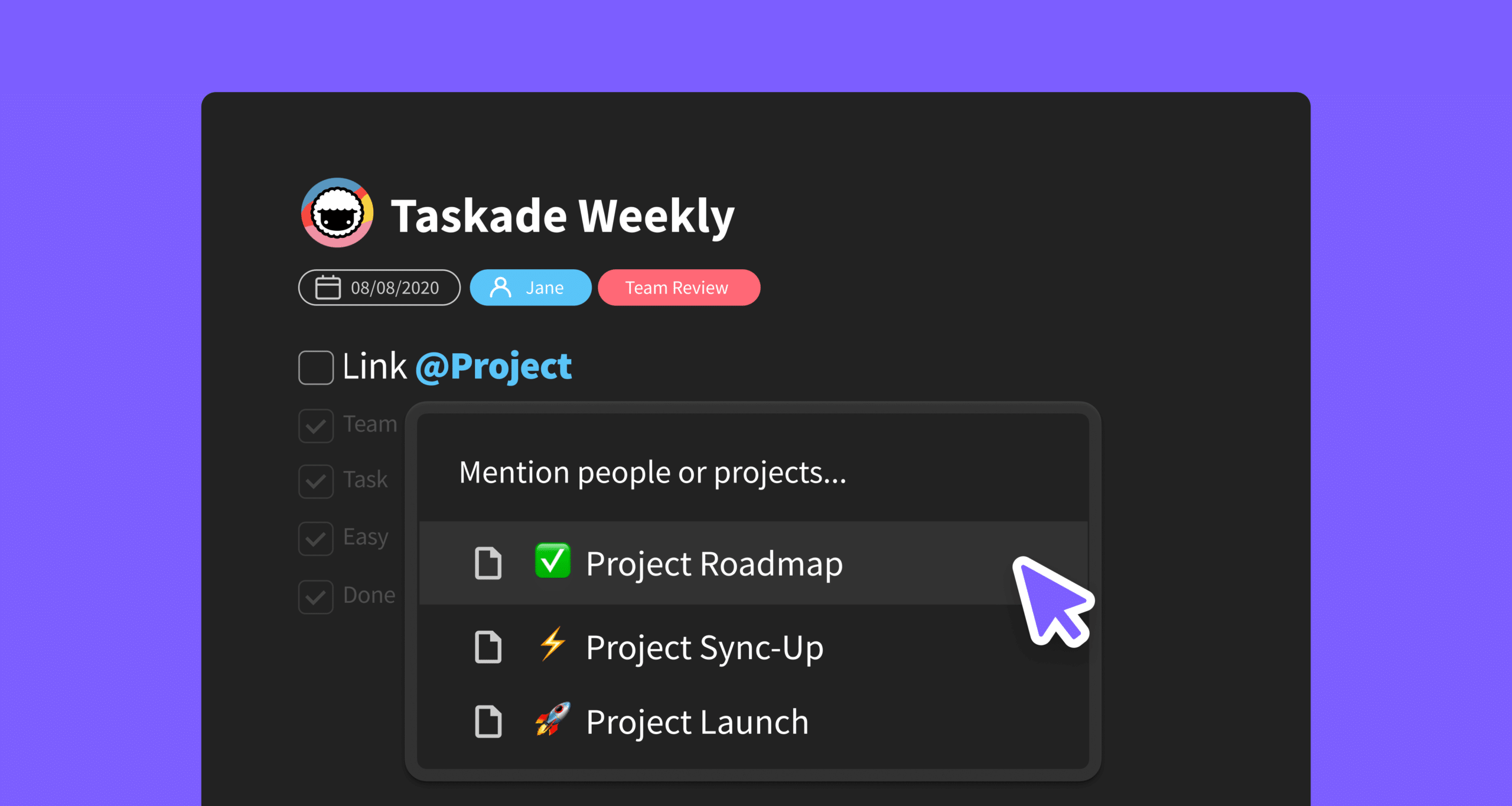
🧠 Crosslink Projects
You can now link to projects using @mention and establish connections between projects in your workspace.
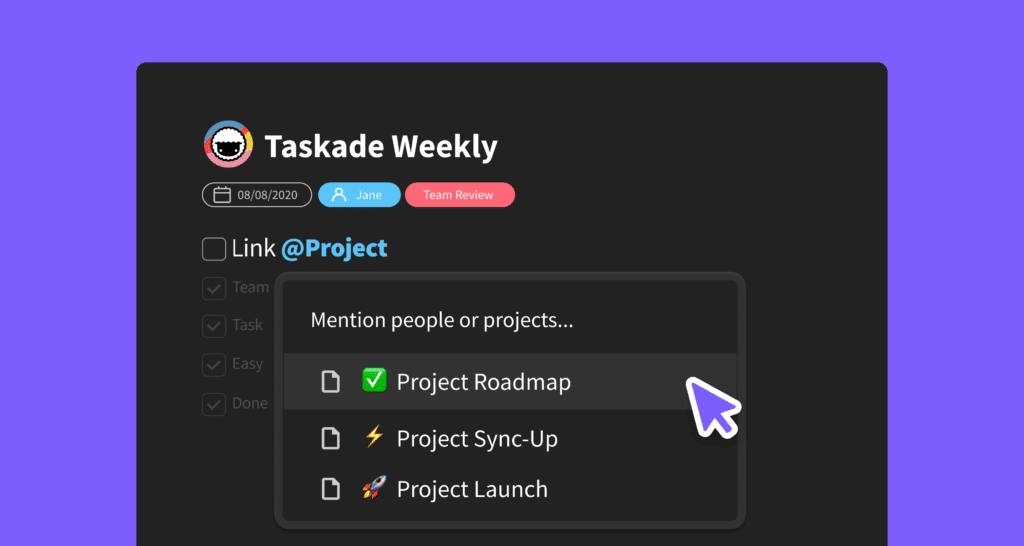
🔗 Hyperlink Text
Simplify long links with hyperlinks and keep your projects organized. You can also paste a link over text selection to create a hyperlink.
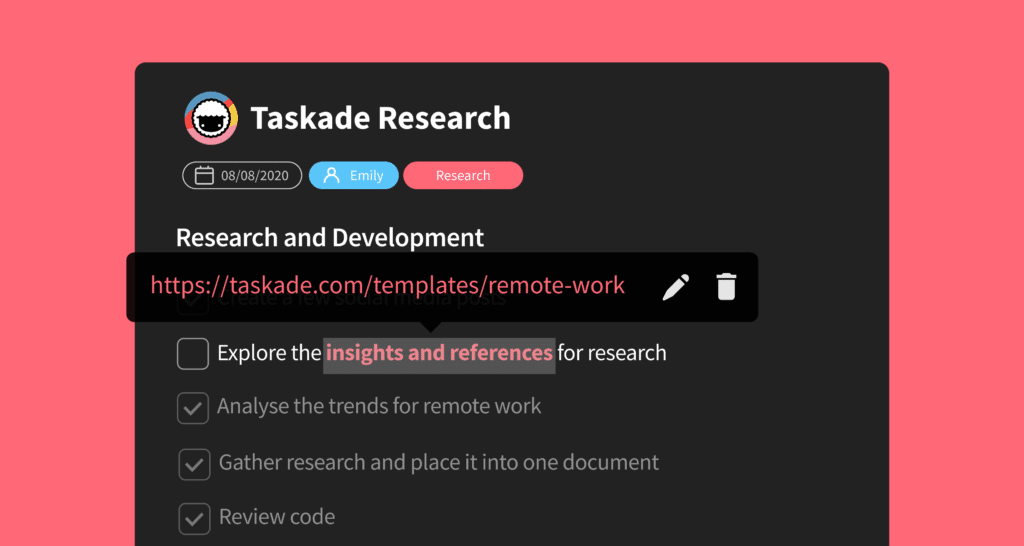
⚡️ Mobile Share Widget
Instantly save links and text to Taskade from your mobile browser. Today, the same capture lives across our downloads and feeds the Community Gallery of shared apps.
🕸️ A Workspace That Becomes a Graph
Crosslinks looked like a small editor convenience in 2020. In retrospect they were the first move toward Workspace DNA — projects that reference each other become memory that agents can read.
                ┌───────────────┐
                │ Roadmap 2026  │ ◄── @mention
                └──────┬────────┘        ▲
                       │ links to        │
            ┌──────────┴──────────┐      │
            ▼                     ▼      │ backlinks
   ┌──────────────┐      ┌──────────────┐│
   │ Sprint 14    │◄────►│ Release Notes├┘
   │ standup doc  │      │  v6.99       │
   └──────┬───────┘      └──────┬───────┘
          │ feeds                │ feeds
          ▼                      ▼
        🤖 EVE knowledge    🔁 Automation: notify-stakeholders
Related Reading:
- Personal Knowledge Management: A Complete Guide
- Best Note-Taking Apps to Capture Your Ideas
- My Tasks, Team Agenda, Project Links — Nov 2020 graph upgrade
- Quick Search — find any backlinked project
- Learn Taskade: Hierarchy & Structure · Agents · Automations · Genesis · Community Gallery
Thanks again for supporting Taskade, and as always, don’t hesitate to reach out if you need help. We’re here for you! 😊
— Team Taskade 🐑
Frequently Asked Questions
Can I link Taskade projects to each other?
Yes. Use @mention to create cross-links between projects. Type @ followed by a project name to insert a clickable reference that navigates to the linked project. This creates an interconnected web of related projects within your workspace for easy navigation.
Does Taskade support hyperlinks in tasks?
Yes. Add hyperlinks to any text in a task by selecting text and pasting a URL. The text becomes a clickable link, keeping your projects clean and organized without showing long raw URLs. You can also paste a URL over selected text to create a hyperlink instantly.
Can I save links from my mobile browser to Taskade?
Yes. The mobile share widget lets you instantly save links and text from any mobile browser directly to a Taskade project. Use the native share sheet on iOS or Android to send content to Taskade without switching apps or copying and pasting manually.
How do cross-links between projects work in Taskade?
Cross-links use @mention syntax to reference other projects. When you type @ in the editor, Taskade shows a searchable list of all projects in your workspace. Selecting a project inserts a clickable link that takes you directly to that project when clicked.