






Hi Taskaders 🎉
We have an exciting update for you this week. Give it a try and let us know what you think!
TL;DR: 2-way Google Calendar sync shipped in 2021 was the first thread of what's now 100+ integrations and full Automations across AI Agents. Taskade Genesis turns any prompt into a living app, scheduling included — backed by 15+ frontier AI models.
Then → Now: One Google Calendar bridge then. Today, 100+ integrations plus event-driven Automations trigger work across multiple project views the moment a calendar event fires.
⚡️ 2-Way Google Calendar Sync
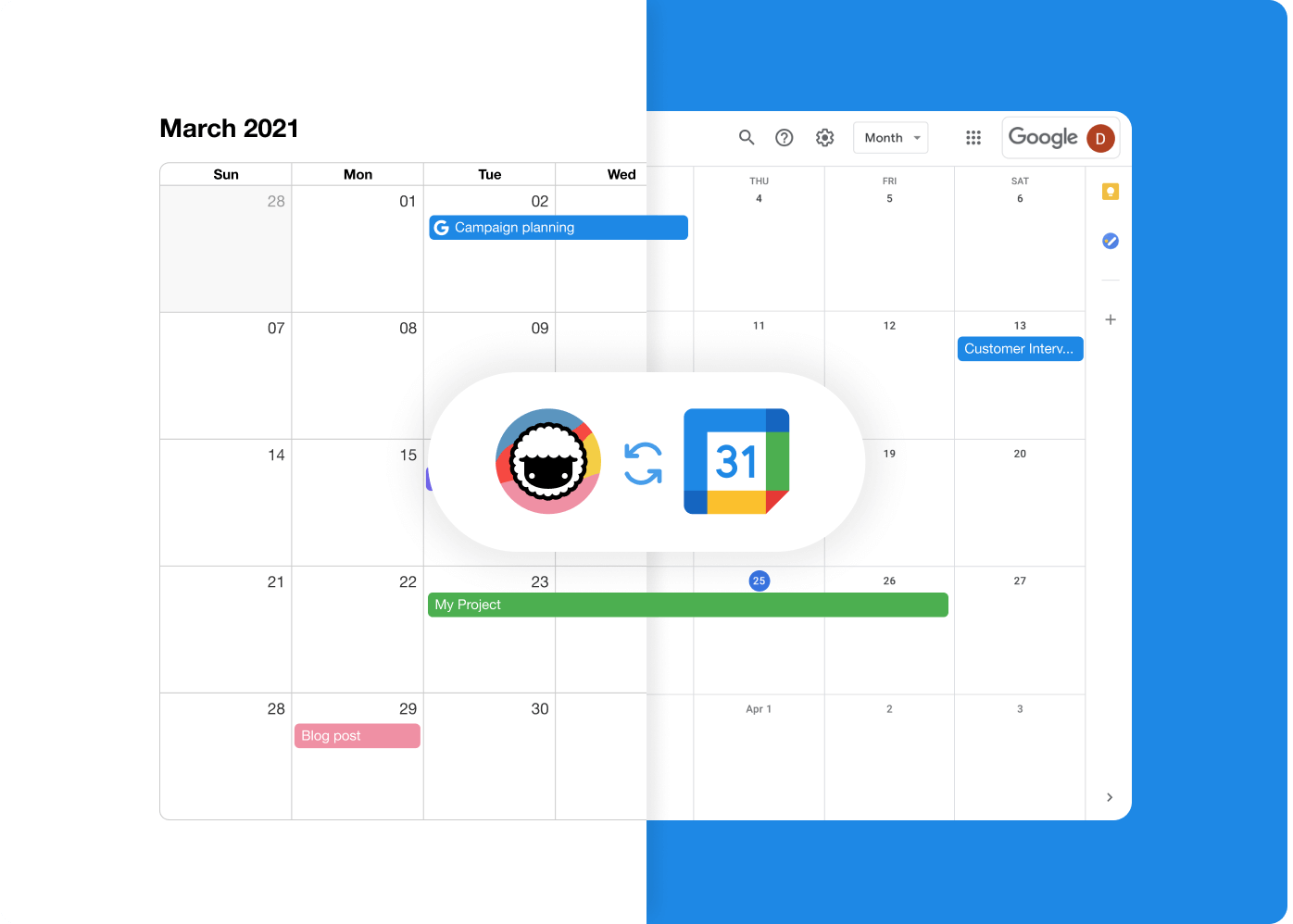
You can now integrate with Google Calendar for 2-way syncing! Visit the integrations page to get started.
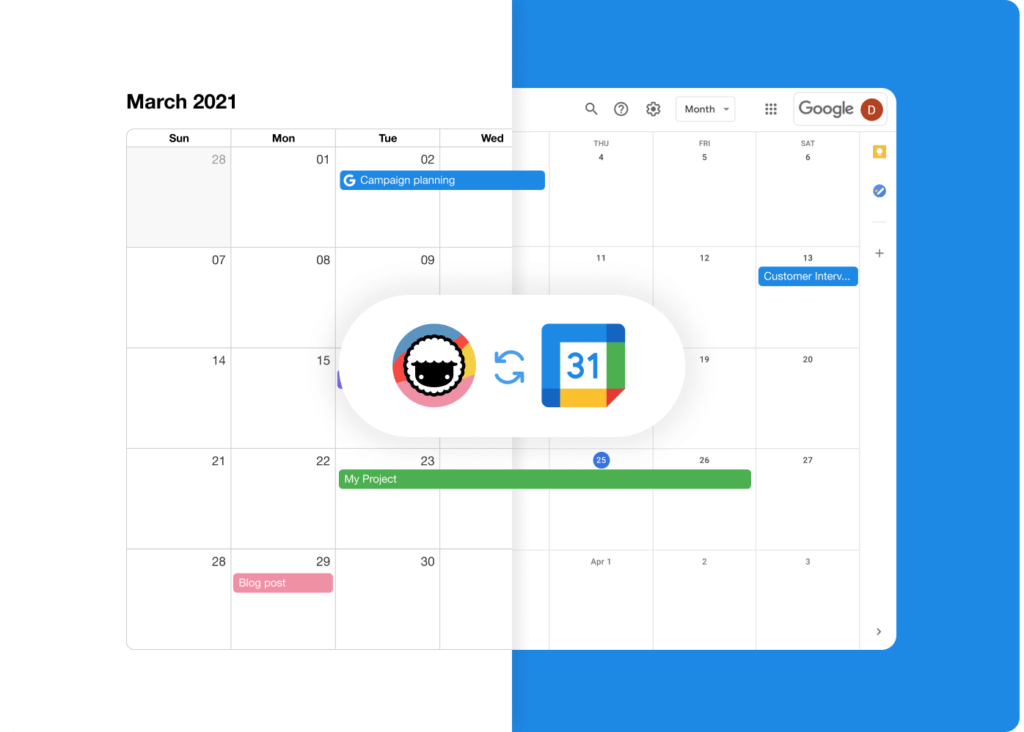
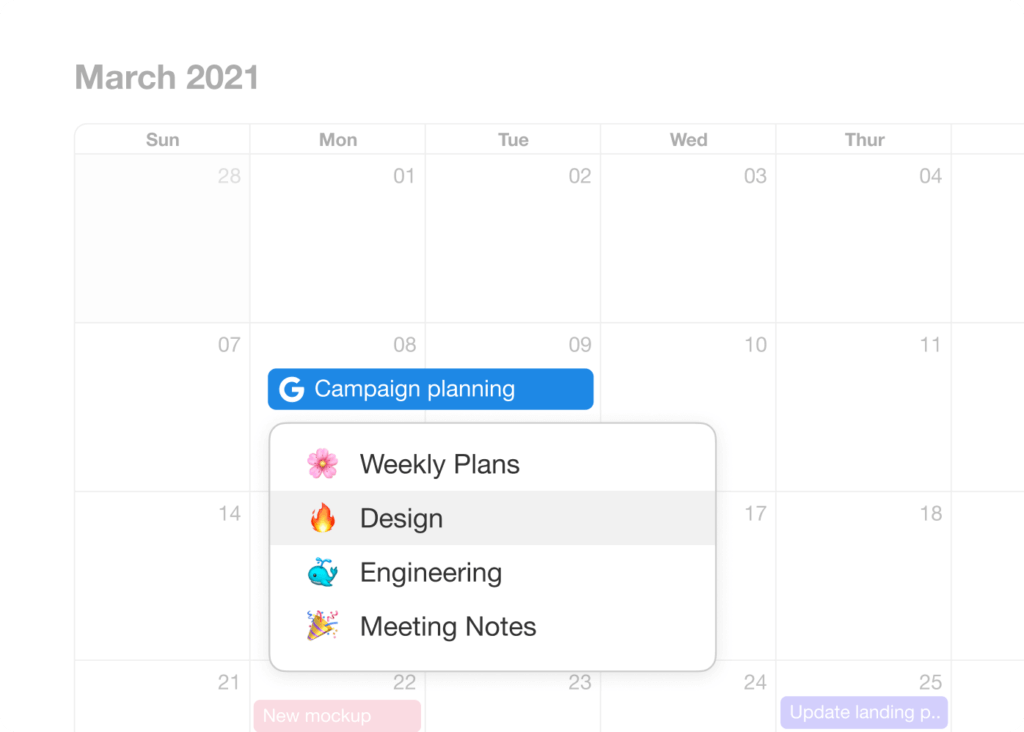
Events created in Google Calendar will appear as unassigned events in your Taskade Calendar. To add the event to a project, simply click on the event and assign a project.
😀 Start Time & Repeating Tasks
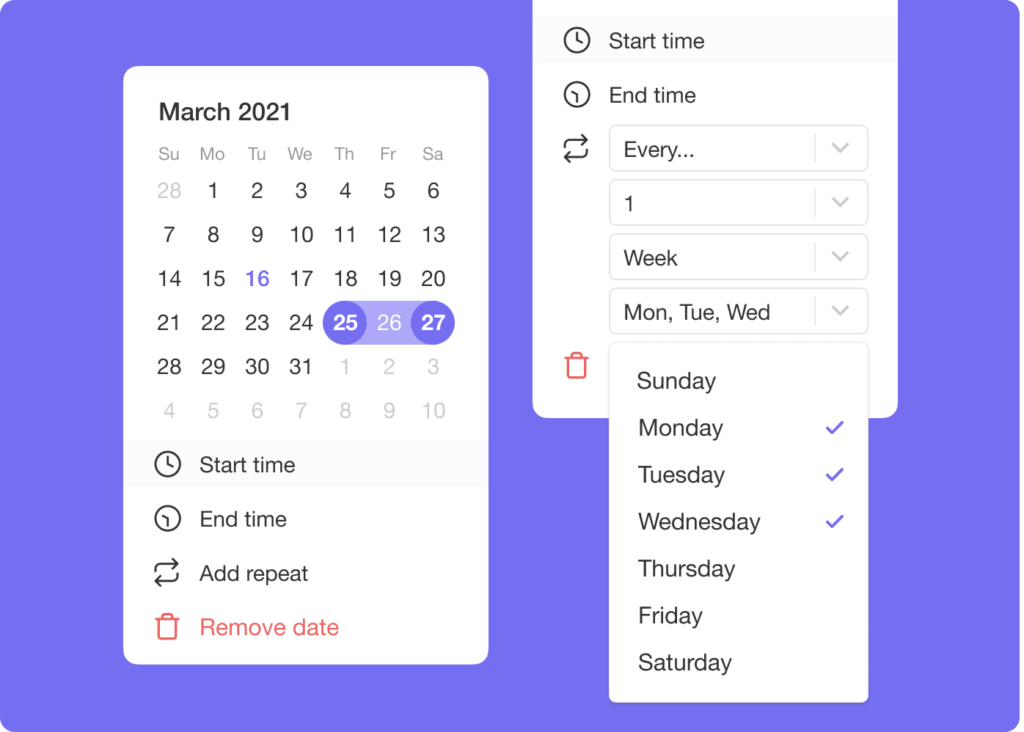
The date picker now supports start/end date & time for finer control of your tasks. In addition, repeating tasks now include custom intervals.
🎉 Other Improvements
- @Mention in projects now update in real-time when a new member joins.
- Text formatting is kept when you copy & paste tasks across projects.
- Fold and unfold blocks no longer lose cursor position when editing.
- Focus on a task and Shift + Click to select multiple tasks.
- You can now attach files and due dates to empty tasks.
- Performance improved on Web, Mobile, and Desktop.
2021 H1 vs Today (2026)
| Dimension | 2021 H1 | Today (2026) |
|---|---|---|
| Calendar sync | 2-way Google Calendar sync + custom repeat intervals | 100+ integrations + Automations trigger work on calendar events |
| Recurring tasks | Custom intervals (day/week/month/year) | Recurring tasks + scheduled automations |
| Date precision | Start + end date/time picker | Same + smart natural-language dates + AI parsing |
| Triggers | Manual due-date entry | Event-driven automation triggers — calendar, email, form, comment |
| Intelligence | None | 15+ frontier models + AI Agents auto-schedule |
🔁 From a single sync to event-driven Workspace DNA
The 2021 Google Calendar bridge was Taskade's first taste of bidirectional state. Today every event is a trigger into the Memory + Intelligence + Execution loop.
Repeating-task interval picker, ASCII edition
 ┌──────────── REPEAT TASK (2021) ────────────┐
 │  Every  [  3  ]   ( ) Day                  │
 │                   ( ) Week                 │
 │                   (•) Month                │
 │                   ( ) Year                 │
 │                                            │
 │  On the   [ 1st ] [ Mon ]  of the month    │
 │  Ends:    ( ) Never  (•) After [ 12 ]      │
 │ ───────────────────────────────────────────│
 │  2026 adds: cron-like, natural language,   │
 │  agent-scheduled, automation-triggered     │
 └────────────────────────────────────────────┘
📚 Related reading — hub & spoke
- Taskade Genesis · AI Agents v2 · Automations · Community Gallery
- All project views · 100+ integrations · Pricing
- Learn — Google Calendar integration
- Learn — Recurring tasks
- Learn — Automation triggers
- Learn — Slash commands & dates
- Learn — Multi-Agent Teams
| Thanks again for supporting Taskade, and as always, don’t hesitate to reach out if you need help. We’re here for you! 😊 — Team Taskade 🐑 P.S. We are hiring! Join us to shape the future of remote collaboration. 🚀 |
|---|
Frequently Asked Questions
Does Taskade support 2-way Google Calendar sync?
Yes. Taskade integrates with Google Calendar for bidirectional syncing. Events created in Google Calendar appear in your Taskade Calendar, and tasks with due dates in Taskade show up in Google Calendar. Enable it from the Integrations page in your Taskade settings.
Can I set start and end times for tasks in Taskade?
Yes. The date picker supports both start and end dates with specific times, giving you precise control over task scheduling. Set a start time for when work should begin and an end time for the deadline — both sync with your calendar views and integrations.
Does Taskade support custom repeating task intervals?
Yes. Configure recurring tasks with custom intervals by Day, Week, Month, or Year. Set a task to repeat every 3 days, every 2 weeks, on specific weekdays, or any custom schedule that fits your workflow. Completed recurring tasks automatically generate the next occurrence.
Does text formatting carry over when copying tasks between Taskade projects?
Yes. When you copy and paste tasks between Taskade projects, text formatting (bold, italic, highlights, etc.) is preserved along with the task hierarchy and completion status. This makes it easy to reuse structured content across different projects.