# Context Engineering for Non-Developers: How Workspace DNA Productizes the Discipline (2026)
> Andrej Karpathy and Tobi Lütke coined "context engineering" as the successor to prompt engineering. Here is what it means for non-developers, and how Taskade Genesis productizes it as Workspace DNA.
- Source: https://www.taskade.com/blog/productize-context-engineering
- Published: 2026-05-25
- Author: Taskade Team
In mid-2025, Andrej Karpathy posted that "context engineering" was the discipline beyond prompt engineering. Shopify's Tobi Lütke reinforced it. By 2026 the term had a Wikipedia page, a LangChain canonical post, and dozens of conference talks.
For developers, context engineering meant designing RAG pipelines, vector stores, and tool-call wiring. For non-developers, it meant nothing, because nobody had productized the discipline.
That changed.
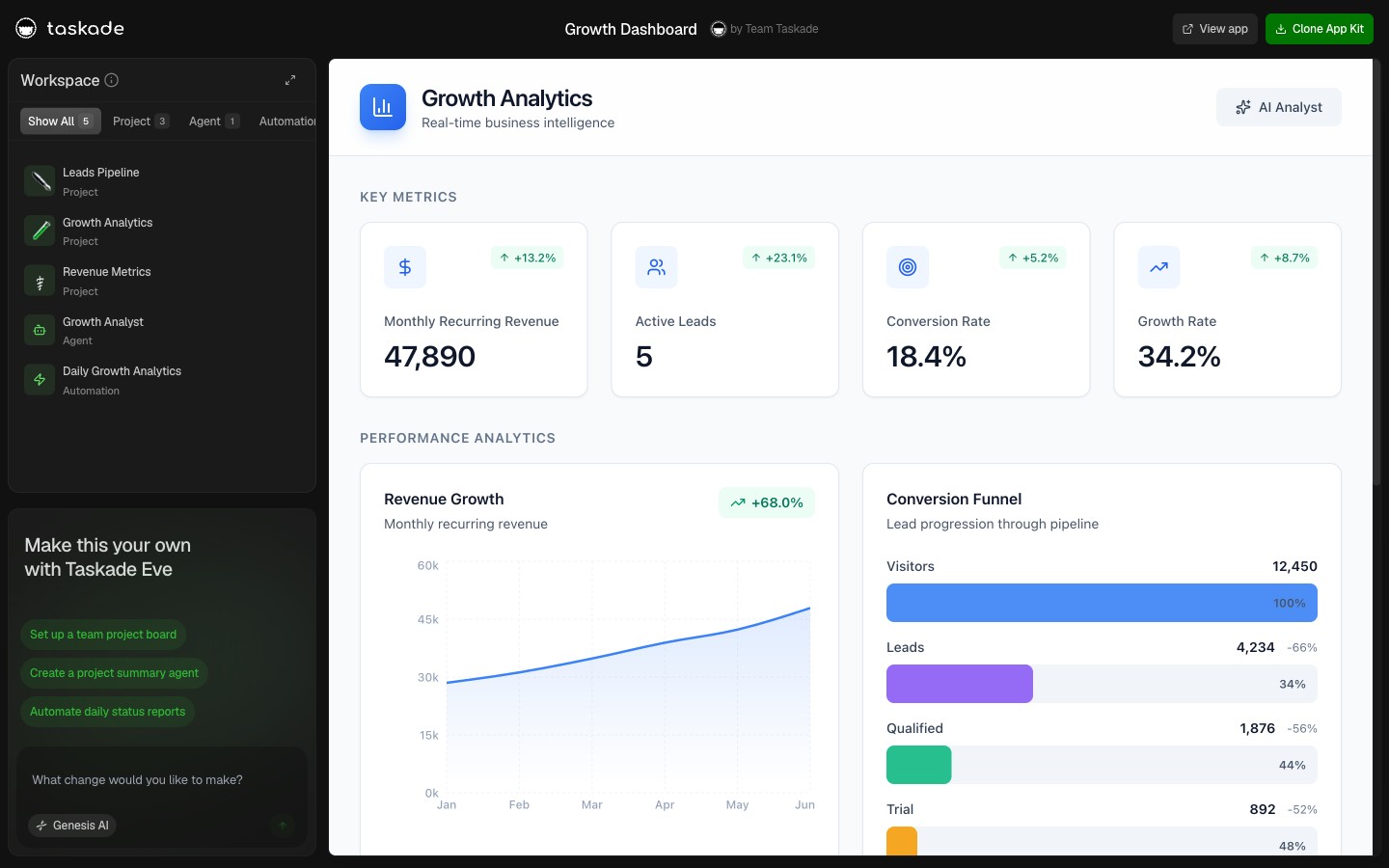
> **TL;DR:** Context engineering is the discipline of designing the *environment* an AI agent reasons inside, memory, retrieval, tools, boundaries, as distinct from designing the prompt. Karpathy and Tobi Lütke named it; [Taskade Genesis](https://www.taskade.com/create) productizes it as **Workspace DNA**. Non-developers describe the context they want; the platform wires it. Clone any of [78 live agent apps](https://www.taskade.com/@taskade) to see context engineering in production.
[](https://www.taskade.com/app/growth-dashboard-h42is85vu180almu)
---
## What Karpathy Named (and Why It Matters)
Context engineering is the practice of designing the persistent state, retrieval logic, tool wiring, and memory boundaries that surround an AI agent. Andrej Karpathy endorsed the term in mid-2025; Shopify CEO Tobi Lütke reinforced it. Phil Schmid at Hugging Face wrote one of the canonical reference posts. By 2026, every serious AI builder uses the term. But most cannot do the work without a workspace platform.
The shift it names: in 2024, the differentiating skill was writing the right prompt. In 2026, the prompt is largely solved, frontier models handle phrasing variance well. What separates a working agent from a brittle one is the *environment around the prompt*. What does the agent remember? What tools can it call? What data does it see? How does it carry state across sessions? This is context engineering.
---
## Prompt Engineering vs Context Engineering
| Dimension | Prompt Engineering | Context Engineering |
|---|---|---|
| Scope | One conversation turn | Persistent state across sessions |
| Optimizes | Instruction wording | Memory, retrieval, tools, boundaries |
| Failure mode | Bad outputs | Brittle agents that forget |
| Who does it | Anyone with ChatGPT | Engineers (or workspace platforms that productize it) |
| 2026 status | Mostly solved | Where differentiation lives |
```
┌────────────────────────────────────────────────────────────────────┐
│ Prompt engineering │
│ "Write a sales email to a SaaS prospect, friendly tone..." │
│ ───────────────── │
│ One turn. One output. Done. │
│ │
│ Context engineering │
│ Wire the agent to the CRM Project (memory) │
│ + the Brand Voice doc (style) │
│ + the Calendar tool (action) │
│ + the Sales playbook (boundaries) │
│ + outputs flow back to the CRM Project (loop closes) │
│ ───────────────── │
│ Persistent. Multi-tool. Multi-session. Self-improving. │
└────────────────────────────────────────────────────────────────────┘
```
---
## The Seven Practices of Context Engineering
Every workspace-native platform implements these seven by default. In a framework like LangChain or LlamaIndex, the developer wires each one manually.
```mermaid
graph LR
subgraph Context["The Context Loop"]
M["▲ MEMORY
What the agent reads
Projects · KB · Custom Fields"]
I["■ INTELLIGENCE
How it reasons
Built-in Tools · Slash Commands"]
E["● EXECUTION
What it can do
100+ Integrations · Automations"]
M --> I
I --> E
E -.->|new context| M
end
H[Human] <-.->|edits context| M
style M fill:#0a1a14,color:#86efac,stroke:#22c55e,stroke-width:1.5px
style I fill:#0d1b2a,color:#7dd3fc,stroke:#38bdf8,stroke-width:1.5px
style E fill:#1a140a,color:#ffb74d,stroke:#e65100,stroke-width:1.5px
style H fill:#2a1225,color:#ff8fa3,stroke:#ff2d60,stroke-width:2px
```
**1. Persistent memory across sessions**: The agent's memory survives a session close. In Workspace DNA, memory IS Projects.
**2. Retrieval-augmented context windows**: Agents fetch relevant context at query time, not packed into every prompt.
**3. Tool-call wiring with structured outputs**: Agents call tools (web, APIs, integrations) and parse the output structurally.
**4. Memory pruning and summarization**: Context windows are finite. Older information gets summarized; newer information stays detailed.
**5. Multi-agent context sharing**: Multiple agents read from the same memory, see each other's outputs in real time.
**6. Boundary design**: Some context is private to the agent. Some is workspace-public. Some is workspace-private but team-shared. RBAC governs the boundaries.
**7. Audit trails for context provenance**: Every piece of context that influenced an output is traceable. Compliance requires this.
---
## Workspace DNA: The Non-Developer Productization
```
┌──────────────────────────────────────────────────────────────────┐
│ ▲ MEMORY ■ INTELLIGENCE ● EXECUTION │
│ ────────── ─────────────── ───────────── │
│ Projects AI Agents v2 Automations │
│ Custom fields frontier models 100+ integrations │
│ Knowledge base built-in tools Bidirectional │
│ Multiple views Persistent memory Reliable workflows │
└──────────────────────────────────────────────────────────────────┘
```
Workspace DNA is context engineering productized. Every Taskade Genesis app, Sales Pipeline, Customer Health Dashboard, Content Workflow, ships with all seven practices wired by default. You don't design the memory layer; the workspace IS the memory layer. You don't pick a vector store; Projects ARE the retrieval surface. You don't wire RBAC; role-based access is built in.
For developers, this is "all the boilerplate, done." For non-developers, this is "you can do context engineering without knowing the term."
---
## How Context Engineering Got Its Name (2024–2026)
The discipline existed under other names for years. The rebrand happened in mid-2025 and made the practice legible to non-engineers for the first time.
| Date | Event | Term used |
|---|---|---|
| 2020–2023 | RAG (retrieval-augmented generation) becomes standard practice in LLM apps | "RAG design" |
| 2023 | LangChain ships memory primitives, vector store integrations | "memory engineering" |
| Early 2024 | Anthropic introduces tool use; structured outputs become reliable | "tool wiring" |
| Mid 2025 | Andrej Karpathy uses "context engineering" on X — the post goes viral | **"context engineering"** |
| Mid 2025 | Tobi Lütke (Shopify CEO) reinforces in his April memo about reflexive AI usage | term gains executive backing |
| Late 2025 | Phil Schmid (Hugging Face) publishes canonical reference post | discipline named for practitioners |
| Nov 2025 | LangChain blog "Context Engineering for Agents" | framework vendors adopt the term |
| 2026 | The term appears in Gartner Hype Cycle, Wikipedia, conference tracks | mainstream legibility |
The rebrand mattered because "RAG" sounded like a technique you applied to a prompt. "Context engineering" sounded like a discipline you practiced across a system. The first framing kept the work invisible to operators; the second made it visible, and once it was visible, non-developers wanted to do it. That's what Workspace DNA productizes.
```mermaid
graph LR
A["2020-23
RAG"] --> B["2024
Tool wiring"]
B --> C["Mid 2025
Karpathy + Lütke"]
C --> D["Late 2025
Phil Schmid"]
D --> E["2026
Mainstream"]
E --> F["Workspace DNA
productized"]
style A fill:#1e1e2e,color:#94a3b8,stroke:#475569
style C fill:#0d1b2a,color:#7dd3fc,stroke:#38bdf8
style F fill:#2a1225,color:#ff8fa3,stroke:#ff2d60,stroke-width:2px
```
---
## How Different Platforms Practice (or Skip) Context Engineering
Most AI platforms either implement context engineering invisibly for developers or skip it entirely. The platforms that productize it for non-developers are rare.
| Platform | Context engineering implementation | Who has to do the wiring |
|---|---|---|
| **Taskade Genesis** | All 7 practices built in via Workspace DNA | Platform (zero wiring) |
| Notion AI / ClickUp Brain | Per-workspace context, read-mostly | Platform (partial — no execution) |
| Claude Projects / ChatGPT Teams | Per-thread context only | Platform (partial — no tools) |
| Cursor / Windsurf | Per-file context | Platform (file-scope only) |
| LangChain + LangGraph | Memory primitives, RAG helpers — you compose them | Developer (Python, 2-4 weeks per agent) |
| CrewAI / AutoGen | Agent roles + tools — memory layer is DIY | Developer (Python, 1-2 weeks per crew) |
| Lindy / Dust / Relevance AI | Per-agent memory, basic retrieval | Operator (visual builder, 2-4 hours per agent) |
| OpenAI Assistants API | File search + threads — primitive | Developer (REST, 1 week per assistant) |
The pattern is clear: workspace-native platforms productize all seven practices by default. Frameworks expose primitives. Visual builders give you partial productization. Chat tools give you scoped context but no execution.
The big-but-quiet fact: **the platforms most loudly associated with "AI agents" (CrewAI, AutoGen, LangGraph) all leave context engineering to the developer.** That's a feature for engineering-led teams and a non-starter for operators.
---
## A Live Demo (Clone in 60 Seconds)
[](https://www.taskade.com/app/content-agent-chatbot-cibvdbpnmfh8ql8k)
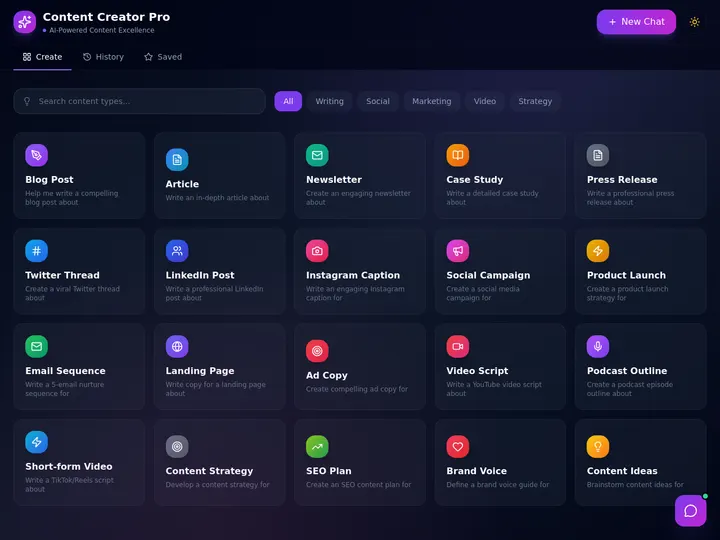
**Content Agent**: A content agent reads your brand-voice document, drafts a post in your style, runs through a review workflow, and schedules across channels. The brand voice doc is the context. The agent's draft IS context engineering. Clone, customize the brand voice, ship.
[](https://www.taskade.com/app/support-agent-et6hqn2e00ayy26n)
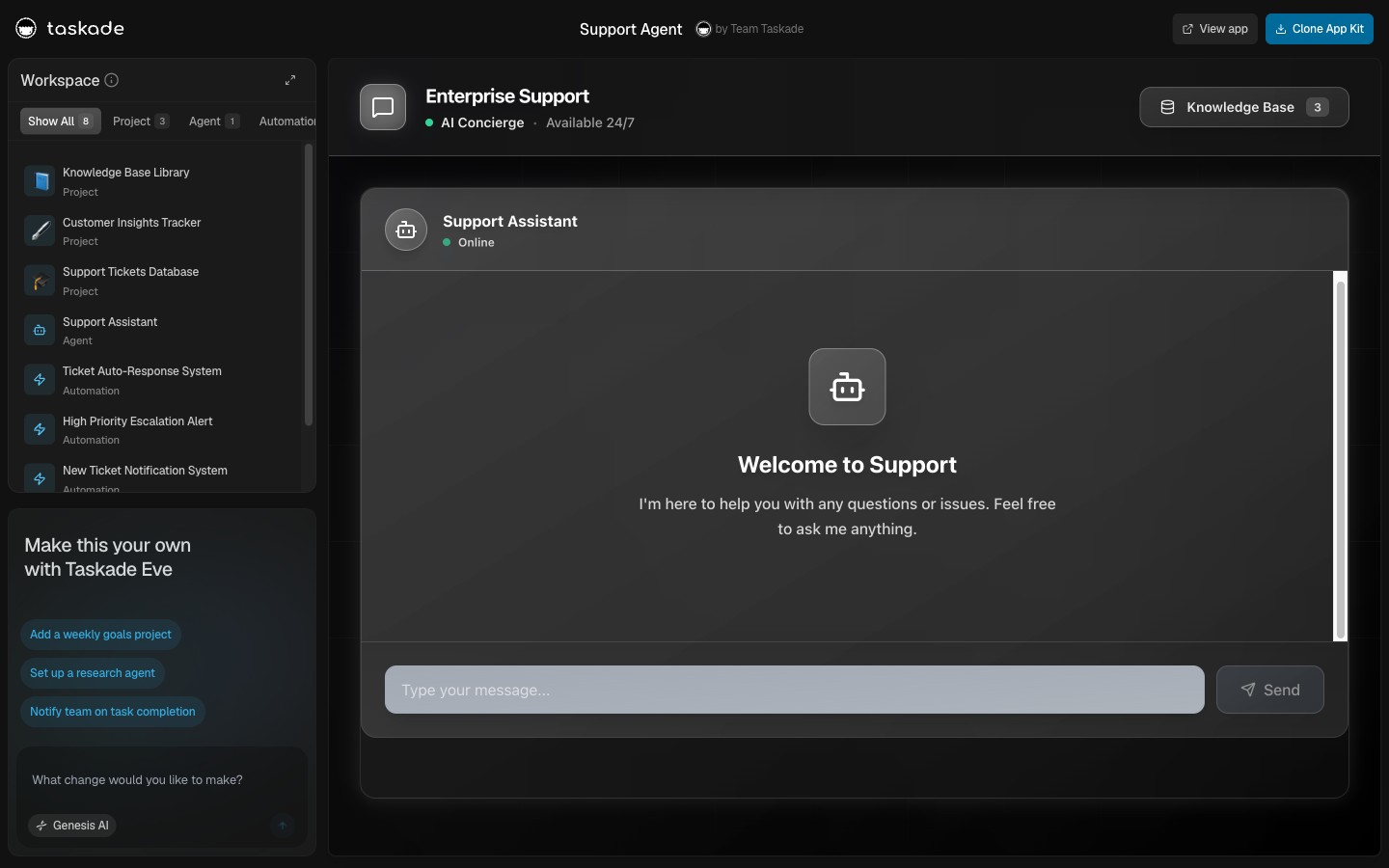
**Support Agent**: Reads the support playbook stored in your Knowledge Base, classifies incoming tickets against it, drafts replies that quote the relevant playbook passage, and escalates the rest. The playbook is the context. The agent operates inside it.
---
## The MCP Wire Format
```mermaid
erDiagram
EXTERNAL_CLIENTS ||--o{ TASKADE_MCP : "connect IN"
EXTERNAL_CLIENTS {
string ClaudeDesktop
string Cursor
string VSCode
}
TASKADE_MCP {
string list_spaces
string inspect_space
string list_tasks
string write_file
}
```
The Model Context Protocol is the standardized way platforms exchange context engineering at scale. In the protocol, a client calls tools on a server. Taskade Genesis is the server: the hosted MCP server at `www.taskade.com/mcp` is available on every paid plan, and external clients like Claude Desktop, Cursor, and VS Code authenticate over OAuth and read your workspace's context directly, list spaces, inspect a space, list tasks, write a file.
The reverse direction, calling out to third-party MCP servers, runs through Automations. The **MCP Client** step registers a remote server, lists the tools it publishes, and calls one — on every plan, including Free, with your automation run allowance as the only ceiling. An agent does not hold that connection itself: it reasons over the context, triggers the automation, and reads the result back. Alongside it sit the built-in agent tools and the 100+ integrations wired through Automations. [See what agents can call →](https://www.taskade.com/learn/agents/agent-tools)
---
## How to Practice Context Engineering Without Code
1. Open a [Taskade Project](https://www.taskade.com/create)
2. Add the knowledge the agent should reason from, paste docs, upload PDFs, fill custom fields
3. Type `/agent` and create the agent. Wire the tools you need (Slack, Sheets, HubSpot, GitHub)
4. Watch the agent operate inside the context you designed
5. Iterate on the context, the workspace, not the prompt
This is context engineering. The platform handles memory persistence, retrieval, tool wiring, boundary enforcement, and audit logging. You handle "what should the agent know, and what should it be able to do."
---
## When Context Engineering Becomes Workspace Design
The deepest insight: in a workspace-native platform, the workspace IS the context. Designing the workspace IS context engineering. The Projects you create, the knowledge you upload, the agents you wire, the automations you trigger, every one shapes the context every other agent operates inside.
This is why [workspace-native AI agents](https://www.taskade.com/blog/workspace-native-ai-agents) outperform framework agents on context-heavy tasks. The platform's other features ARE the agent's context. Read the [Multi-Agent Platform comparison](https://www.taskade.com/blog/multi-agent-platform-teams) for the seven-test criteria that separate workspace-native from everything else.
---
## Frequently Asked Questions
### What is context engineering?
The discipline of designing the persistent state, retrieval logic, tool wiring, and memory boundaries surrounding an AI agent. Distinct from prompt engineering, which designs only the conversation turn.
### How is context engineering different from prompt engineering?
Prompt engineering optimizes the instruction. Context engineering optimizes the environment the instruction operates in, memory, retrieval, tools, boundaries.
### What is Workspace DNA?
Taskade Genesis's productization of context engineering. Memory (Projects), Intelligence (Agents), Execution (Automations) wired together so agents operate inside a coherent context the workspace provides.
### Do I need to be a developer to do context engineering?
Not in 2026. Workspace-native platforms productize the whole pattern.
### What are the core practices?
Persistent memory, retrieval-augmented context, tool wiring, memory pruning, multi-agent context sharing, boundary design, audit trails.
### Who coined "context engineering"?
The term gained traction in mid-2025 after Karpathy endorsed it. Tobi Lütke reinforced. Phil Schmid wrote canonical references.
### Can I see context engineering in action?
Yes, clone any Taskade Genesis app at [`/share/apps/*`](https://www.taskade.com/@taskade).
### How does context engineering relate to MCP?
MCP is the standardized wire format for context engineering at scale. Taskade's hosted MCP server ships on every paid plan, so external clients like Claude Desktop and Cursor read your workspace context directly. The reverse runs on every plan through the MCP Client automation step, which calls tools on external MCP servers for the agent that triggered it.
### What is the biggest mistake non-developers make?
Treating context engineering as prompt engineering with more words. The fix is using a platform that handles state outside the prompt.
### Is context engineering the same as RAG?
No. RAG is one technique inside context engineering. Context engineering also includes memory persistence, tool wiring, multi-agent context sharing, and boundary design.
---
▲ ■ ● **Memory · Intelligence · Execution**, context engineering is workspace design; workspace design is the product.
[Try Taskade Genesis free →](https://www.taskade.com/create) · [Read the Workspace-Native AI Agents authority post →](https://www.taskade.com/blog/workspace-native-ai-agents) · [Browse 78 cloneable context-engineered apps →](https://www.taskade.com/@taskade)