# Widgets, Zoom, Resize Chat, and more!
> Hi Taskaders 🎉 We've worked hard to make Taskade work better for you! Here's what's new: ## ⚡️ Widgets for iOS & Android Ne...
- Source: https://www.taskade.com/blog/mobile-widgets-zoom-resize-chat
- Published: 2021-09-21
- Updated: 2026-04-06
- Author: John Xie
Hi Taskaders 🎉
We've worked hard to make Taskade work better for you! Here's what's new:
> **TL;DR:** September 2021 brought iOS/Android home-screen widgets, mind-map zoom, and a resizable chat panel — primitives that today host real-time [multi-agent chat](https://www.taskade.com/agents) inside every project, alongside [Quick Add widgets](https://www.taskade.com/learn/projects/add-widget) feeding [Automations](https://www.taskade.com/automate) across [100+ integrations](https://www.taskade.com/integrations).
> **Then → Now:** 2021's widgets and resizable chat evolved into today's [Agent Widgets and real-time multi-agent chat](https://www.taskade.com/agents), with [Automations](https://www.taskade.com/automate) running everything in the background.
## ****************⚡️ Widgets for iOS & Android****************
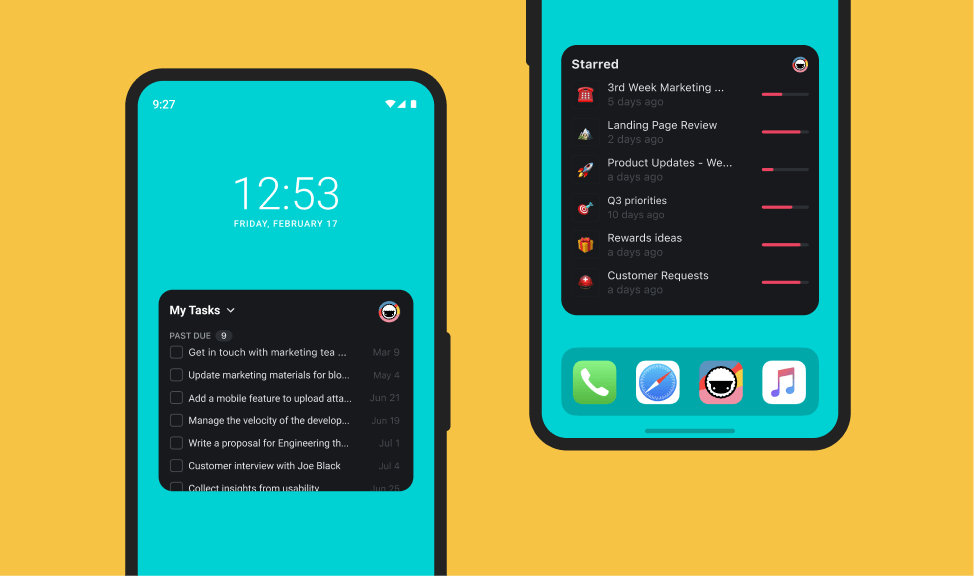
New widgets are here! Display My Tasks, Recent, Starred Projects on your home screen and explore new workflows. Check it out on [iOS & Android](https://www.taskade.com/downloads)!
## **⚡️ Zoom for Mindmap & Org Chart**
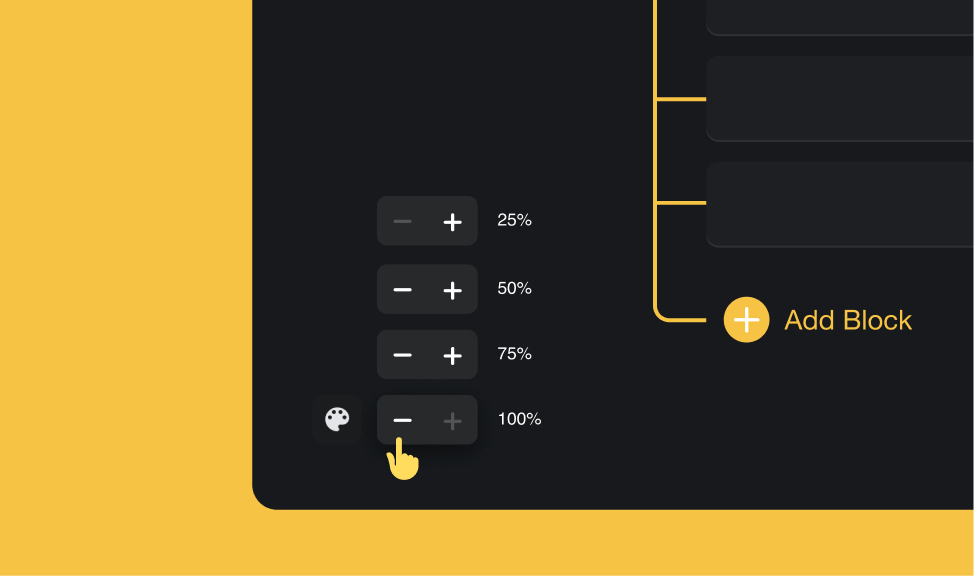
Easily zoom in and out on Mindmap and Org Charts to see the whole project.
## **************⚡️ Resize Chat and Video Calls**************
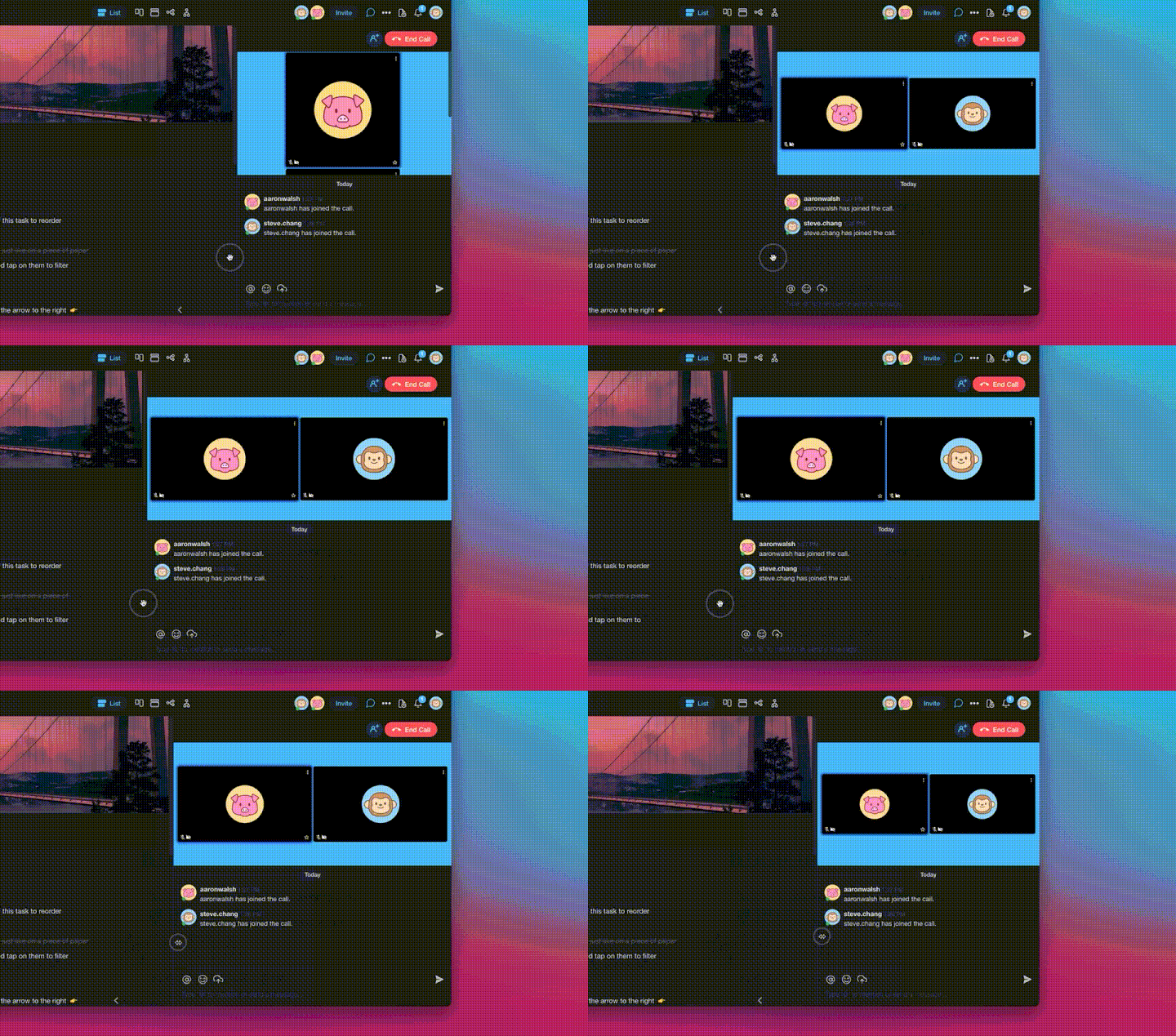
You can now resize the chat panel to enlarge chat and video calls.
## 📊 Mobile Widgets: 2021 H2 vs Today
| Mobile widgets | 2021 H2 | Today (2026) |
| --- | --- | --- |
| Home-screen widgets | My Tasks, Recent, Starred | [Mobile widgets](https://www.taskade.com/learn/projects/mobile-widgets) + [Quick Add](https://www.taskade.com/learn/projects/add-widget) |
| Project views | List, Mind Map, Calendar, Org Chart, **Board (just shipped Sep 2021)** | [multiple project views](https://www.taskade.com/learn/projects/project-views) including Gantt, Table, Timeline |
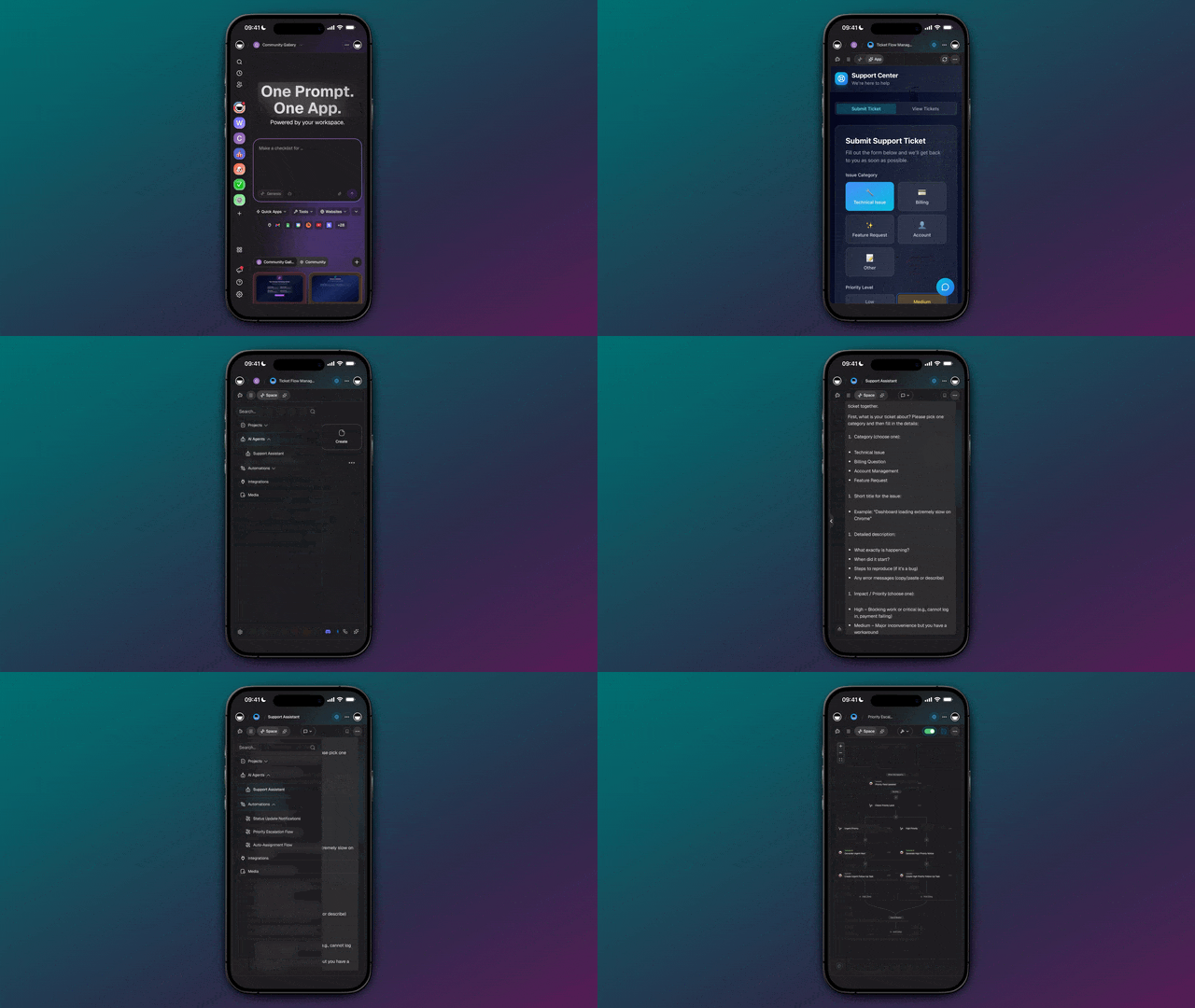
| Chat panel | Resizable chat + video calls | Resizable chat + [AI agent chat](https://www.taskade.com/learn/agents/agent-chat) embedded in every project |
| Collaboration | Real-time multiplayer | Real-time + [multi-agent teams](https://www.taskade.com/learn/agents/multi-agents) |
```mermaid
flowchart LR
A[2021 widget
addTask · dock · resize]:::muted --> B[2023 AI widget
+ AI command]:::blue
B --> C[2026 widget
+ Agent trigger
+ Automation launch]:::pink
C --> D[Genesis app
embedded chat]:::teal
classDef pink fill:#2a1225,color:#ff8fa3,stroke:#ff2d60,stroke-width:2px
classDef teal fill:#11111b,color:#cdd6f4,stroke:#00d4aa
classDef blue fill:#0d1b2a,color:#7dd3fc,stroke:#38bdf8,stroke-width:1.5px
classDef muted fill:#1e1e2e,color:#94a3b8,stroke:#475569
```
### What a 2026 widget tap actually does
```text
tap widget ───▶ Quick Add overlay
│
▼
pick destination ───▶ Project / Agent / Automation
│
▼
structured intent ───▶ Agent reads context
│ + built-in tools
▼
action executed ───▶ Project updated · Slack sent · DB row
```
### Hub & spoke
- Hubs: [Taskade Genesis](https://www.taskade.com/create) · [AI Agents](https://www.taskade.com/agents) · [Automations](https://www.taskade.com/automate) · [Downloads](https://www.taskade.com/downloads) · [Community Gallery](https://www.taskade.com/apps)
- Spokes: [Learn — mobile widgets](https://www.taskade.com/learn/projects/mobile-widgets) · [Learn — Quick Add widget](https://www.taskade.com/learn/projects/add-widget) · [Learn — agent chat](https://www.taskade.com/learn/agents/agent-chat) · [Learn — multi-agent teams](https://www.taskade.com/learn/agents/multi-agents)
- Related: [Quick Add shortcut + mobile widget post](https://www.taskade.com/blog/quick-add-shortcut-mobile-widget) · [iPad & tablet update](https://www.taskade.com/blog/ipad-tablet-app-project-settings-video-reactions)
## ************🎉 Other Improvements************
- Export to PDF now includes additional options.
- Desktop: Improved tab management and UI.
- Mobile: Offline editing mode improved.
- Mobile: New tasks and block creation improved.
- Mobile: Autocomplete #hashtag when editing projects.
- Mobile: Markdown now supported in chat and comments.
- Keyboard: Added shortcuts for **Zoom In** and **Out**.
- Keyboard: Added shortcut for **More** in task.
- Copy Link added to file attachments.
- Various performance improvements.
| Thanks again for supporting Taskade, and as always, don’t hesitate to [reach out](https://www.taskade.com/contact) or visit our [help center](https://www.taskade.com/learn) if you need help. We’re here for you! 😊 — Team Taskade 🐑 |
| --- |
| |
## Frequently Asked Questions
### Does Taskade have home screen widgets for iOS and Android?
Yes. Taskade offers mobile widgets that display My Tasks, Recent projects, and Starred projects directly on your phone's home screen. Widgets sync in real-time and provide one-tap access to your most important tasks and projects without opening the full app.
### Can I zoom in and out on mind maps in Taskade?
Yes. Taskade's Mind Map and Org Chart views support zoom controls so you can see the entire project at a glance or zoom in to focus on specific branches. Use keyboard shortcuts or the zoom buttons to adjust the view level for comfortable navigation of large diagrams.
### Can I resize the chat panel in Taskade?
Yes. The chat panel in Taskade is resizable — drag the edge to make it wider for video calls or narrower to give more space to the project editor. This flexibility lets you adjust the layout based on whether you're actively collaborating or focused on individual work.
### Does Taskade support offline editing on mobile?
Yes. Taskade's mobile apps support offline editing so you can view and modify projects without an internet connection. Changes sync automatically when your device reconnects, ensuring you never lose work while commuting, traveling, or working in low-connectivity areas.